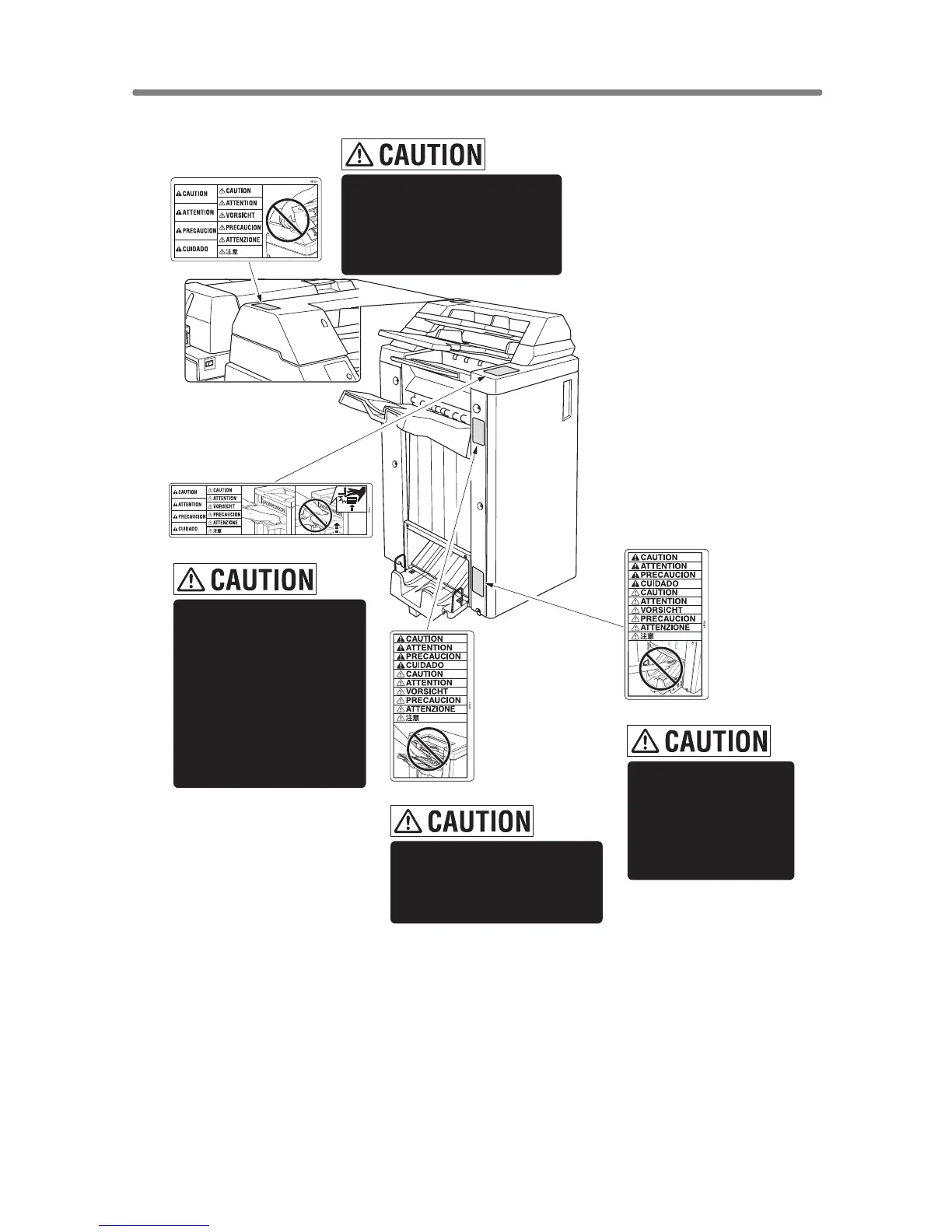
Caution Labels and Indicators (continued)
1-4
Inside the lower paper
exit outlet is the roller
drive unit. DO NOT put
your hand into it;
otherwise you may be
injured.
Use care after opening the
paper exit outlet. DO NOT put
your hand into it; otherwise
you may be injured.
(FS-210 Finisher only)
(FS-110/210 Finisher)
(Finisher with PI-110
Cover Sheet Feeder only)
To avoid injury, DO NOT
put your hand on top of
the printed sheets.
Be sure to hold both sides
of the printed sheets when
removing them, and DO
NOT leave your hand on
the printed sheets while
the primary (main) tray
goes up.
(FS-110/FS-210 Finisher)
DO NOT insert your finger into
the bottom of the upper part
of the feeder when returning
to its original position;
otherwise you may be injured.










 To Next Page