Storing an Overlay Image in HDD / Overlaying Image Stored in HDD
(Overlay Memory) (continued)
9-68
CAUTION
When the finisher / shift tray / paper exit tray capacity is
exceeded due to the print quantity selected, remove the copied
sets as they exit; otherwise, mishandled paper will occur.
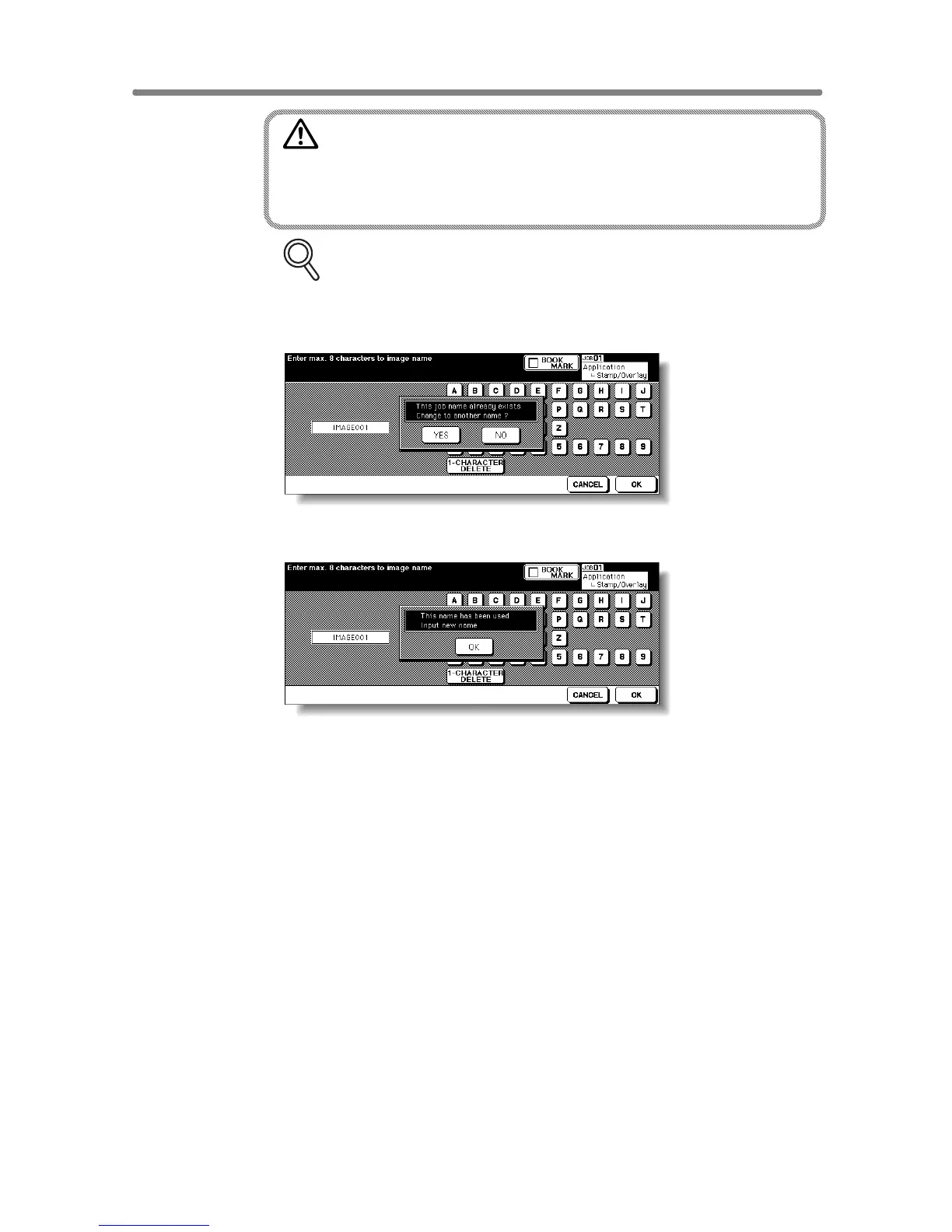
FOR DETAILS: Popup Menu for Name Duplication
If the popup menu with YES and NO keys is displayed instead of the
Basic Screen, the entered name is duplicated. Touch YES to enter a
new name, or NO to create a duplicate name.
If the popup menu with OK key is displayed, the entered name is
duplicated. Touch OK, then enter a new name.
Changing the popup menu for duplicate name and displaying the
IMAGE DELETE key is available in the Memory switch No. 41 of the
Key Operator setting. See p. 13-39 ~ p. 13-46.










 To Next Page