Setting E.K.C. Function (Environment Setup) (continued)
10-46
DETAILS
To restore the previous setting, click on [Reset].
To cancel the E.K.C. function setting, click on [Back].
DETAILS: Error Message
If an error message is displayed after clicking on [Apply], a setting has
not been completed due to a machine operation in progress. The
machine must be in an idle state when you click on [Apply].
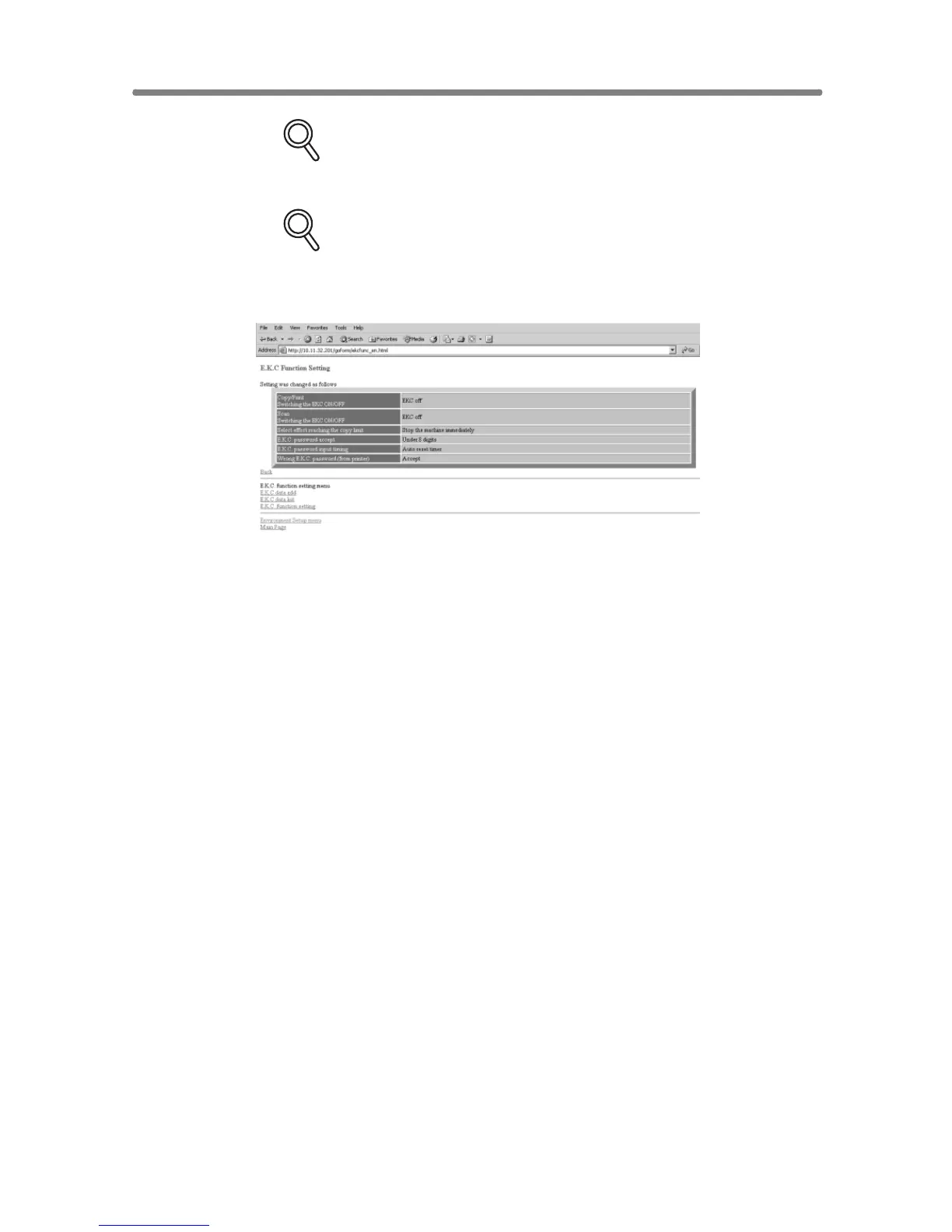
Click on [Back] to return to the E.K.C. Function Setting menu window or any
menu item to jump to the desired window.










 To Next Page