9/29/09 Printing a Report 8-3
Step 3 Use the u and d arrow keys to highlight Set-
tings, then press the
r arrow key or c Check
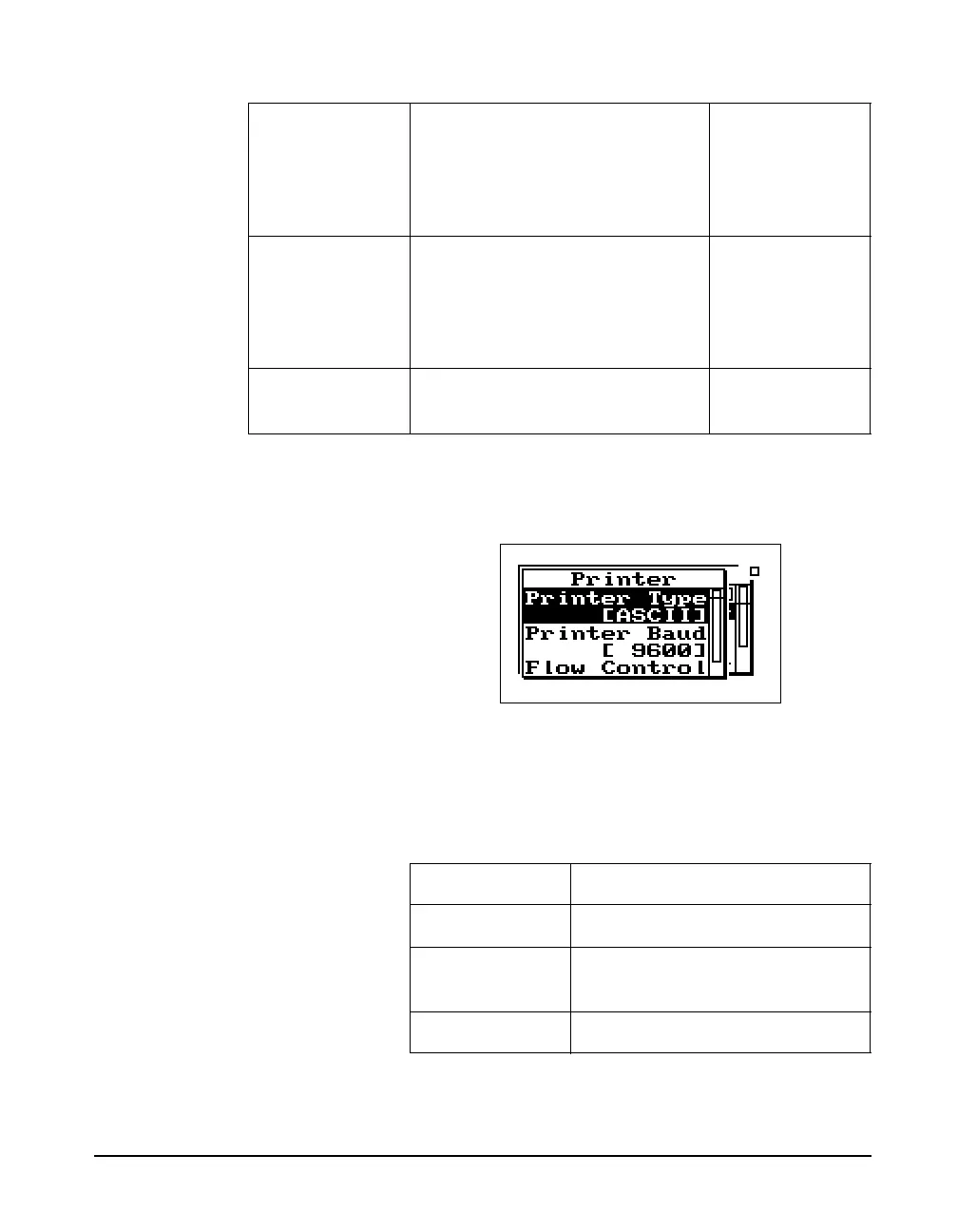
key to select it. The following menu appears:
Depending on your printer
configuration you may have to
modify the Printer Settings for
Printer Baud Rate and Flow
Control.
Use the table below to set up the printer settings by using the
u and d arrow keys to highlight “Printer Type”,
“Printer Baud”, and “Flow Control” and then press the
c
Check key to select the correct option for each.
Recall Format Summary
Tailored
All, short
All, long
None enabled
SSA, LOG
Customize [allows you to select the print
options for an instrument ID and
customize your reports - see the
section on “Printing a Custom
Report”]
SSA, LOG, RTA
Print [prints the report] SSA, ISM, LOG,
RTA
Menu Item Options
Printer Type ASCII, Epson, IBM, HPJet, HPLzr
Printer Baud 300, 1200, 2400, 9600, 19200,
28800, 57600, 115 K
Flow Control None, Hdwr, XOff, Both



 To Next Page