8-4 824 Reference Manual 9/29/09
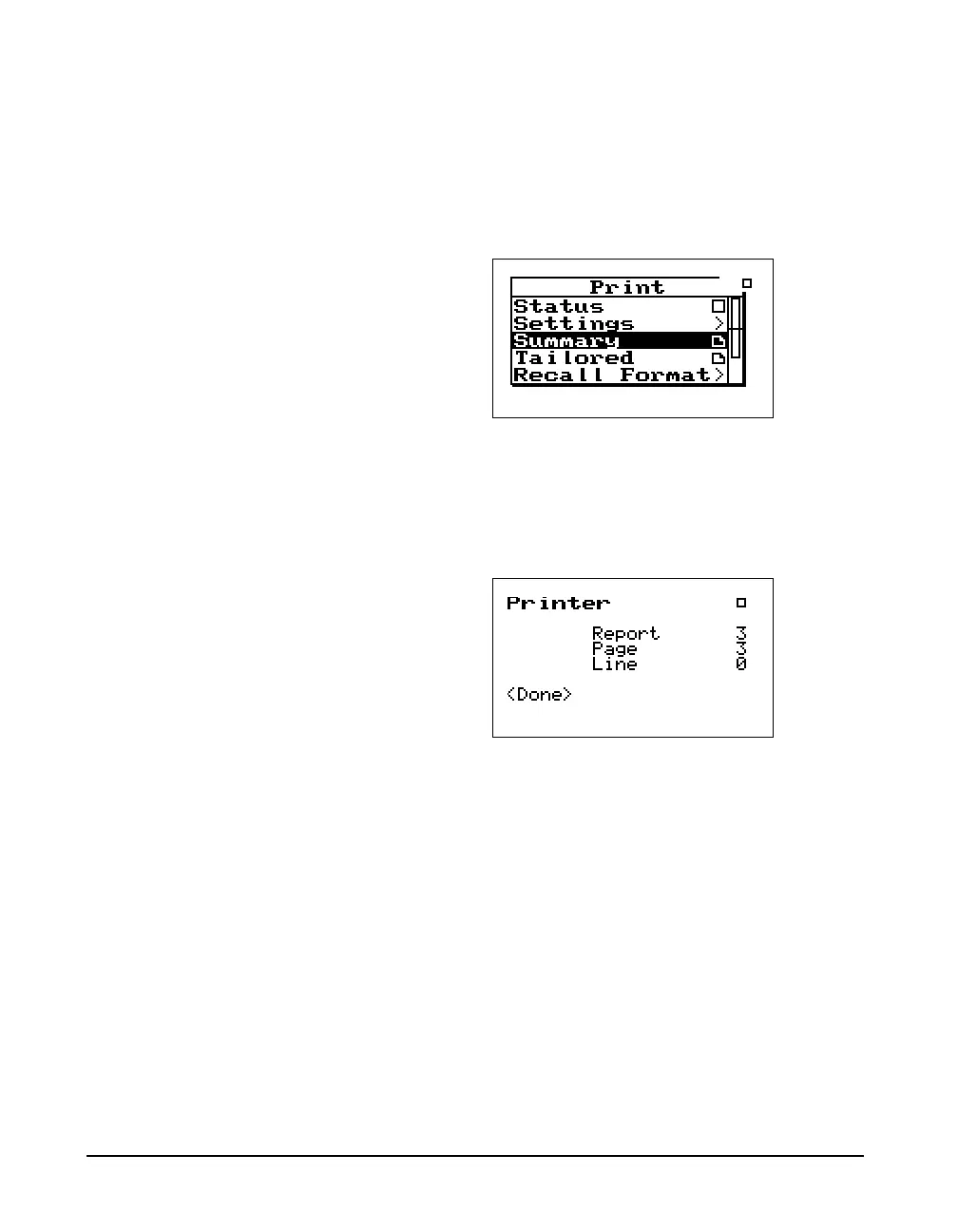
Step 4 Use the l arrow key to return to the main Print
menu. You will notice that there is a paper page
icon
P next to the “Summary” menu item. This
means that a report will be printed by highlighting
“Summary” and pressing the Check
c key.
The title printed on your report will
correspond to the Title setting you
have configured in the Setup menu
for the selected ID.
Step 5 Your Report will now begin printing and the Sta-
tus screen will appear.
Press the
c check key to abort the printing job.
.



 To Next Page