11-26 824 Reference Manual 9/29/09
Min.Use the u up and d down arrow keys to highlight
the desired display.
Press the
c check key to view the Leq display.
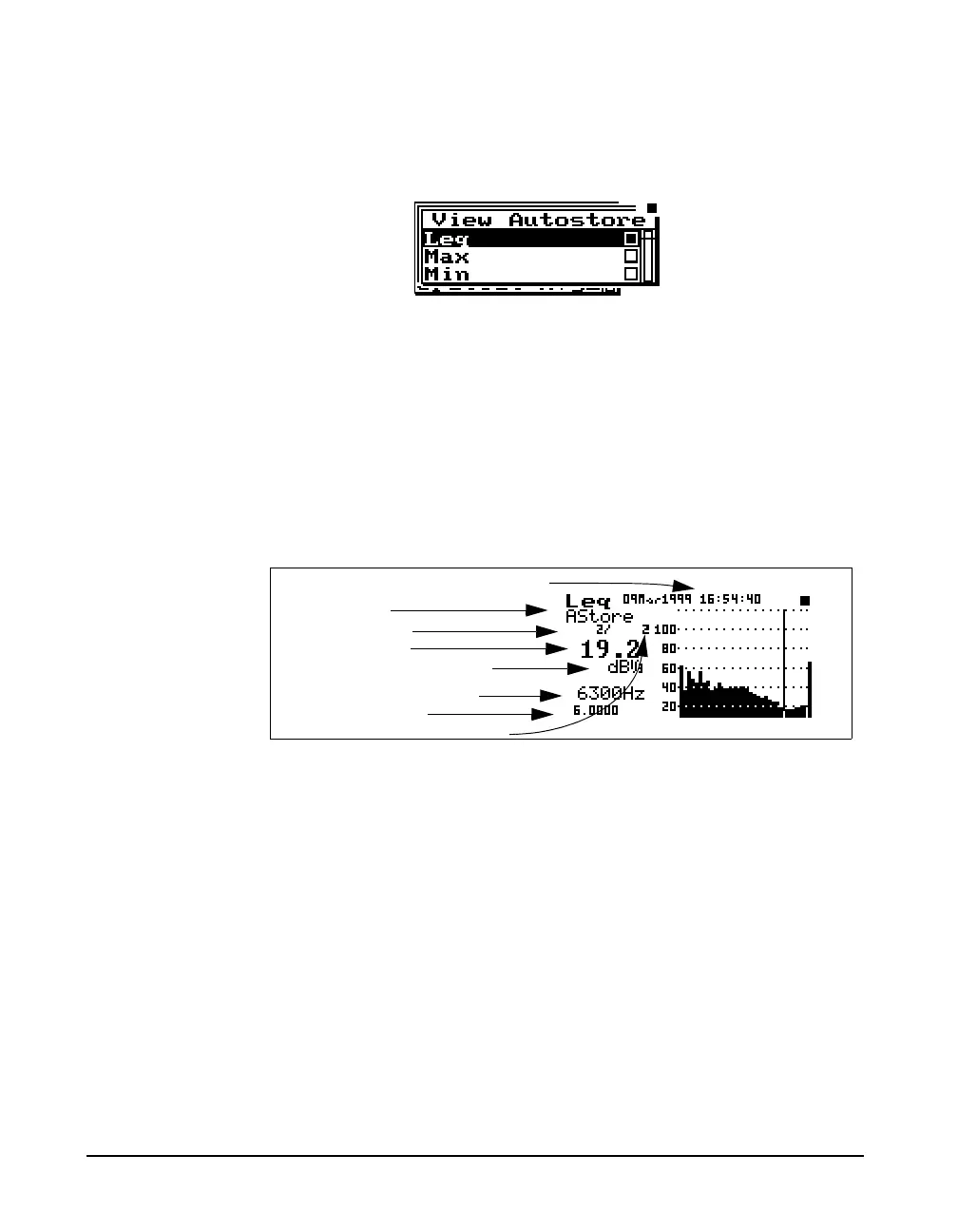
Leq
The autostore Leq display shows a bin by bin equivalent
level of all samples while the Autostore is triggered.
To move to the next Autostore display, press the
c check
key and then the
rright arrow key.
Display label
Record number
Filter level in dB
Bandwidth (1/1 or 1/3 oct.)
Autostore duration
Autostore occurrence date and time
Number of autostore records
Selected filter frequency



 To Next Page