Page | 87
2. Click an icon to highlight it in the Media Player playlist.
3. Display the title page on Program Output by selecting the correct Media Player
on the Switcher’s Program row.
4. Move the mouse over a different title page icon, and click the Configure button
(gear) that appears in its lower-right corner.
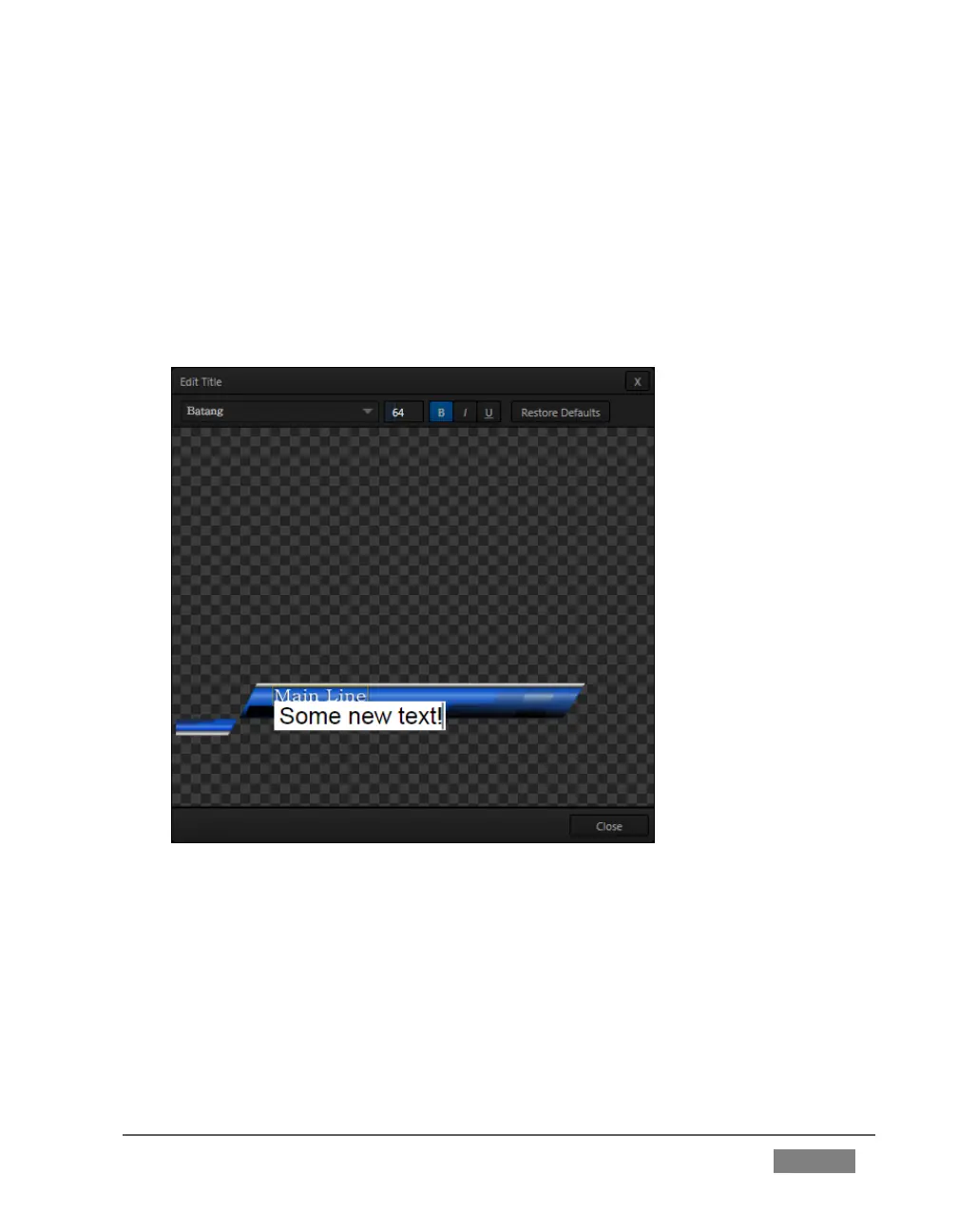
5. The Title Page Editor shown in Figure 72 will appear.
FIGURE 72
6. Move the mouse over the default text shown in the Title Page Editor’s preview
pane, and notice that a white bounding-box appears as you locate editable
items.
7. Double-click inside the bounding-box for a line of text to open a text entry
field; type something different, then press Enter on the keyboard to accept the
changes.









 To Next Page