Page | 93
As currently configured, Program output
displays the result of changes you make. (Of
course, during a live production you’d likely
use Preview to make these sort of
modifications, instead.)
2. Click Reset Positioning to restore default
Position, Rotation and Size.
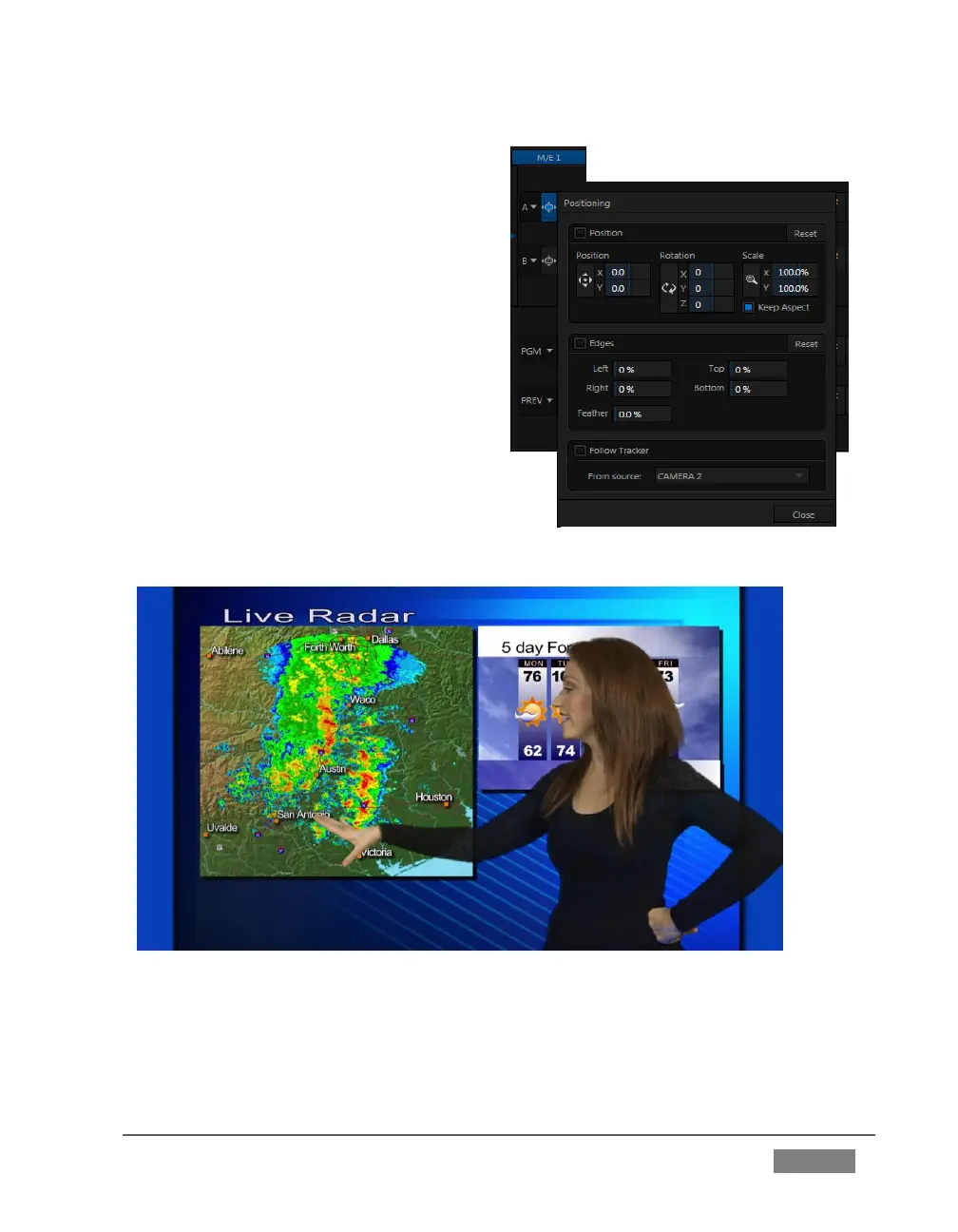
3. Drag the horizontal (upper) Position
mini-slider to the right, locating the
foreground (talent) shot as seen in
Figure 79.
FIGURE 79
Without having moved the physical camera, we have changed the apparent position
of our talent relative to the virtual backdrop.
FIGURE 78 (TRICASTER 8000 SHOWN)









 To Next Page