Page | 112
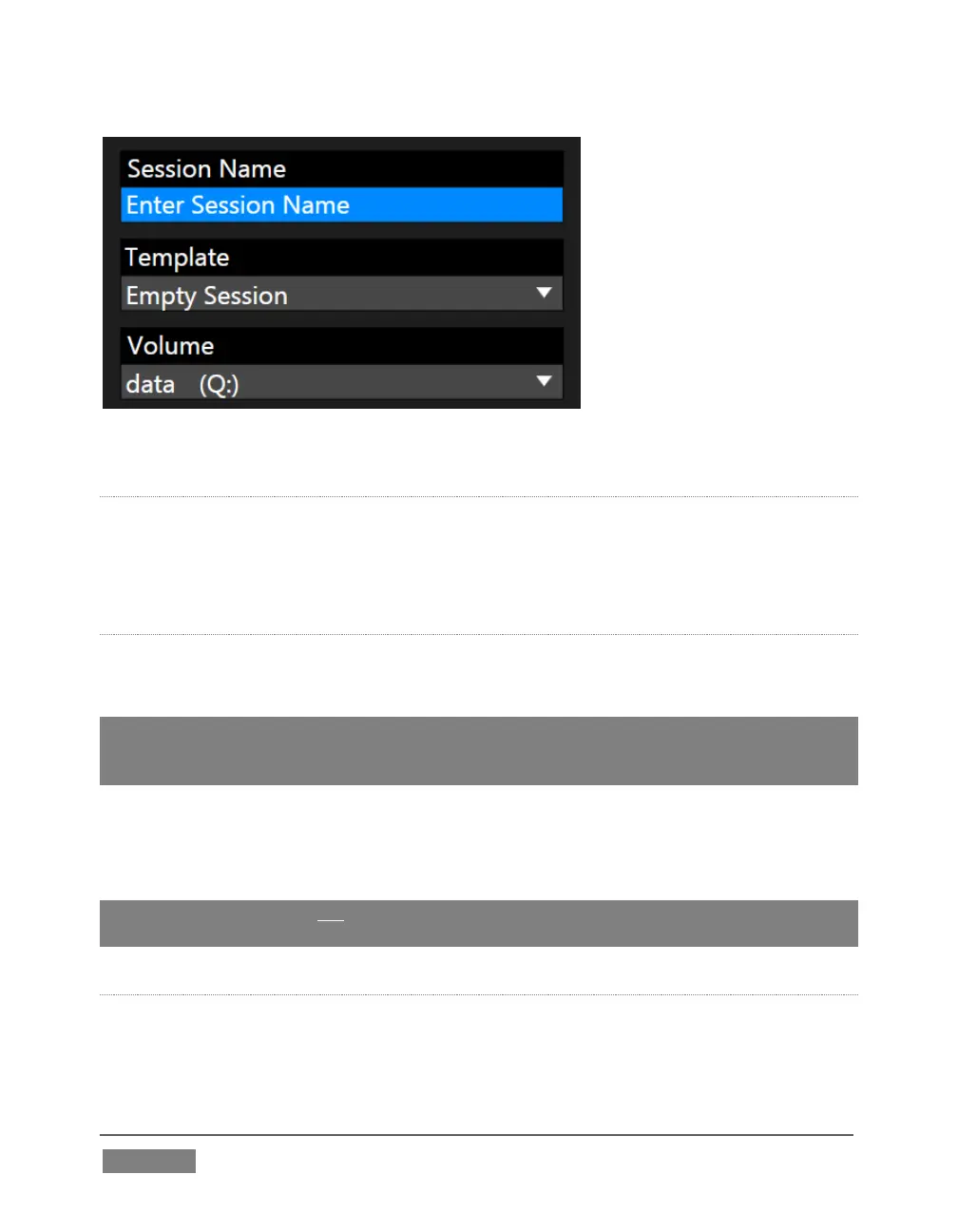
FIGURE 94
TEMPLATE
The Template drop-down menu (Figure 94) lists all sessions currently available on
the system. If you select an entry, the session you create subsequently retains all
settings of the source session, but without content from its Media Player playlists.
VOLUME
A control labeled Volume appears just beneath the Session name. This assigns the
hard drive the session (and its associated content) will be created and stored on.
Note: When using TriCaster’s IsoCorder™ feature to record multiple sources, you will likely
assign more than one hard drive to capture duties. Session keep track of their recorded
clips too, providing easy access to them for live use.
Suitable hard drives inserted in removable drive bays on selected TriCaster models
are listed in a drop-down menu when you click on the Volume control. You can select
any drive shown as the session drive.
Note: External drives are not recommended for active use as session drives. See Section
A.1.8 for hard drive recommendations for use in TriCaster’s removable drive bays.
FORMAT AND OUTPUT CONSIDERATIONS
Remember that for live production, TriCaster can simultaneously supply both SD and
HD output for either SD or HD sessions. During an HD session, for example, you can









 To Next Page