Page | 185
TAKE AND AUTO
As we have seen, clicking the main Take button (keyboard shortcut Enter) performs
a straight cut for all video layers that are currently selected in the Transition Delegate
group.
Likewise, if you press Auto (or the keyboard Spacebar), the transitions assigned to all
delegated video layers are performed.
You can halt an Auto operation partway by clicking the button a second time during
the transition. The operation will be completed the next time you click the button.
Note that there are local (BKGD layer-only) Take and Auto buttons beneath the
Background Transition icon.
T-BAR
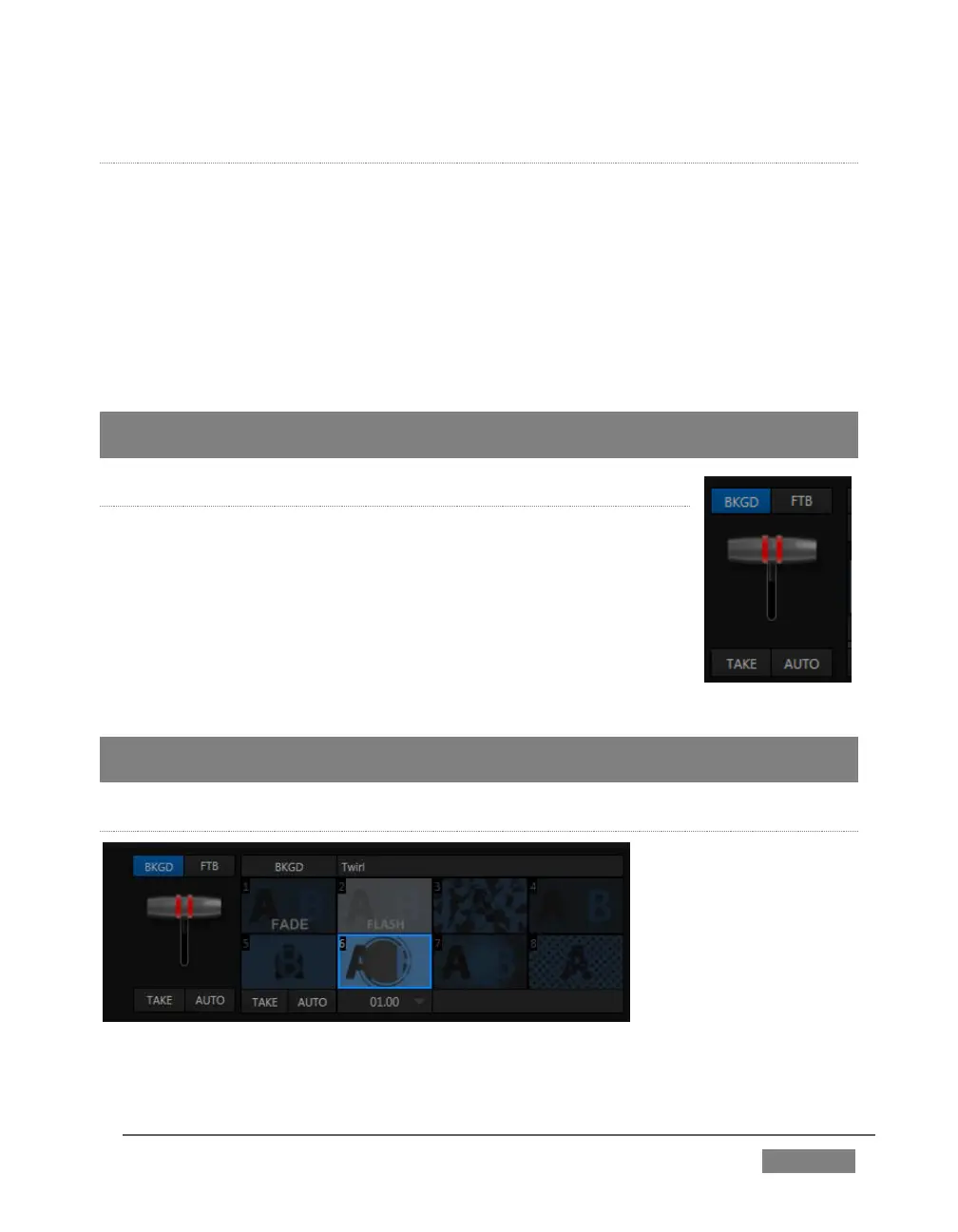
The T-bar mimics the similar control on a traditional video
switcher, and allows you to manually perform a transition
between delegated video layers (see the sub-heading Transition
Delegates above).
To use the T-bar, pull it downward by dragging it with the mouse
pointer. Drag it all the way to the bottom and release to complete
a transition; the T-bar then pops back to the top.
Hint: Naturally, when the T-bar is dragged part way, a partial transition occurs. With certain
transitions this can be useful for split screen effects.
4-INPUT SERIES TRICASTER TRANSITION BIN
FIGURE 168









 To Next Page