Page | 204
LOCATION LIST
The Location List is a column of favorite “locations”, grouped under headings such as
LiveSets, Clips, Titles, Stills, and so on. The Media Browser is context sensitive, so the
headings shown are generally appropriate for the purpose for which they were
opened. A list of sub-headings will appear under each main heading in the Location
List. These may correspond to named sessions, or groups of content. When you select
a sub-heading, the right hand pane – the File Pane – is populated.
SESSION RECORDINGS AND GRABS
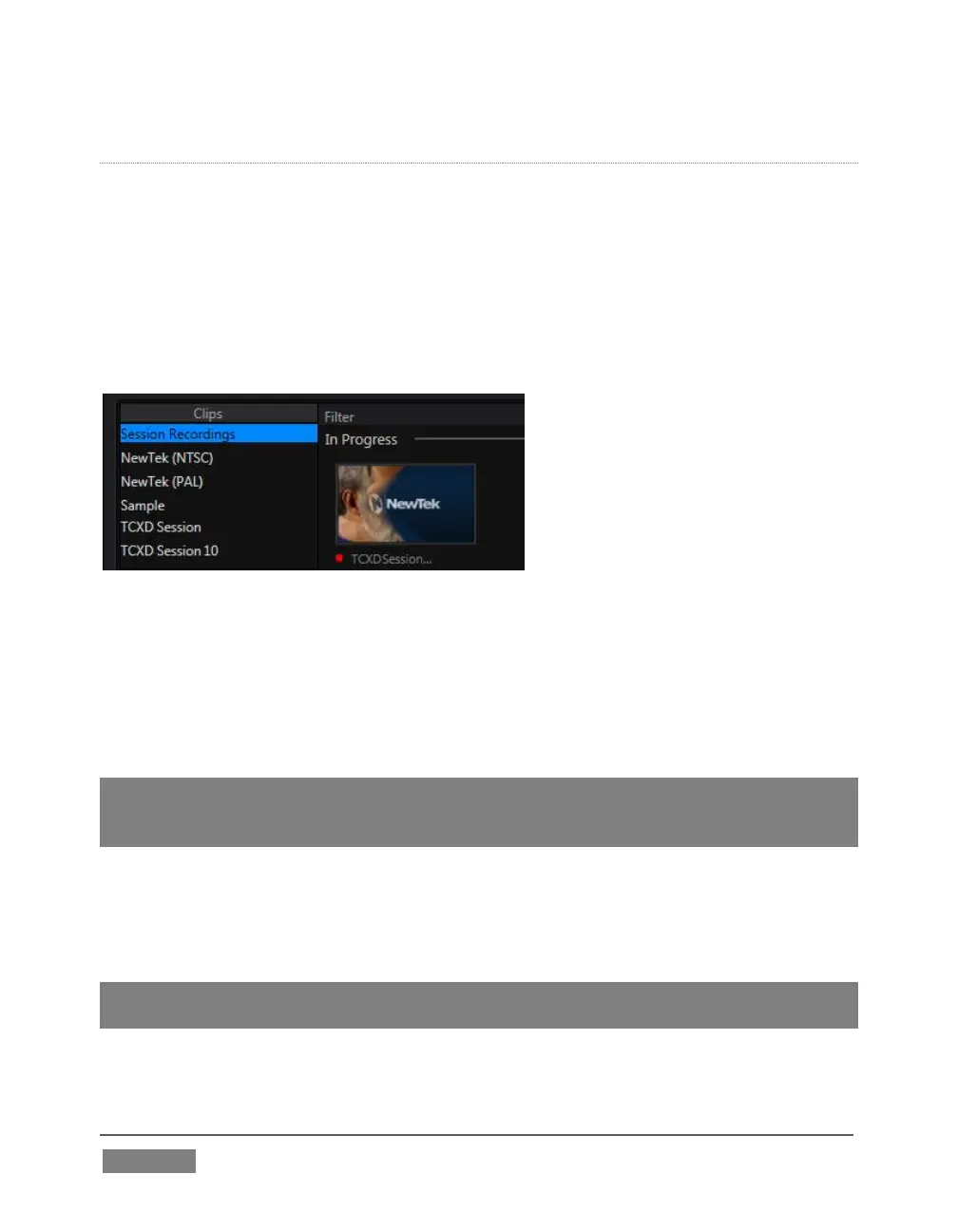
FIGURE 190
In addition to locations named for your stored sessions, the Location List includes two
special entries worth noting. The Session Recordings location shows you all files
captured in the current session, saving you time hunting through a hierarchy to find
them. Similarly, Session Grabs makes it easy to find those still images you just snapped
with TriCaster’s Grab feature.
Hint: Clips that are being actively captured are marked with a red ‘record’ overlay (Figure
191). These clips continue to ‘grow’, and can be re-trimmed after their addition to DDR
playlists or the Publish Queue.
ADD MEDIA LOCATION & BROWSE
Clicking Browse opens a standard system file explorer, rather than the custom Media
Browser.
Hint: To jump to the standard system file explorer (rather than the custom Media Browser)
from a Media Player, hold keyboard Shift while clicking the Add button.









 To Next Page