Page | 205
FILE PANE
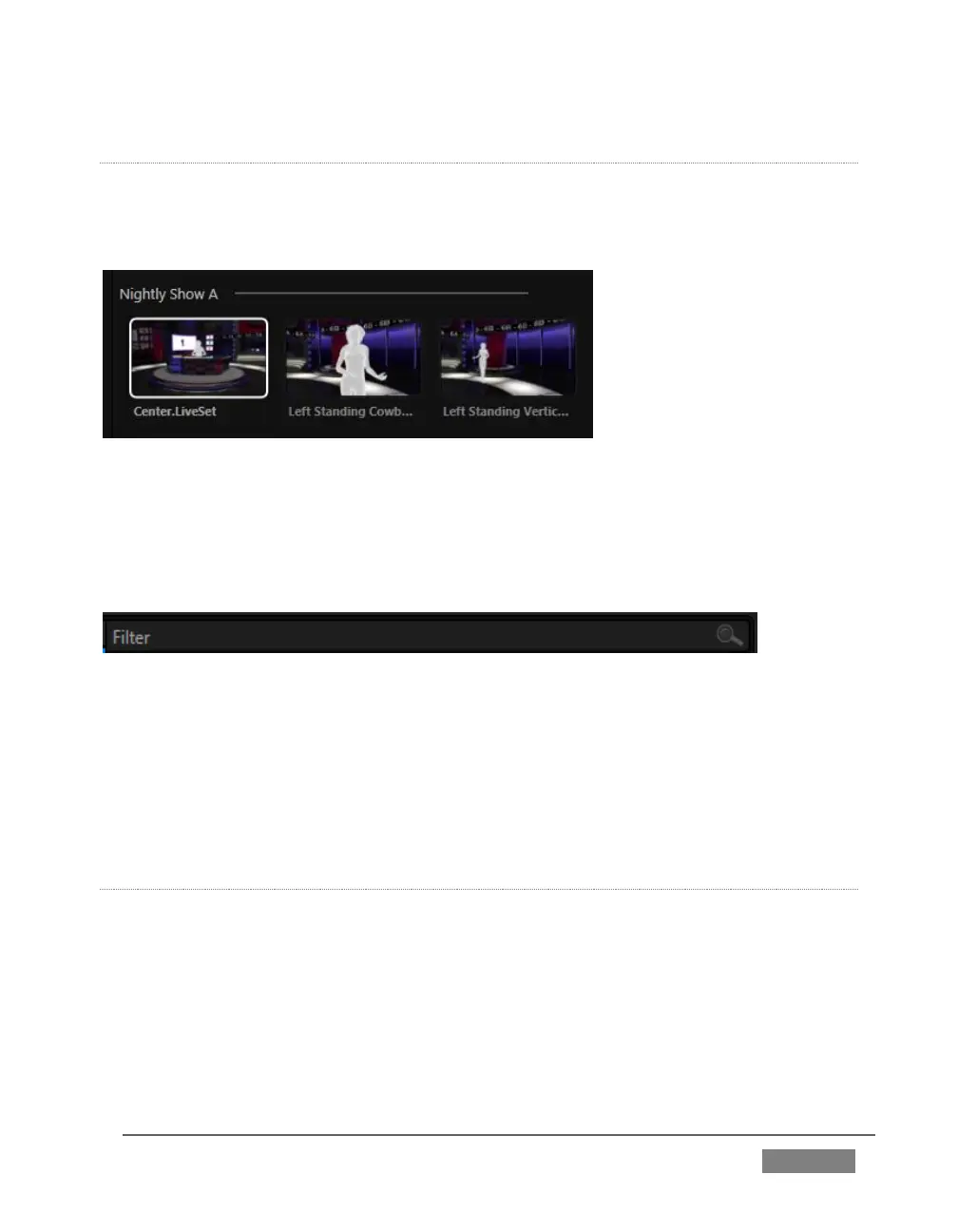
Icons appearing in the File Pane represent content located inside the sub-heading
selected at left in the Locations List. These are grouped under horizontal dividers
named for sub-folders, which allows related content to be organized conveniently.
FIGURE 191
FILE FILTERS
The File Pane view is filtered to show only relevant content. For example, when
selecting LiveSets, the browser only shows LiveSet files (.vsfx).
FIGURE 192
An additional filter appears above the File Pane. This filter quickly locates files
matching criteria you enter, doing so even as you type. For example, if you enter
“wav” into the filter field, the File Pane displays all content at the current location with
that string as part of its filename. This would include any file with the extension
“.wav” (WAVE audio file format), but also “wavingman.jpg” or “lightwave_render.avi”.
FILE CONTEXT MENU
Right-click on a file icon in the right-hand pane to show a menu providing Rename and
Delete options. Be aware that Delete really does remove content from your hard drive.
This menu is not shown if the item clicked is write-protected.









 To Next Page