Page | 212
The header of the Title Page Editor holds an assortment of text attribute controls.
These include a Font selector drop-down menu, numeric Size control, and Bold, Italic,
Underline and ‘ALLCAPS’ switches.
The Prev and Next buttons let you store your changes and move to another title page
in the playlist without the tedium of closing the Title Edit pane.
SAVE AND DUPLICATE
You can click Close when finished with the current edit, but
often you’ll find the Save and Duplicate feature handy. Click it
to store your edits to the current title page, create a clone of
item in the playlist, and load the new page for editing. This is
a great way to quickly produce a number of matching pages.
Hint: Press Ctrl + s on the keyboard to perform this ‘save and duplicate’ operation without
using the mouse. Similarly, PageUp and PageDown keys perform Previous and Next
operations.
STAND-IN IMAGES
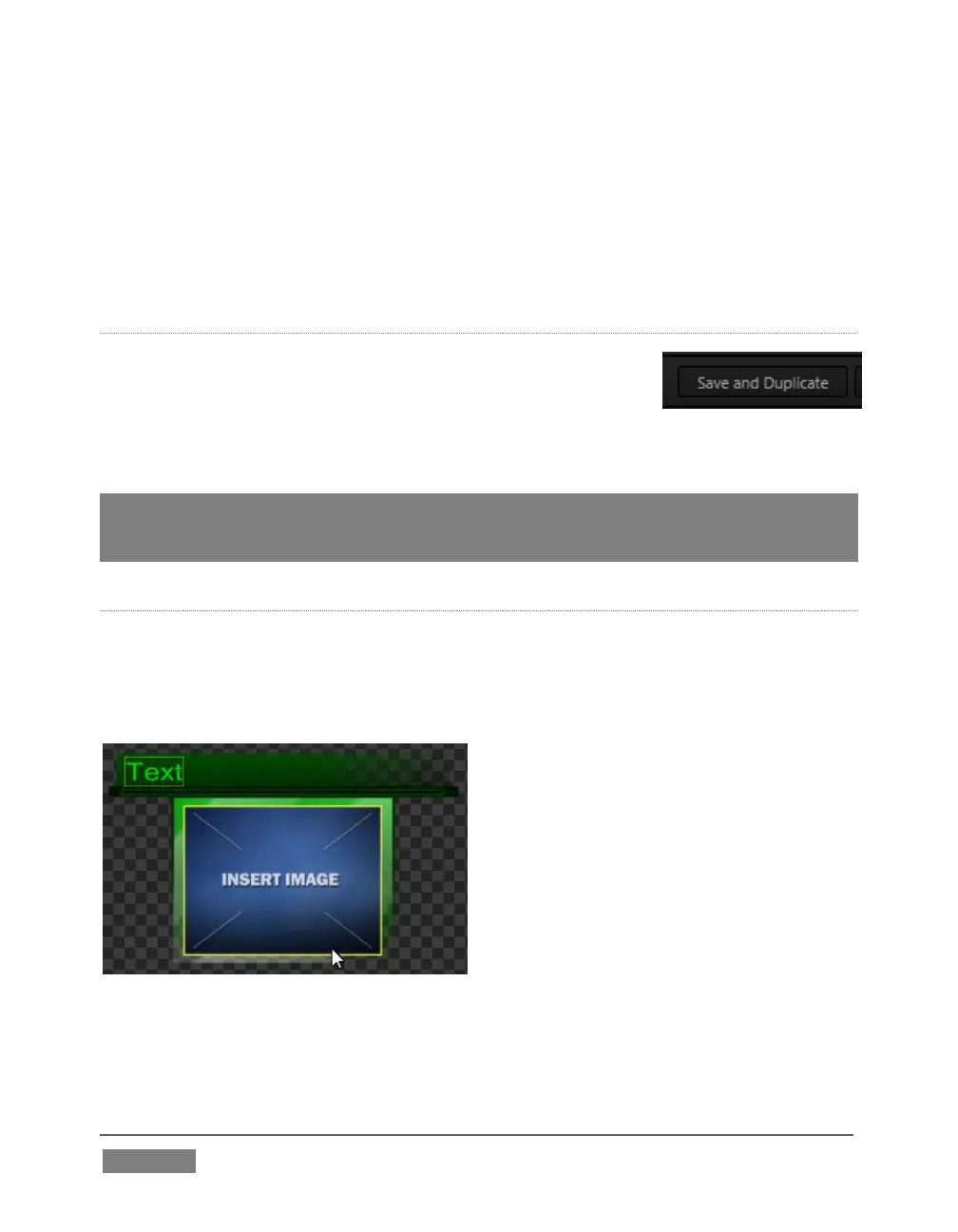
Images embedded in Title Pages may be locked, or they may be editable stand-ins.
When you roll the mouse over an embedded image and a yellow border is displayed
around the image, the image is a stand-in. Click a stand-in to open the File Browser,
and select a replacement image file.
FIGURE 201
You can check whether images are locked or unlocked (stand-ins), and toggle the lock
status. Hold down the Shift key while rolling around inside the Title Page.









 To Next Page