Page | 211
Hint: The panel can be re-sized by dragging its lower-right corner, and re-positioned by
dragging its titlebar.
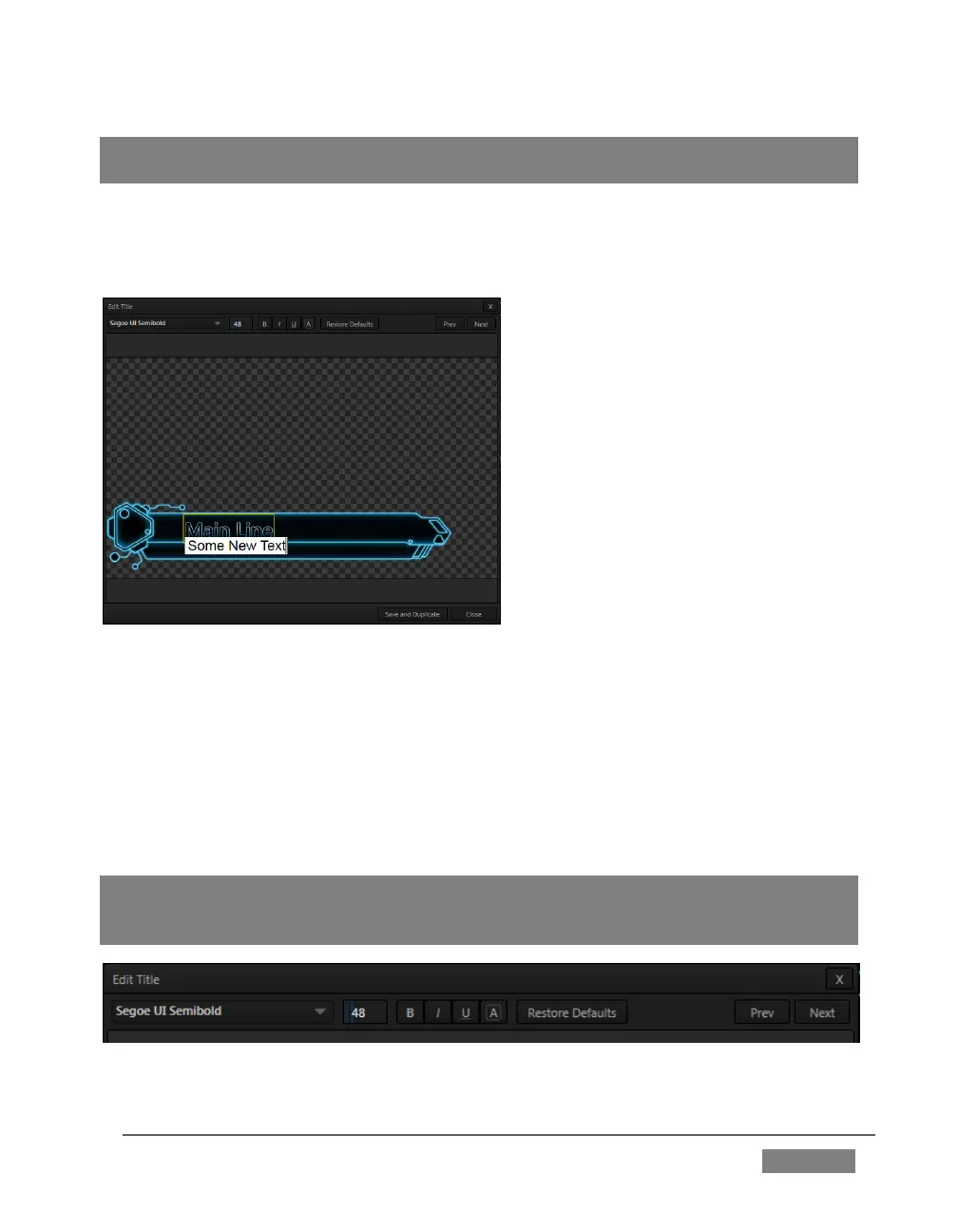
When you move the mouse over text in the Title Page Editor’s preview pane, a white
bounding-box appears (Figure 198). If you click once inside the box it turns yellow,
indicating the text object is selected, and a text edit field opens.
FIGURE 198
Press Enter or click outside the box to complete editing operations, or press Tab to
advance to next entry field (press Shift + Tab instead to jump to the prior text field).
Note that the cursor keys – that is, the left/right and up/down arrows – allow you to
navigate between text fields on the current title page. (If the text edit box is open,
left/right arrows change the edit point as usual, but up/down closes the edit box, and
subsequent cursor key actions move to the next object.)
Hint: A red line under a character or word (Figure 198) indicates the spell-checker is
questioning its spelling. Right-click the word to open a menu suggesting alternatives. Click
one of the entries shown if you wish to update the original.
FIGURE 199









 To Next Page