Page | 238
5. Add an attractive full frame graphic to the Graphics 1 player.
6. Select M/E 1 on the main Switcher’s Program row, to make it easy to view the
result of the following steps.
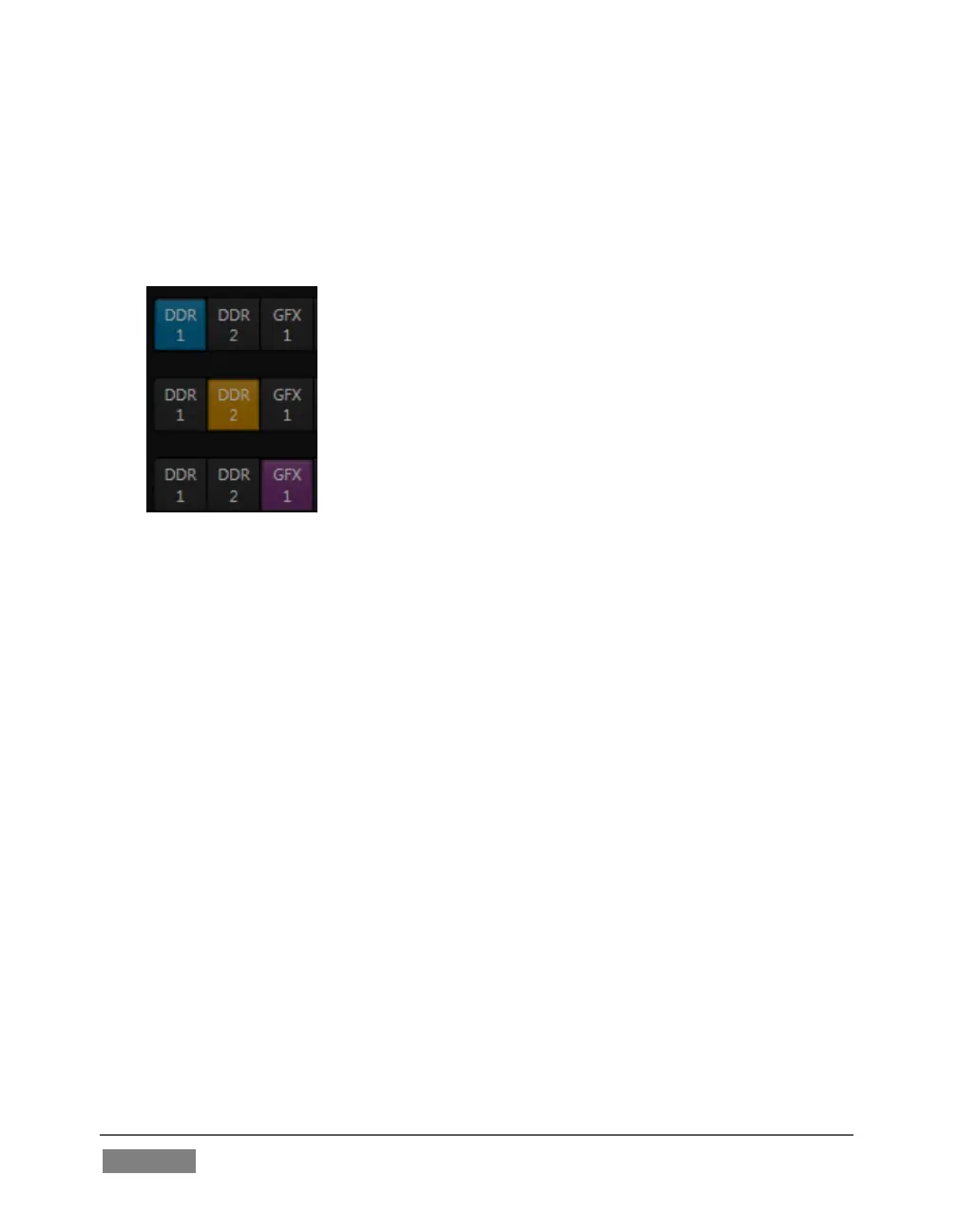
7. In the M/E 1 tab, select DDR 1 on the input A row.
8. Select DDR 2 as input B.
9. Select GFX 1 as input C.
10. Double-click the monitor for DDR 1 to open its
Input Configuration panel.
Continue to configure both LiveMatte and the Tracker for the video clip in DDR 1:
11. In the LiveMatte tab, click Reset to update the keyer settings to their defaults,
and enable the LiveMatte switch at upper-left.
12. Use the Scrub bar under the playlist in DDR 1 to advance through the clip until
the orange card is visible in the frame.
13. Switch to the Tracker tab, click the Color picker (eyedropper) and keep the
mouse button held down to assign the card’s orange color to the Tracker for
DDR 1.
14. Boost the Tolerance setting to 34%.
15. Press Play for both DDRs.
Let’s take a moment to review our progress, before completing setup steps:
On the Program monitor, you should see the talent clip overlaid on the image from
GFX 1 (LiveMatte is turning the green pixels in the DDR 1 clip transparent). You’ll









 To Next Page