Page | 240
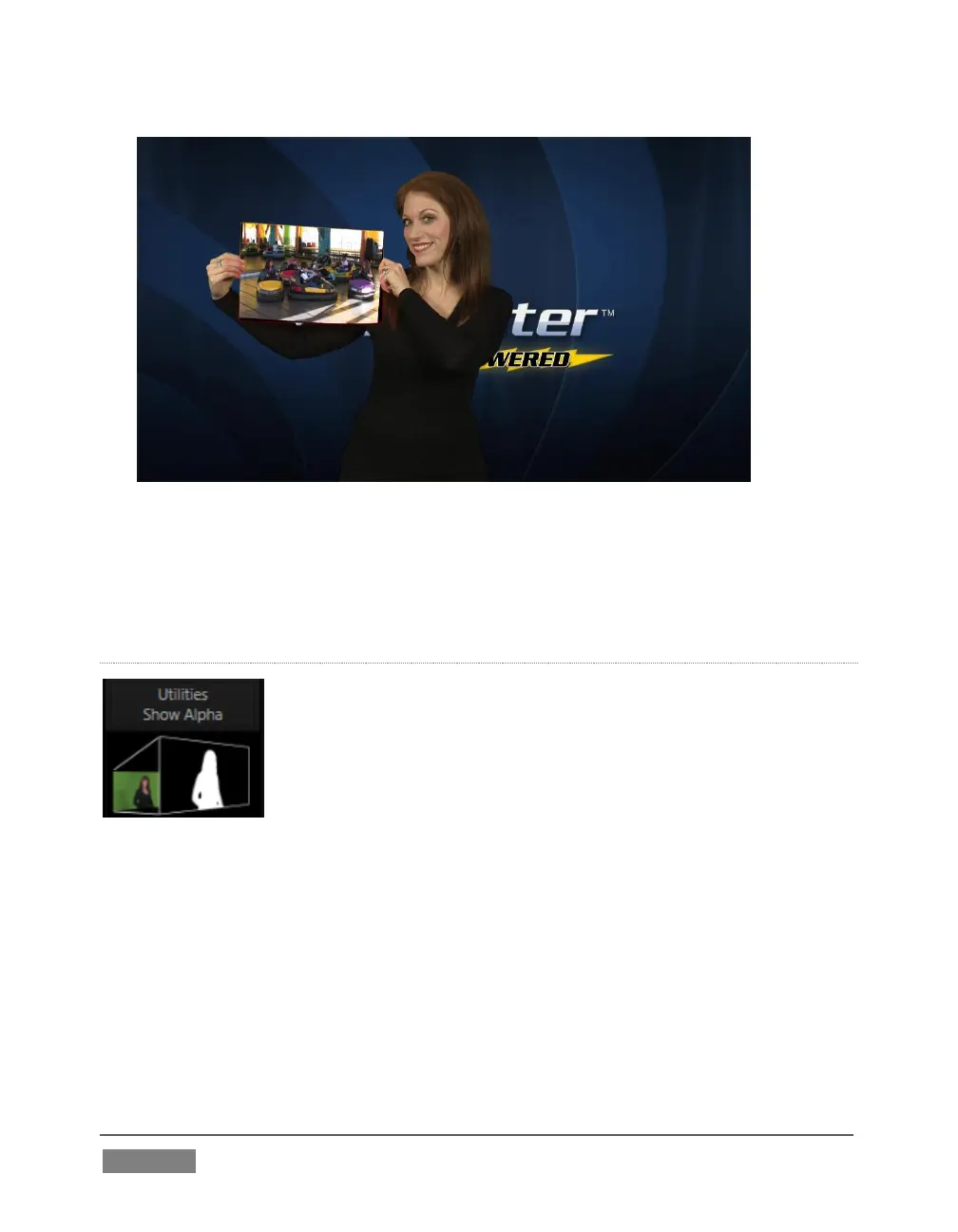
FIGURE 229
Now would be a good time to test the effect of the Scale, Rotation, and Aspect controls
in the Tracker tab for DDR 1 (remember you can double-click the DDR 1 monitor to
open this panel).
UTILITIES
Effects can take other forms as well. We’ve looked into the
Default effects group; now let’s consider Utility effects.
If you were following along in the previous section, replace the
current effect in M/E 1 with the Show Alpha effect from the
Utilities group.









 To Next Page