Page | 438
FIGURE 396
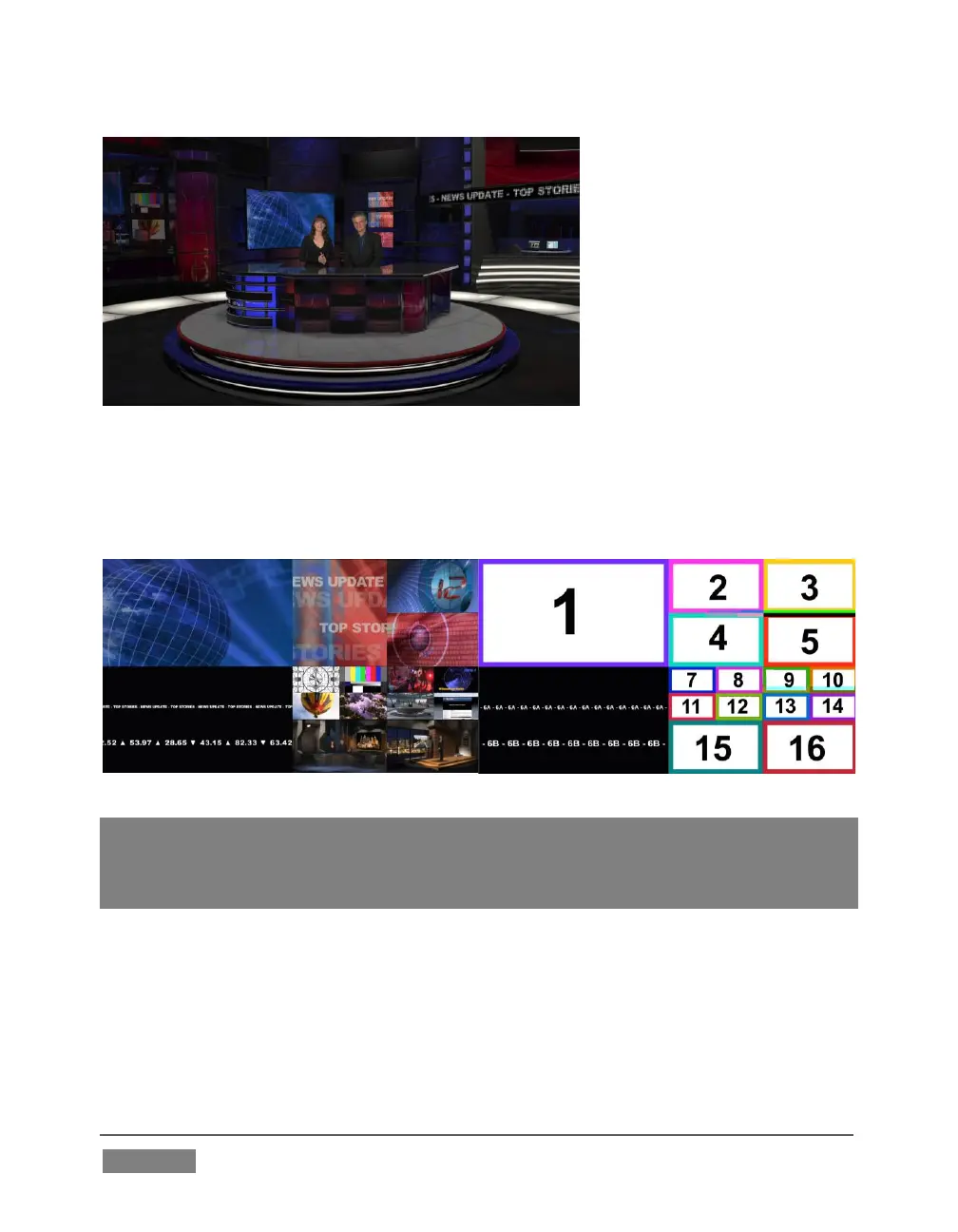
This virtual multi-monitor effect depends on a single clip (played from a DDR) which
is itself a montage composed of a number of different looping video clips composited
into a single frame (e.g., Figure 397).
Hint: A template clip (Figure 398) is supplied in the Clips>NewTek folder (as are several
looping sample clips). You can use the template as a guide to prepare similar clips with
content positioned correctly for use with the Nightly Show set, using in the software of your
choice.
To configure the effect:
1. Assign your talent shot to Input A in the M/E tab
2. Put the looping montage clip you prepared in a DDR, and select that DDR as
Input B.









 To Next Page