Page | 45
SDI Embedded or HDMI provide digital audio from the
associated video connection.
Note: Analog audio levels conform to SMPTE RP-155. The
maximum input/output level is +24 dBu, nominal Mic input level +4
dBu (-20dBFS), and the sample rate is 96 kHz.
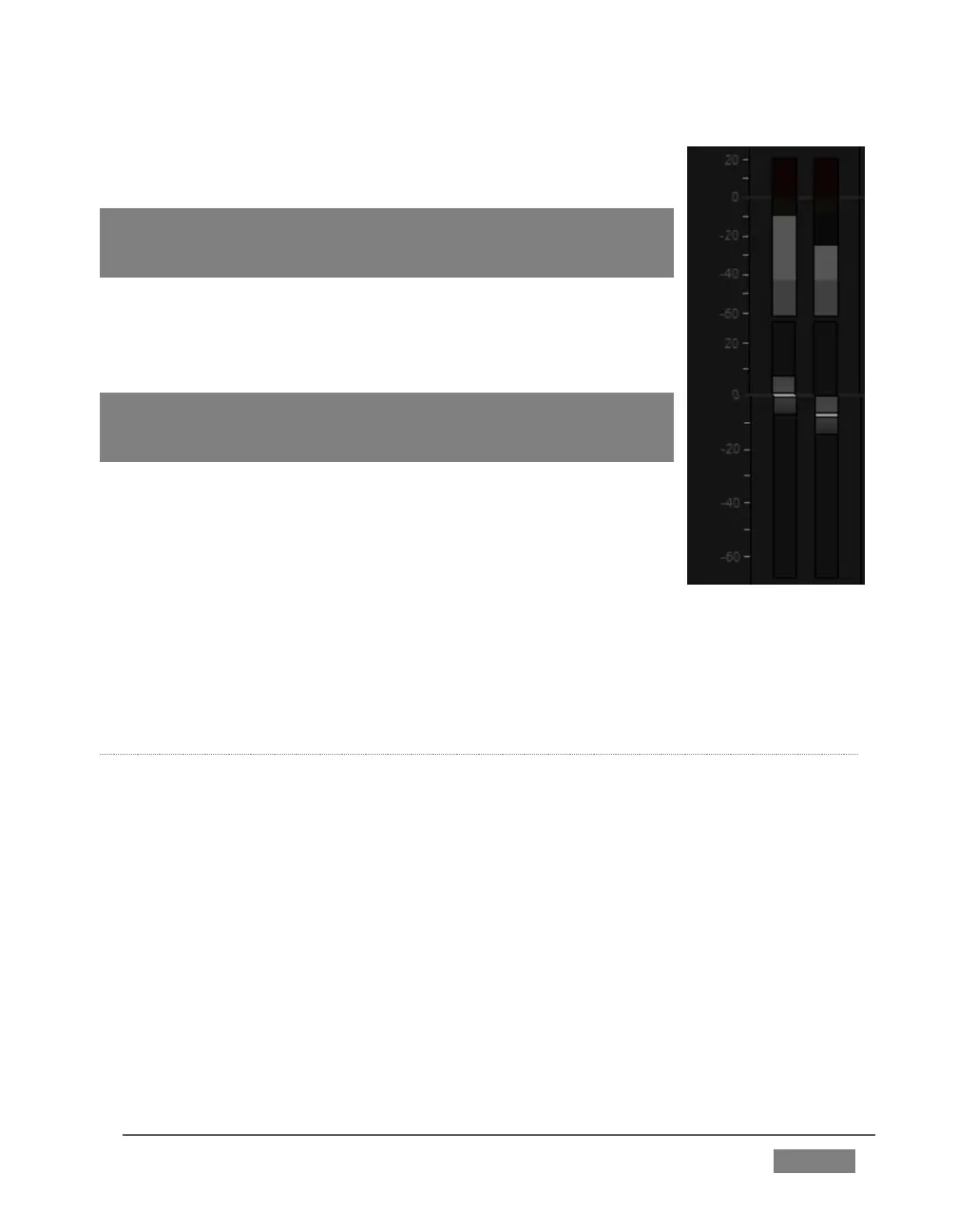
The Volume sliders (next to the VU meters) default to their lowest
settings on first launch. After adding audio sources, slowly bring
these sliders up to pass their signals through the system.
Hint: Most numeric controls in TriCaster can be reset to their defaults
using Shift + double-click on the control knob. The default value for
Gain sliders is 0dBVU.
Some variation exists as respects signal levels from individual
sources, even within the same type. For Mic (and Mic + Phantom)
connections, Gain (a.k.a., Trim) controls are provided to allow
fine tuning of the input level.
To access these controls, open the Advanced Audio
Configuration panel, by clicking the Configuration button (gear) in the titlebar for an
input control group. Use the Gain knobs (Figure 30) to bring the levels for
microphones and similar sources into a useful range on the VU meter.
AUDIO HEADROOM
In digital audio systems, levels exceeding ‘legal’ values are ‘clipped’ (uniformly
assigned the maximum value). This results in audible issues that cannot be easily
corrected later.
For this reason, it’s customary to configure normal operating level (also referred to
as the ‘alignment level’, and sometimes, ‘nominal level’) well below the clipping limit
– sufficiently so that occasional excessively loud sounds (say, loud laughter or
applause) can be accommodated without risk.
This range above between nominal level and the highest possible level is commonly
referred to as ‘audio headroom’. What is considered a suitable headroom allowance
can vary from one locale to another, in different industry applications, and even in
individual studios.









 To Next Page