Page | 52
FIGURE 37
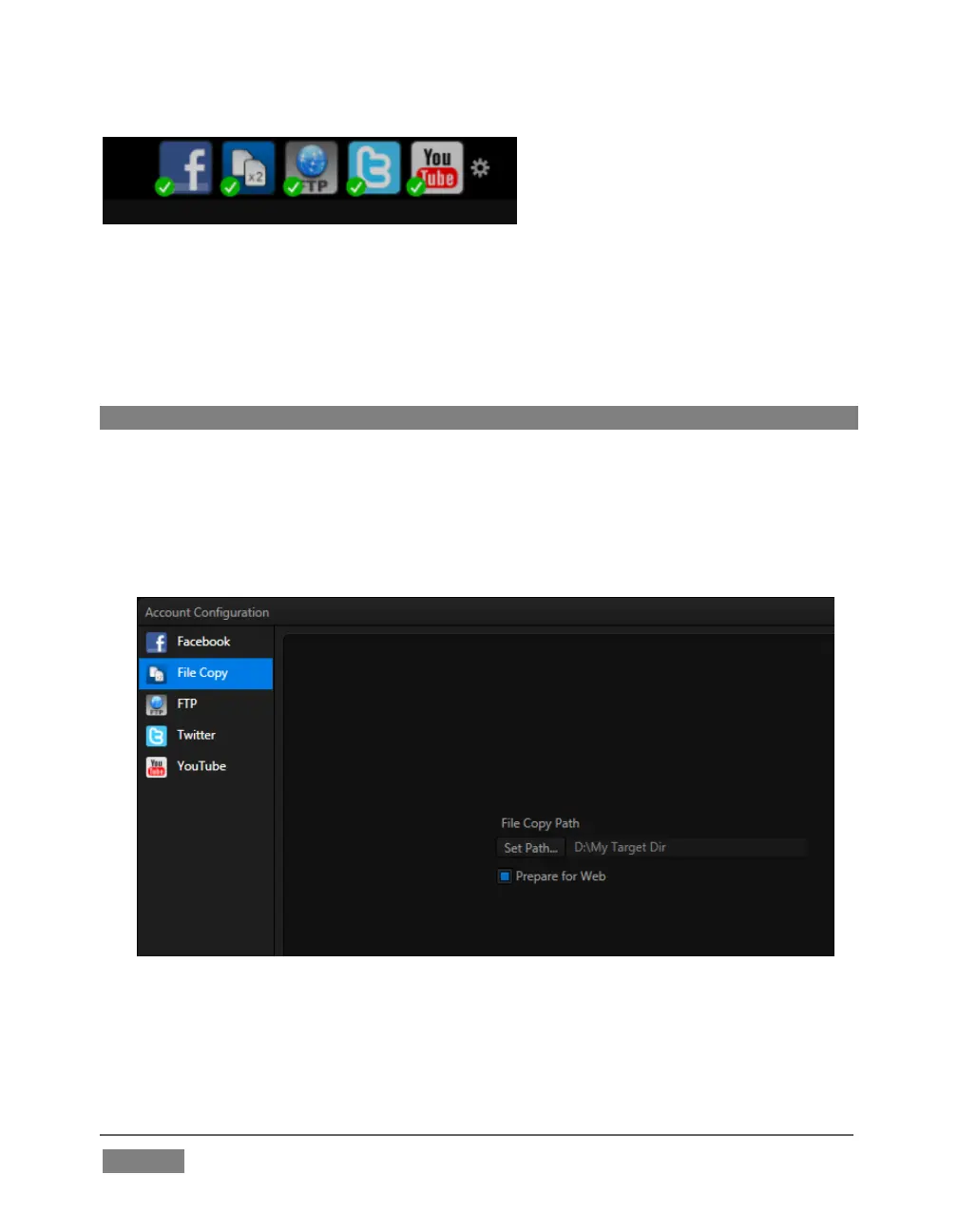
At the top of both Home and Session pages in Startup, you’ll see a row of icons (Figure
37) representing Accounts you can optionally publish your media to. These include
popular social media sites like Facebook® and YouTube®, along with more prosaic
but still very useful storage option.
Hint: Successfully configured accounts show a green checkmark icon.
Let’s use a simple example to show how it works – one that doesn’t require you to
have an existing account with any social media provider.
1. Click the second icon from the left (this is the File Copy icon), to open the
Account Configuration panel (Figure 38).
FIGURE 38
2. Click Set Path, and choose (or create) a destination folder for output.









 To Next Page