Page | 64
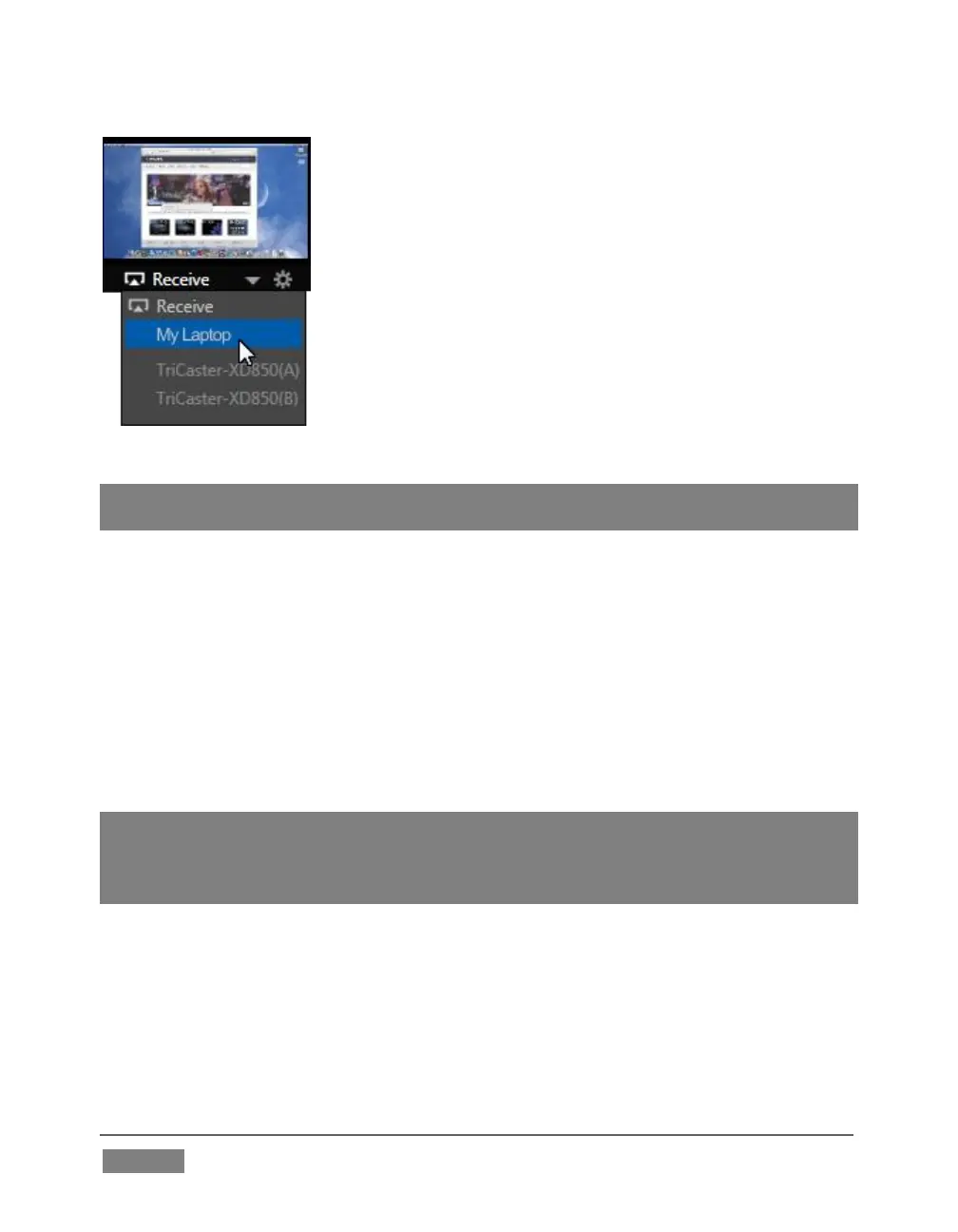
FIGURE 49
Note: Gigabit networking is highly recommended, and should be considered mandatory for
HD sessions in particular.
When TriCaster recognizes qualified network sources, it adds them to a drop-down
menu for quick selection (Figure 49).
4. Move your mouse pointer over a Network monitor in the All Monitors tabbed
view.
5. Click the triangular menu button below the monitor to select a networked
source (or change the current selection) from the menu that appears. (For
iVGA PRO, you’ll need to accept the connection at least once on the client
machine).
Hint: iVGA displays a status icon on the client system. For a Windows® based system, the
icon is in the task tray; on Macintosh® systems, it is shown in the dock. This indicates this
computer’s display is ready to send to TriCaster. The icon’s appearance changes to
indicate when the client is actually sending output to TriCaster.
See Chapter 16 for much more detail on the use of iVGA.









 To Next Page