Page | 83
18. Click Play.
19. After a few seconds, perform a Take and watch what happens:
a. Naturally, DDR 1 and Camera 1 are swapped on the Switcher.
b. DDR playback is stopped at the current frame of the current clip.
20. Perform another Take.
a. As expected, DDR 1 is restored to Program output.
b. Playback re-commences at the next frame of the current clip; DDR 1
did not automatically jump ahead to the next clip this time.
You may find Single mode your favorite way to use Media Players, but it can be useful
to turn it off (as just described) at other times. Perhaps a live speaker is presenting a
long clip, but wants to be free to interrupt it with live commentary at any time.
Turning Single off (with Autoplay on) works perfectly in this scenario. The TriCaster
operator can click Take or Auto freely, confident DDR playback will resume at
precisely the right frame.
MEM SLOTS
Let’s consider one more powerful feature common to TriCaster’s Media Players – the
MEM slot bin.
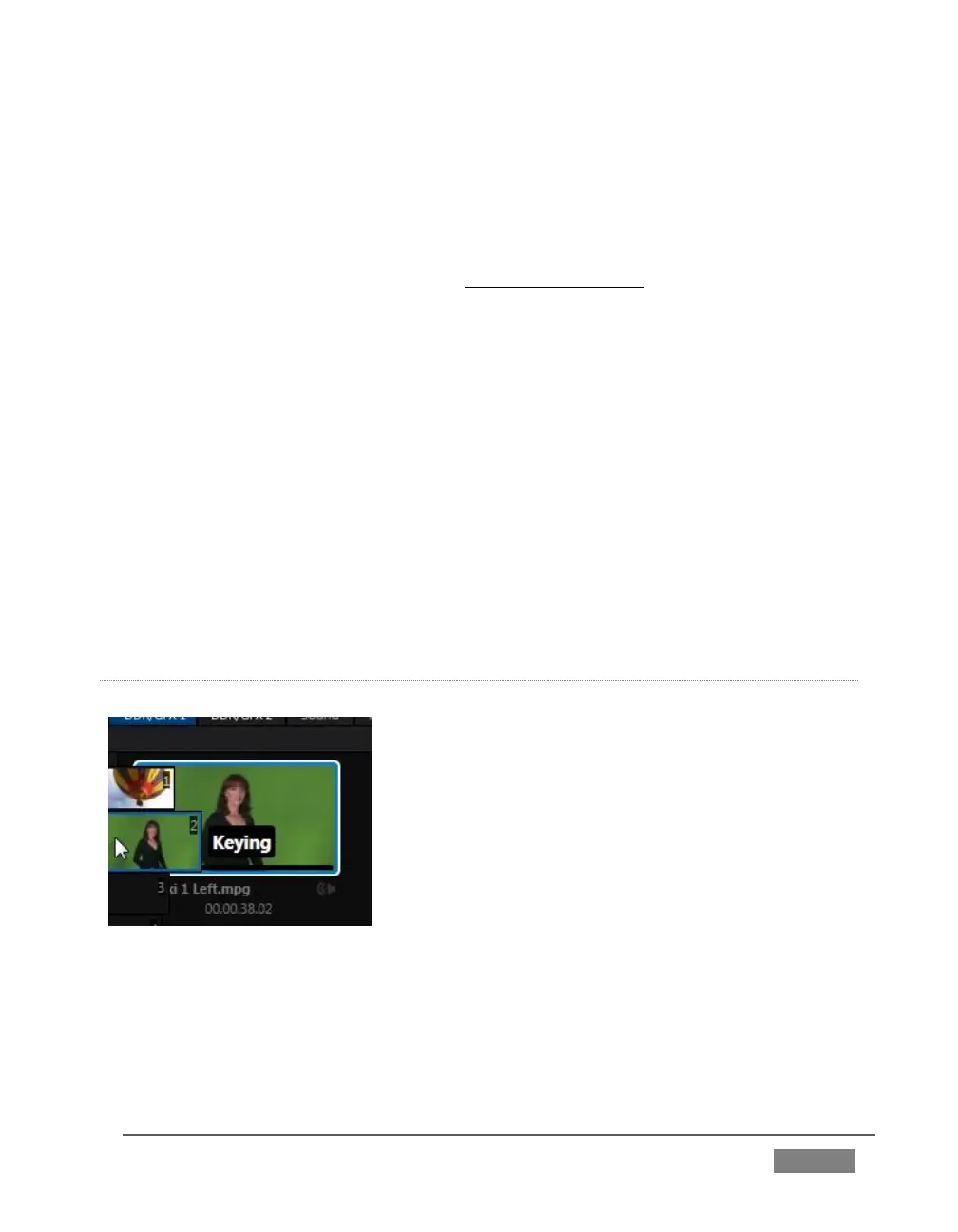
MEM slot bins run vertically down the outer edges of
the various Media Player and Audio modules,
providing instant access to custom playlists and
configurations.
Normally hidden, the bins fly out when you move the
mouse pointer to the edge of the screen.
MEM slots store other information about the current state of the module, too,
including playback position, selection status, and so on. In many ways, MEM slots act
like additional Media Players.









 To Next Page