Chapter 6—Configuring and Managing Partitions Creating a Storage Partition
August 2017 User Guide—Spectra T50e Library
185
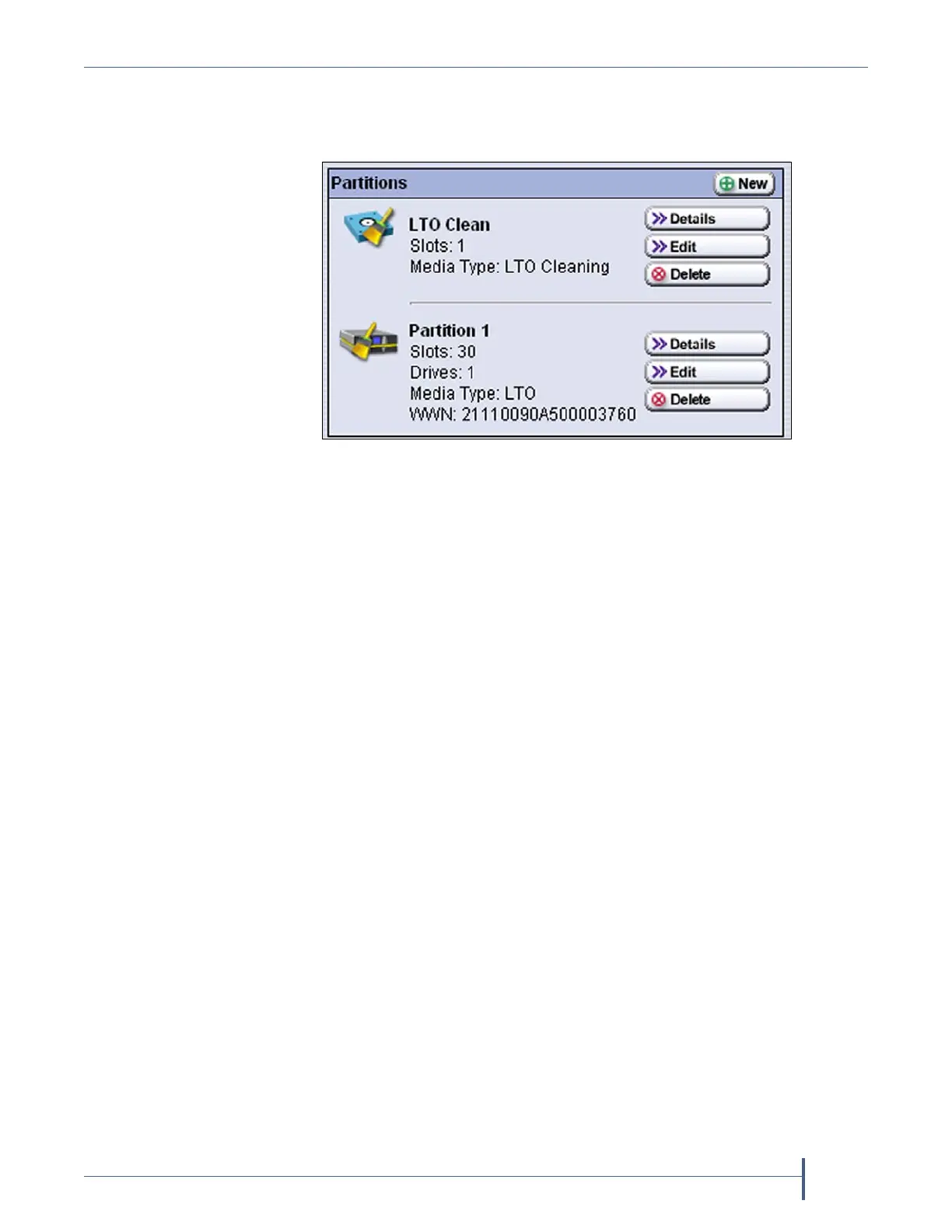
5. ClickSave.Thelibraryrequiresseveralminutestostorethe
configurationinformation,afterwhichthePartitionsscreenredisplays
withthepartitionyoujustcreatedaddedtothelistofpartitions.
Notes: Whenyousavethepartition,thelibraryautomatically
generatesaconfigurationbackupfileandsavesittothe
memorycardintheLCM.Thisbackupfilecontainsthe
libraryconfiguration,theMLMandDLMdatabases,andany
BlueScaleencryptionkeysthatarecurrentlystoredinthe
library.
Ifyouconfiguredtheemailoptionfortheautomatically
generatedbackupfile,thelibrarysendsanemailwiththe
backupfileattachedtothespecifiedrecipient(seeEmail
AutoConfigurationSaveonpage109).
6. Toconfigureanotherstoragepartition,repeattheentireconfiguration
process,beginningwith
CreatingaStoragePartitiononpage169.
Figure 121 The Partitions screen showing a cleaning
partition and a storage partition.



 To Next Page