Chapter 3—BD Alaris™ Pump Module Model 8100, Alaris™ Pump Module Model 8100, and Alaris™
Syringe Module Model 8110
90 BD Alaris
TM
System with Guardrails
TM
Suite MX User Manual
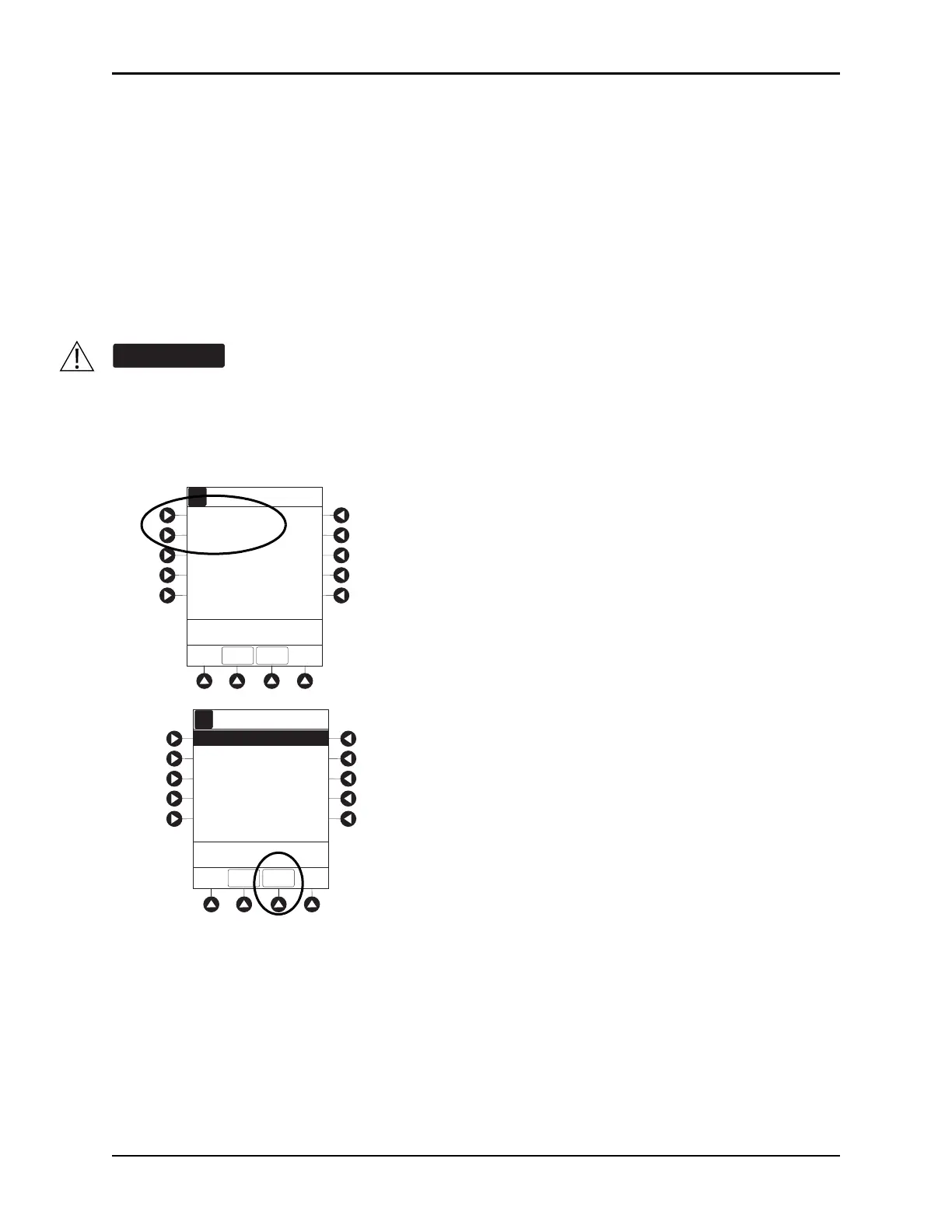
5. Syringe module: Select syringe type and size as follows, otherwise proceed to step 6.
If the installed syringe is loaded correctly, but not recognized, check for the following:
a. If a labe
l is between the syringe barrel an
d the barrel clamp, make sure that the label does not
erroneously enlarge the barrel size of the syringe.
b. If a needle-free valve or other component is added to the syringe, ensure t
hat it is no larger than the
diameter of the syringe barrel.
NOTE:
Thick labeling or adding a component to the syringe that is larger than the diameter of the syringe may
prevent the device from correctly recognizing the installed syringe. If the issue continues despite the above
troubleshooting, send the device to your facility’s Biomedical Engineering Department for servicing.
c. Press the soft key next to installed syringe type and size. If a default syringe list has been enabled
and correct syringe cannot be found, press the
ALL SYRINGES soft key to select from a list of all
compatible syringes.
d. To accept, press the CONFIRM soft key.
Selecting an incorrect syringe may cause an under infusion or over infusion to the patient.
BD 30 mL
Monoject 30 mL
>Select Syringe Size
A
A
Syringe Selection
CONFIRM
ALL
SYRINGES
>Confirm Syringe Size
BD 30 mL
A
A
Syringe Selection
CONFIRM
Monoject 30 mL
ALL
SYRINGES



 To Next Page