Manual Programming with Guardrails™ Suite MX
BD Alaris
TM
System with Guardrails
TM
Suite MX User Manual 99
3. An optional hospital-defined and editable starting value for bolus dose and/or bolus rate duration
might already be entered.
or
To enter bolus dose, use numeri
c d
ata entry keys.
• After a bolus dose and weight (if used) are entered, bolus VTBI and conc
entration [conc] alternate
in Main Display.
• If no weight has previously been programmed in system and bolus dose is weight-bas
ed, weight
entry is empty.
• If the programmed continuous dose is weight-based, programmed weight is disp
layed.
• If bolus dose is not weight-based,
Not Used is displayed in PATIENT WEIGHT field.
• A bolus dose can be either weight based or
non weight-based independent of whether the
Continuous Infusion is weight based or non weight-based.
4. Enter or change patient weight (if used), use applicable following procedure, depending on whether or
not continuous dose is weight-based.
a. To enter a weight when continuous dose is non weight-based:
°
Press the PATIENT WEIGHT soft key.
°
To enter patient weight, use numeric data entry keys.
or
b. To change weight when continuous dose is weight-based:
°
Press the SETUP soft key.
°
Press the PATIENT WEIGHT soft key.
°
To change patient weight, use numeric data entry keys.
°
Press the NEXT soft key.
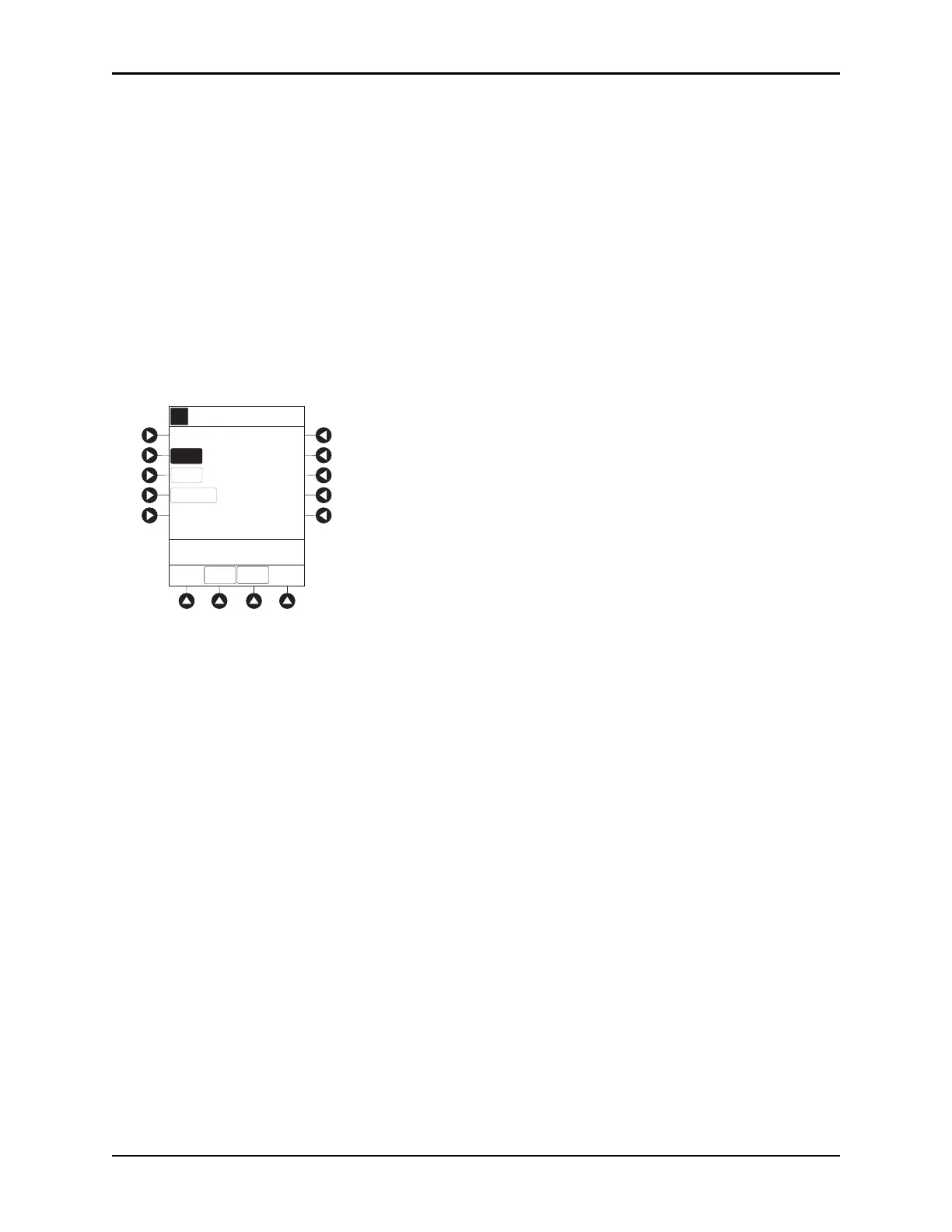
>Enter Bolus Dose
____unit/kg
AA
A
DOSE
PATIENT
WEIGHT
BOLUS DOSE
DURATION
[Conc]: 1 mg/mL
SETUP
Alteplase
Stroke
CONT-
INUOUS



 To Next Page