Manual Programming with Guardrails™ Suite MX
BD Alaris
TM
System with Guardrails
TM
Suite MX User Manual 101
• If the programmed bolus dose and/or bolus dose duration is outside the hard limit for that care
area, an audio alert sounds and a visual prompt appears before programming can continue.
Infusion needs to be re
programmed.
• If a bolus dose outside of soft limits has been entered and verified as correct, Message Display also
shows either “LLL” for a low dose or “
↑↑↑
” for a high dose.
• If a soft limit is overridden,
G icon is displayed. When G soft key is pressed, all applicable out-of-
range limits are listed.
8. Syringe module:
• If bolus dose was programmed at beginning of infusion, unclamp
tubing
and attach administration
set to patient.
• Unclamping tubing and starting infusion before attaching administrati
on set to patient minimizes
any potential bolus that can be released from pressure built up in set due to normal syringe loading
and priming.
Stopping a Bolus Dose
The display examples in this procedure represent stopping a bolus dose which was programmed using the
drug library. Even where the displays are different when stopping a bolus dose which was programmed
using a non-library drug, the procedure is the same.
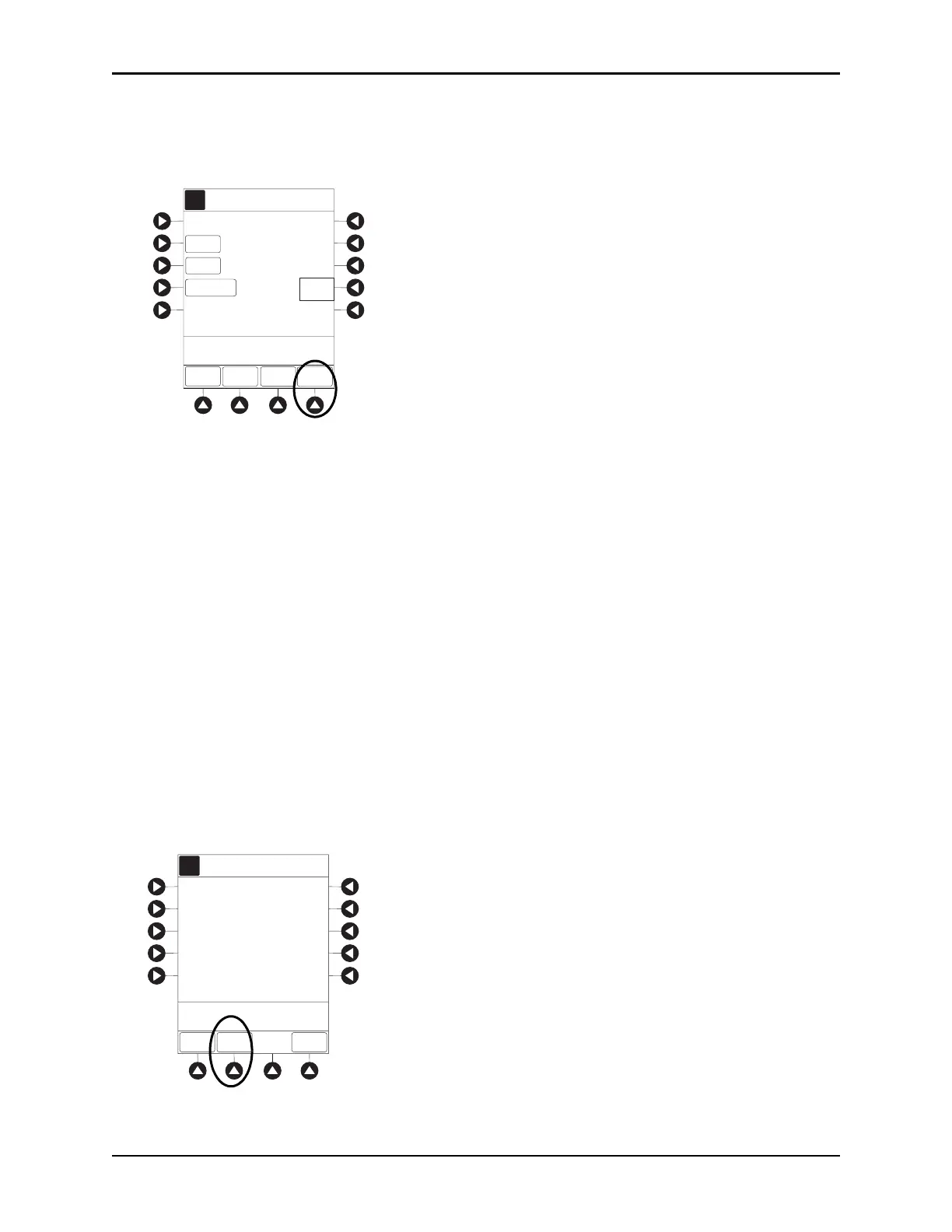
1. Press the
CHANNEL SELECT key.
2. Press the
STOP BOLUS soft key.
5
mcg/kg
AA
A
DOSE
PATIENT
WEIGHT
BOLUS DOSE
DURATION
[Conc]: 800 mcg/mL
SETUP
>Press Start to Begi n
Infusing Bolus Dose
71
kg
<1
min
START
PAUSE
CONT-
INUOUS
Guardrails Drug Library
Dopamine
BOLUS VTBI = 50.0 mL
AA
A
DOSE
BOLUS DOSE
DURATION
[Conc]: 1 mg/mL
SETUP
>Press ST AR T to Begi n
Infusing Bolus Dose
1
min
START
PAUSE
CONT-
INUOUS
PATIENT
WEIGHT
INFUSE AT: 0.09 mg/kg/min
0.09
mg/kg
70
kg
Rapid
Bolus
(420 mL/h)
Alteplase
Stroke
AA
A
Dose
Remaining:
Time Left:
1
min
STOP
BOLUS
STARTPAUSE
Pt. Weight:
70
kg
BOLUS DOSE
TOTAL DOSE = 6.3 mg
>Press ST AR T to Continue
Infusing Bolus Dose
BOLUS VTBI = 6.3 mL
0.09
mg/kg
Alteplase
Stroke


 To Next Page