Manual Programming with Guardrails™ Suite MX
BD Alaris
TM
System with Guardrails
TM
Suite MX User Manual 113
• If the programmed IV Fluid is outside the soft limit for that care area, an audio alert sounds and a
visual prompt appears before programming can continue. If
Yes soft key is pressed, programming
continues; if
No soft key is pressed, infusion needs to be reprogrammed.
• If the programmed IV Fluid is outside the hard limit for that ca
re area, an audio alert sounds and a
visual prompt appears before programming can continue. Infusion needs to be reprogrammed.
• If a soft limit is overridden,
G icon is displayed. When G soft key is pressed, all applicable out-of-
range limits are listed.
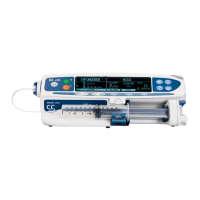
5. Syringe module:
• Unclamp tubing and attach administration set to patient.
• Unclamping tubing and starting infusion before
attaching administrati
on set to patient minimizes
any potential bolus that can be released from pressure built up in set due to normal syringe
loading and priming.
NOTE:
The infusion can be paused by pressing the PAUSE soft key. See Pausing and Restarting Infusion on
page 149 for more information.
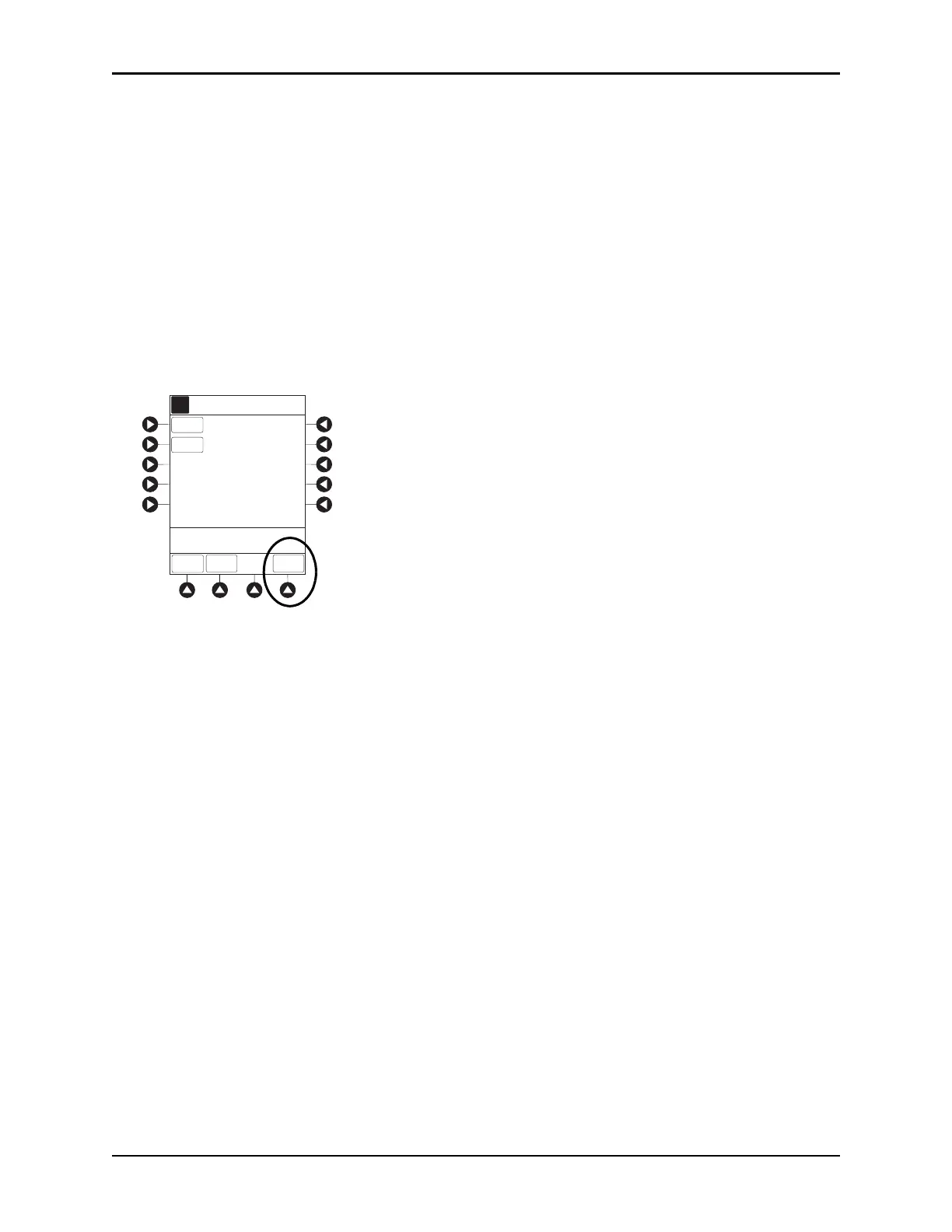
To view infusion Time Left during a volume/duration infusion, press the CHANNEL SELECT key. To
return to previous screen, press the
START soft key.
NOTE:
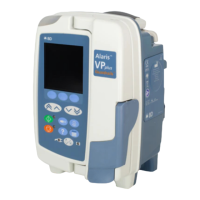
It is possible to program an infusion with a rate that is displayed with
two decimal places (one-hundredth of
a mL per hour) on the PCU for the pump module. However, due to space limitations on the pump module
rate display, the rate is d
isplayed to the nearest one-tenth of a mL per hour on the pump module. T
his
value is only used for display purposes and the pump module is actually infusing at the m
ore precise
rate noted on the PCU.
>Press START
START
mL/h4.17
VTBI
VOLUME
DURATION
RATE
A
PAUSE
Time Left: h min00 45
TPN
Guardrails Fluid Setup
ALL


 To Next Page