Appendix A—Troubleshooting and Maintenance
348 BD Alaris
TM
System with Guardrails
TM
Suite MX User Manual
Cleaning the Case
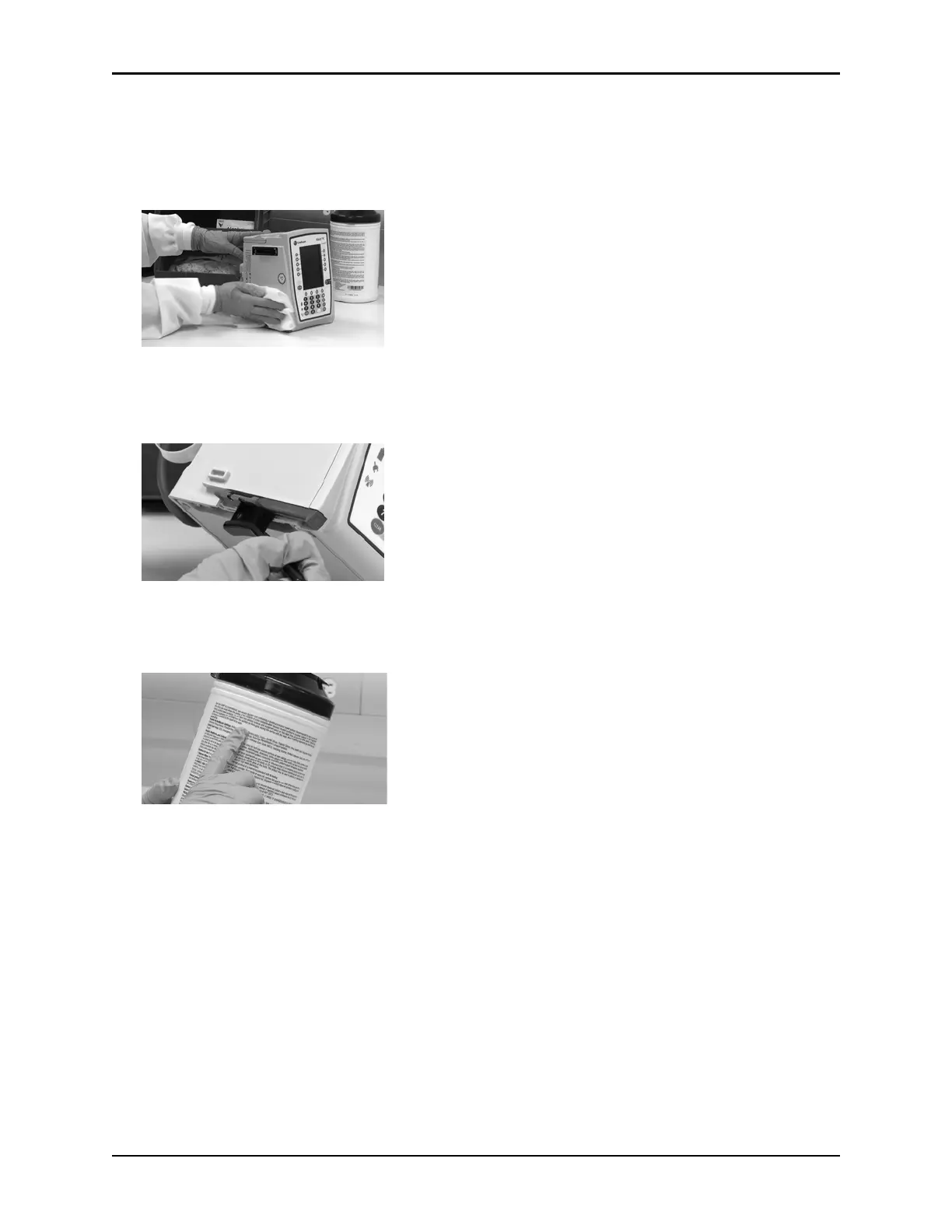
1. Make sure the instrument is turned off, unplug the power cord and wipe all of the exposed device
surfaces EXCEPT the inter-unit interface (IUI) connectors.
DO NOT use an oversaturated cloth. Be sure
to squeeze out excess liquid.
2. Use a dedicated soft-bristled brush to clean the case to remove any visible residue. The brush may also
be used to clean narrow or hard-to-reach areas.
DO NOT
use any hard, abrasive or pointed objects to clean any part of the instrument.
3. Follow the cleaner manufacturer’s instructions on the time to leave it on the device surface. Then,
remove the cleaner using a soft cloth dampened with water.
DO NOT allow the cleaner to collect on the instrument.



 To Next Page