Chapter 2—BD Alaris™ PCU Model 8015 and Alaris™ PCU Model 8015
36 BD Alaris
TM
System with Guardrails
TM
Suite MX User Manual
From System Options Menu
1. Press OPTIONS key.
2. Press
Anesthesia Mode soft key.
3. Press
Disable soft key.
4. Press
CONFIRM soft key.
Anesthesia mode no longer appears on main display, indicating it ha
s been disabled.
Connecting to AC Power
1. Connect system to AC power.
2. To continue using anesthesia mode, press the
Yes soft key.
or
To discontinue anesthesia mode
, press the
No soft key.
Disconnecting from AC Power
1. Disconnect system from AC.
• Anesthesia mode is automatically disabled.
•
Hard Guardrails limits are re-established fo
r program changes.
• All currently running infusions continue.
• A prompt appears as an alert that anesthesia mode has been disconti
nued.
2. Press the
CONFIRM soft key.
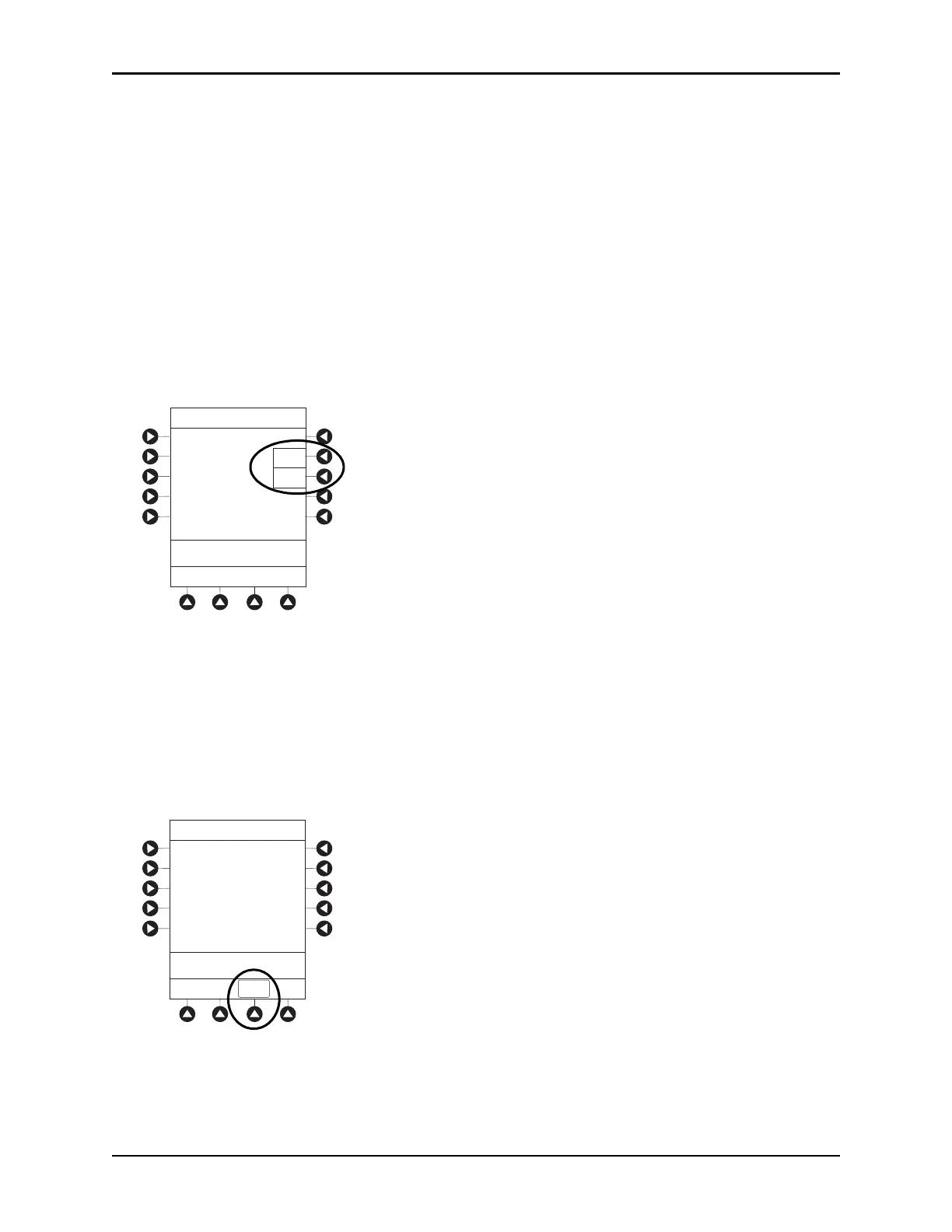
AC power cord was
connected.
Continue
?ANESTHESIA MODE
Yes
No
>Select Yes or No
CONFIRM
Anesthesia mode was
when AC power
disconnected.
continue normal operation.
discontinued
cord was
Press CONFIRM to
>Press CONFIRM



 To Next Page