Chapter 2—BD Alaris™ PCU Model 8015 and Alaris™ PCU Model 8015
44 BD Alaris
TM
System with Guardrails
TM
Suite MX User Manual
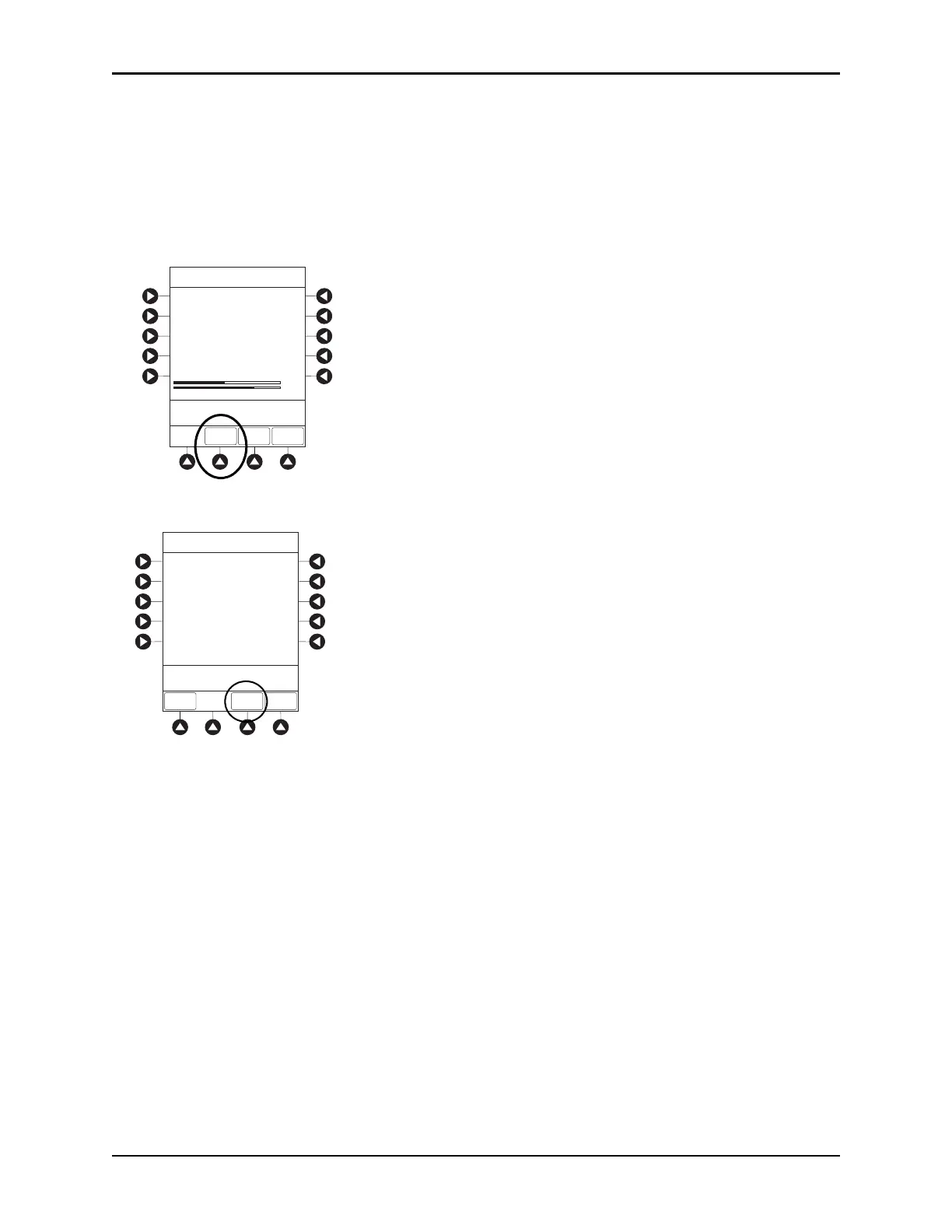
5. To view network connectivity information, press the NET STATUS soft key.
• A status of
DISABLED, DISCONNECTED, CONFIGURING, INVALID CONFIG, or CONNECTED is
displayed.
• If status is
CONNECTED:
°
The PCU is connected to the wireless network.
°
The Profile being used is displayed.
6. To view network address information, press the
NET ADDRESS soft key.
• The MAC Address of the wireless RF card attached to the PCU is displayed.
• If
DHCP displays NO, the PCU is set to use a static IP address.
• When the PCU is connected to the wireless network, the
IP Address, Subnet Mask, Gateway, and
DNS information are displayed.
>Press CANCEL to Exit
Wireless Status
Status :
Channel :
Authentication :
ASSOCIATED
1 (2.412 Ghz)
OPEN
40 bit WEP
SSID :
BSSID :
AM SWEPXXXXXXXX
XXXXXXXXXXXXXXX
00:0A:B3:36:9F:88
Encryption:
NET
STATUS
NET
ADDRESS
SERVER
STATUS
Link Quality
Signal Strength
75%
35%
System Options
Speed: 11 Mbps
>Press CANCEL to Exit
Network Status
Status :
CONNECTED
WIRELESS
STATUS
NET
ADDRESS
SERVER
STATUS
System Options
Uptime :
03:45:35
1,200,150
13, 890
Bytes Sent:
Bytes Recv:



 To Next Page