General Setup and Operation
BD Alaris
TM
System with Guardrails
TM
Suite MX User Manual 45
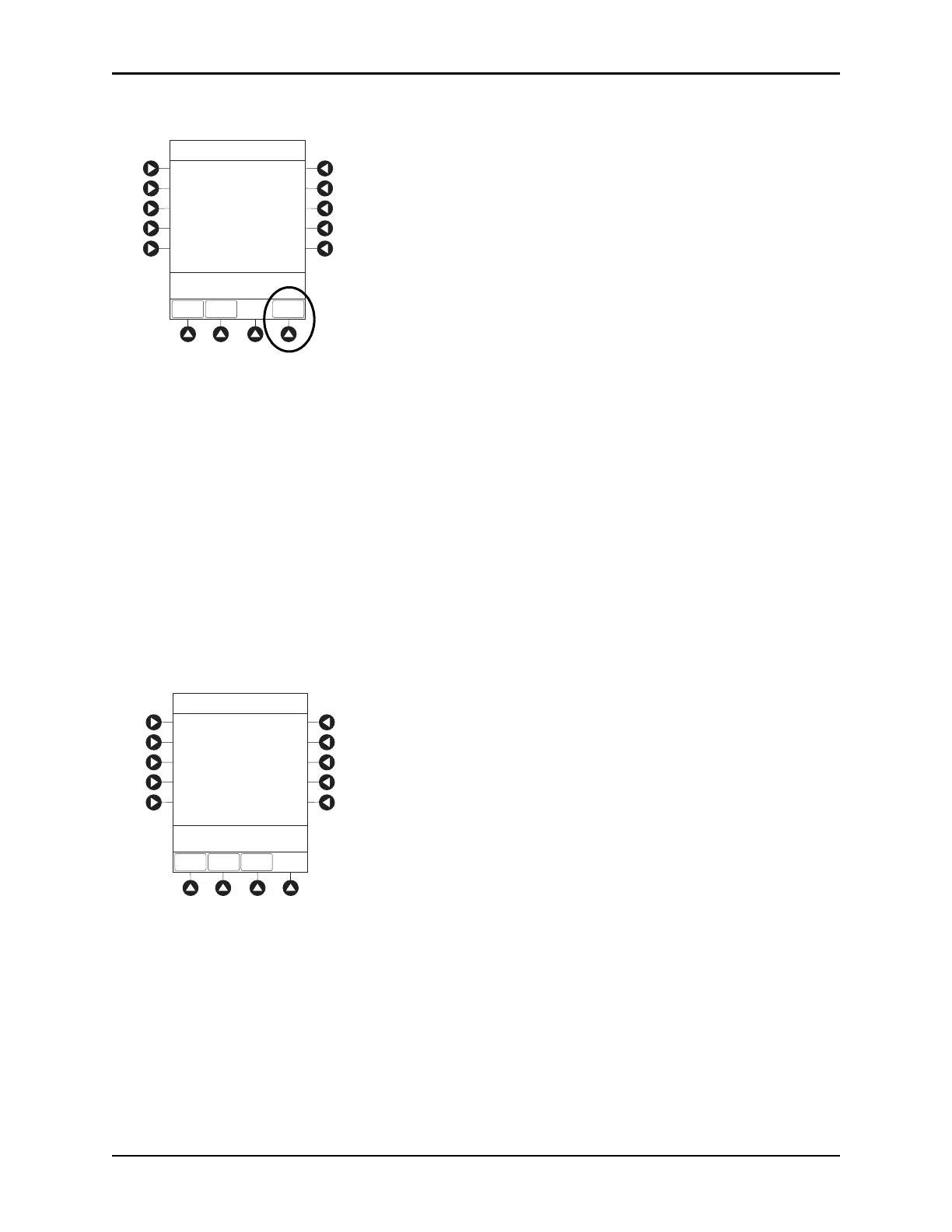
7. To view server connectivity information, press the SERVER STATUS soft key.
• Information based on a status of DISABLED, DISCONNECTED, CONNECTING, or
CONNECTED is displayed.
• If the status is
CONNECTED, the PCU is connected to the systems manager and the following
information is displayed:
°
Uptime—length of time PCU has been connected.
°
Server Address—IP Address of systems manager.
°
Server Name—first 20 characters of fully qualified domain name of systems manager.
°
T C P P o r t —the systems manager TCP port that connects to the PCU.
°
Encryption—the encryption type (AES 128-bit) used to encode data on payload and protect
patient-sensitive information sent through wireless network.
°
Bytes Sent—cumulative total of data sent.
°
Bytes Received—cumulative total of data received.
>Press CANCEL to Exit
Network Address
WIRELESS
STATUS
SERVER
STATUS
System Options
NET
STATUS
DHCP:
Yes
192.168.0.55
MAC Address:
00:0A:B3:36:9F:88
192.168.0.1
255.255.255.0
Subnet Mask:
IP Address:
Gateway:
192.168.0.1
192.168.0.3
DNS Primary:
DNS Secondary:
Server Status
Status:
CONNECTED
System Options
WIRELESS
STATUS
NET
STATUS
NET
ADDRESS
>Press CANCEL to Exit
TCP Port:
Uptime:
3613
00:00:02
192.168.0.2
AlarisServer1.JDhospit
20ms
20ms
UNKNOWN
AES 128-bit
1,103,470,776
94,300
Server Address:
Server Name:
Local Timeout:
Server Timeout:
Bytes Sent:
Bytes Received:
Last Disconnect:
Encryption:



 To Next Page