Chapter 3—BD Alaris™ Pump Module Model 8100, Alaris™ Pump Module Model 8100, and Alaris™
Syringe Module Model 8110
78 BD Alaris
TM
System with Guardrails
TM
Suite MX User Manual
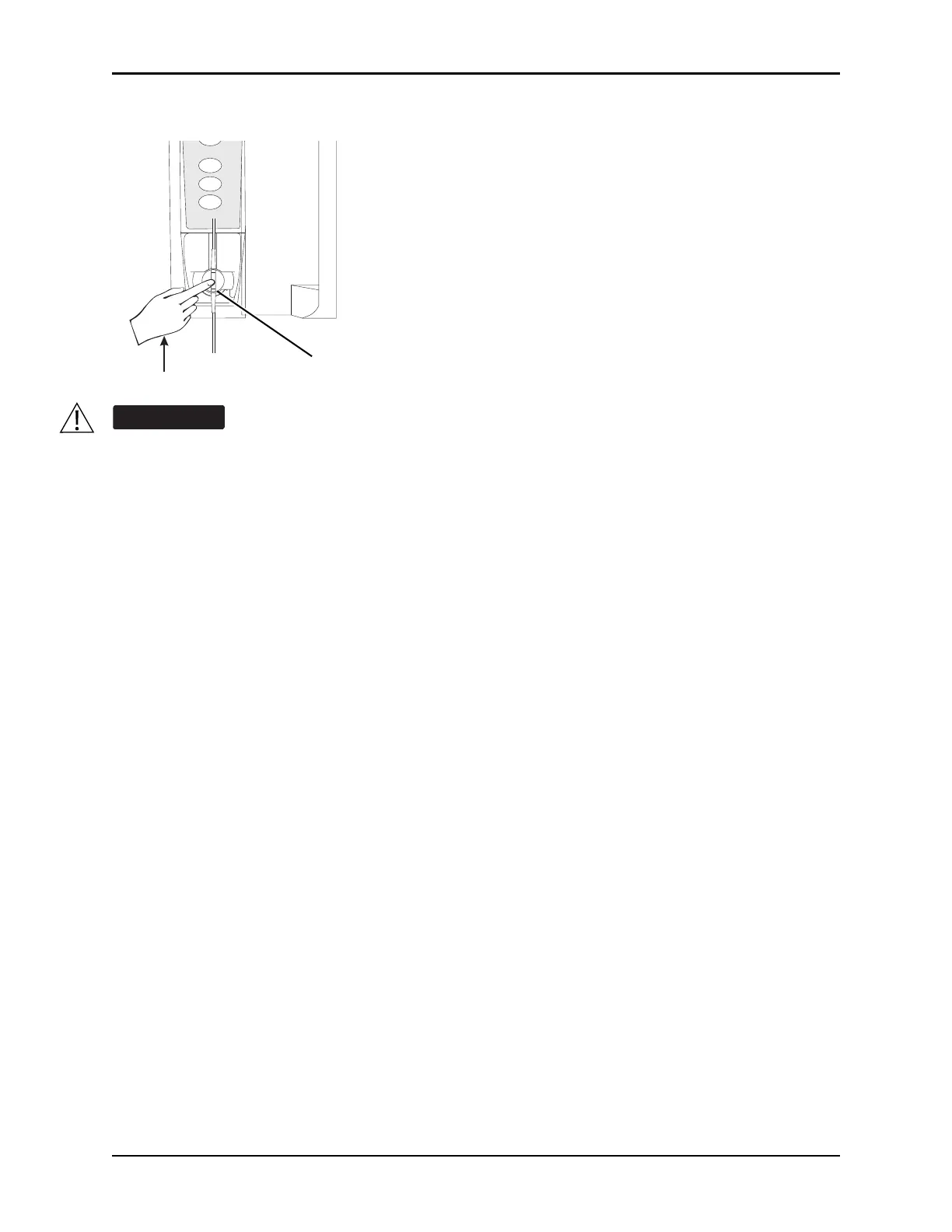
c. Apply firm upward pressure on pressure sensing disc (not tubing) until disc snaps into place.
NOTE:
The gripper control is spring loaded. When twisted to the open position and then released, it (and the
plunger grippers) returns to the closed position.
The following syringe module features are available only with extension sets fitted with a pressure
sensing disc:
• Auto Pressure
• Back Off (upon occlusion)
• Customized Pressure Alarm Settings (see Occlusion Pressure on page 178
for the feature
definition)
• Dynamic Pressure Display
• Numeric Pressure Display
• Fast Start
(See General Information o
n page 16
8 and Features and Displays on page 176 for definitions.)
Electronically prime the syringe pump system before starting an infusion or after replacing a
near empty syringe with a replacement syringe. Using the syringe pump's prime feature
engages the mechanical components of the pump and decreases the syringe's friction and
compliance to minimize startup delays and delivery inaccuracies, especially at low infusion
rates. Failure to use the prime feature on the syringe pump after every syringe change and/or
tubing change can significantly delay the infusion delivery startup time and lead to delivery
inaccuracies.
SELECT
CHANNEL
OFF
PAUSE
RESTART



 To Next Page