Backup
94 ClareVision Plus Network Video Recorder User Manual
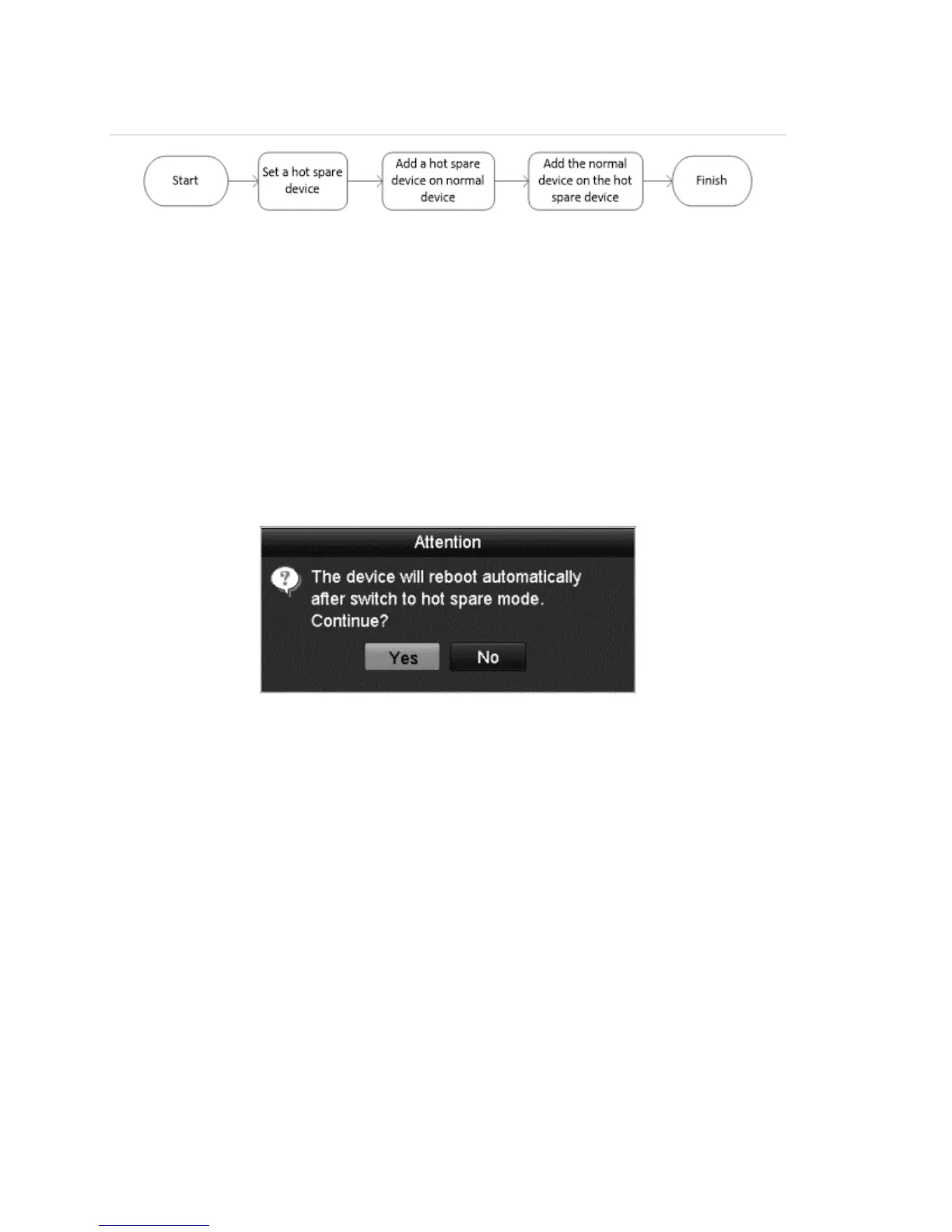
Figure 24:Hot spare system build
Notes
• The camera connection is disabled when the device works in hot spare mode.
• It is recommended that you restore the defaults of the hot spare device after
each mode switch.
To configure the hot spare device:
1. Browse to the Hot Spare settings interface.
Menu > Configuration > Hot Spare
2. Set the Word Mode to Hot Spare Mode, and then click Apply.
3. Reboot the device for the changes to take effect.
To set the working device:
1. Browse to the Hot Spare settings interface.
Menu > Configuration > Hot Spare
2. Set the Word Mode to Normal Mode (default).
3. Select the Enable checkbox to enable the hot spar function.



 To Next Page