Backup
ClareVision Plus Network Video Recorder User Manual 95
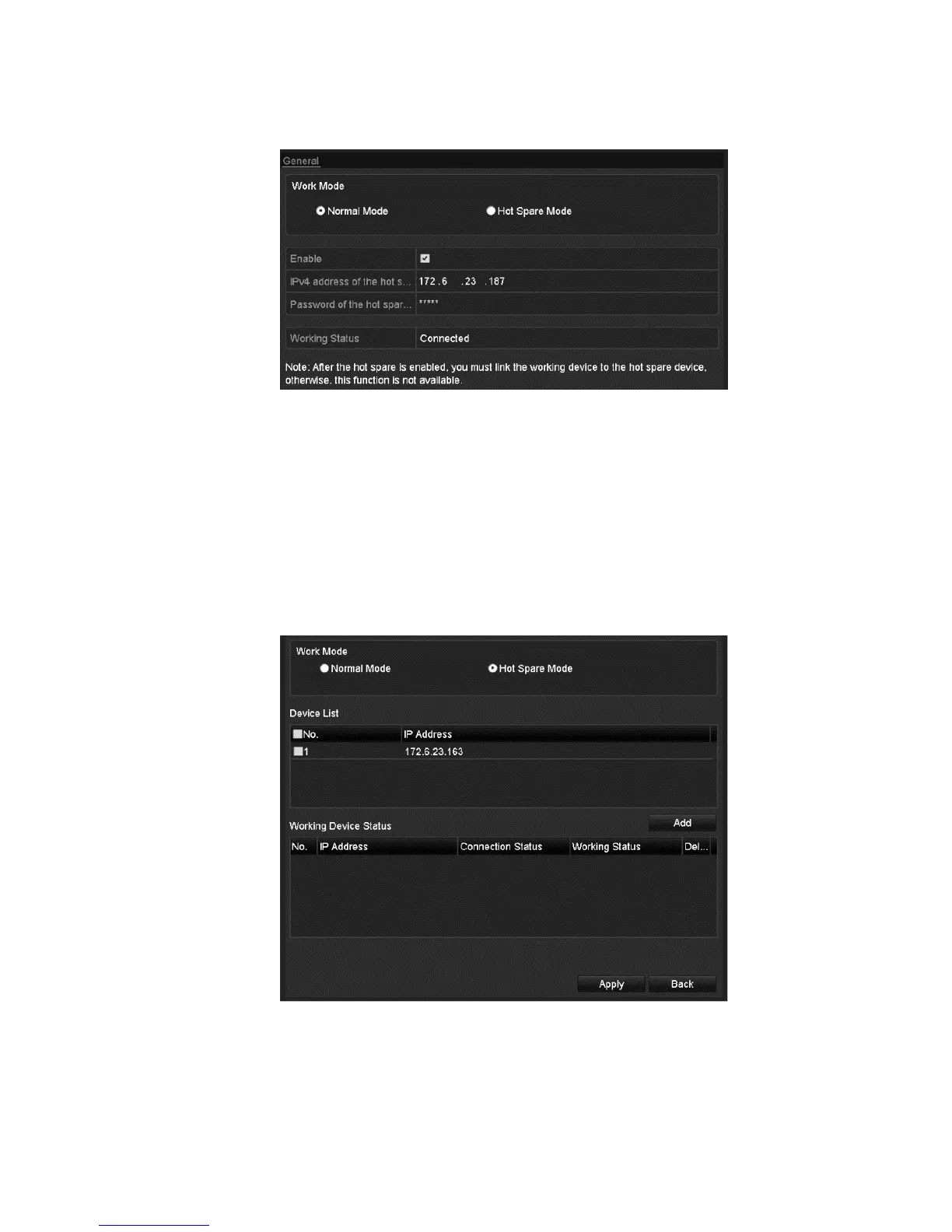
4. Enter the IP address and admin password for the hot spare device.
5. Click Apply.
To manage the hot spare system:
1. Browse to the Hot Spare settings interface.
Menu > Configuration > Hot Spare
2. Select the desired working device’s checkbox, and then click Add to link the
working device to the hot spare device.
Note: A hot spare device can connect up to 32 working devices.



 To Next Page