Introduction
4 ClareVision Plus Network Video Recorder User Manual
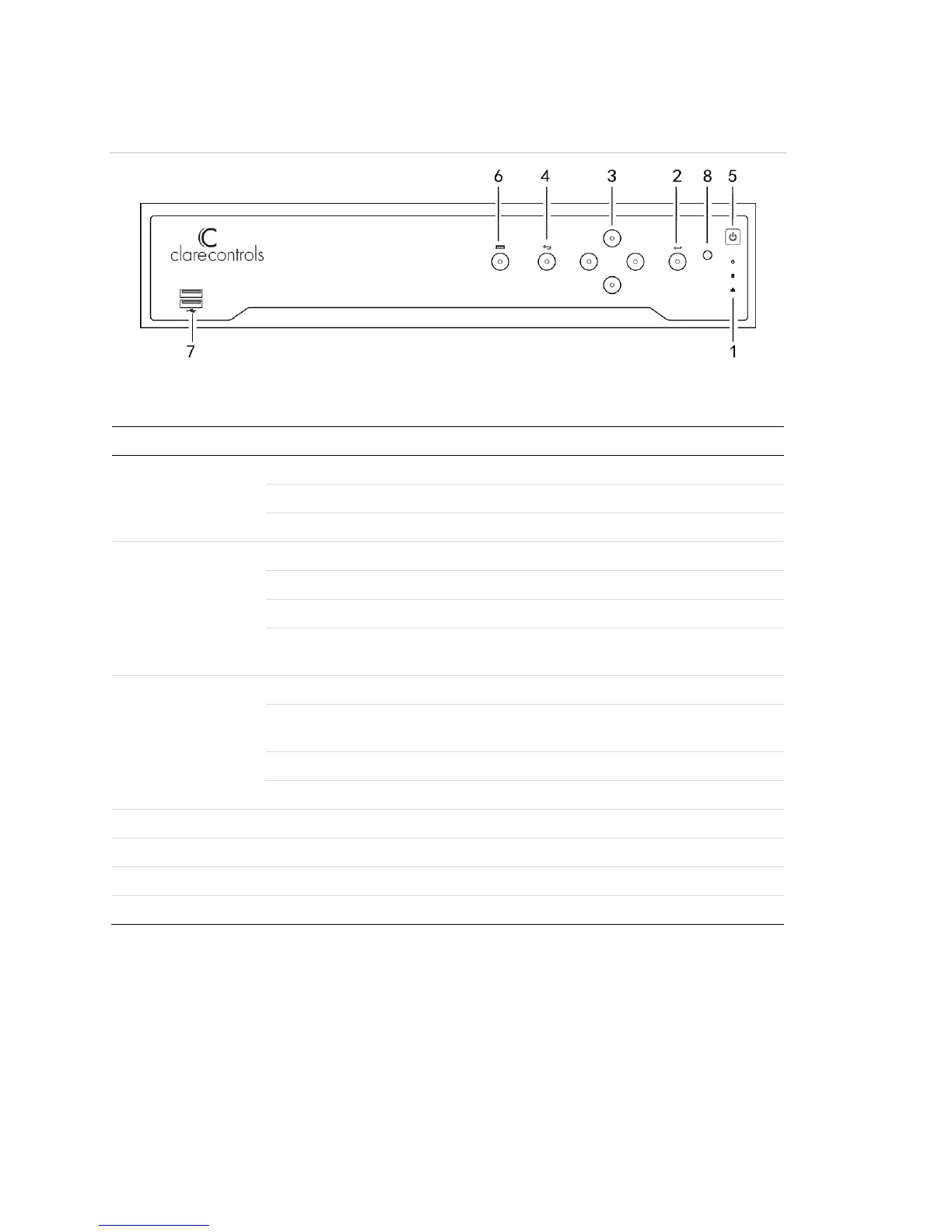
Figure 2: 16-Channel NVR and 32-Channel NVR front panel
(Models: CVP-M321650-08 and CVP-M161650-04)
Table 2: 16-Channel NVR and 32-Channel NVR control panel buttons
Turns green when NVR is powered up.
Blinks red when HDD is reading/writing.
Blinks green when network connection is functioning normally.
The enter button confirms meu selection in menu mode.
In playback mode, enter is used to play/pause the video.
In a single-frame play mode, pressing Enter plays the video by single frames.
In auto sequence vide mode, the buttons are used to pause/resume auto
sequence.
In menu mode, the direction buttons navigate between different fields and items.
In playback mode, the up/down buttons speed/slow the record playing. The
left/right buttons skip forward/backward 30s.
In the image setting interface, the up/down buttons adjust the level bar.
In live view mode, the buttons switch channels.
Returns to the previous menu.
Accesses the main menu interface.
Connects USB devices – for example, a USB mouse or writer. .



 To Next Page