Appendix A
ClareVision Plus Network Video Recorder User Manual 191
3. Verify the hardware of the PC is sufficient.
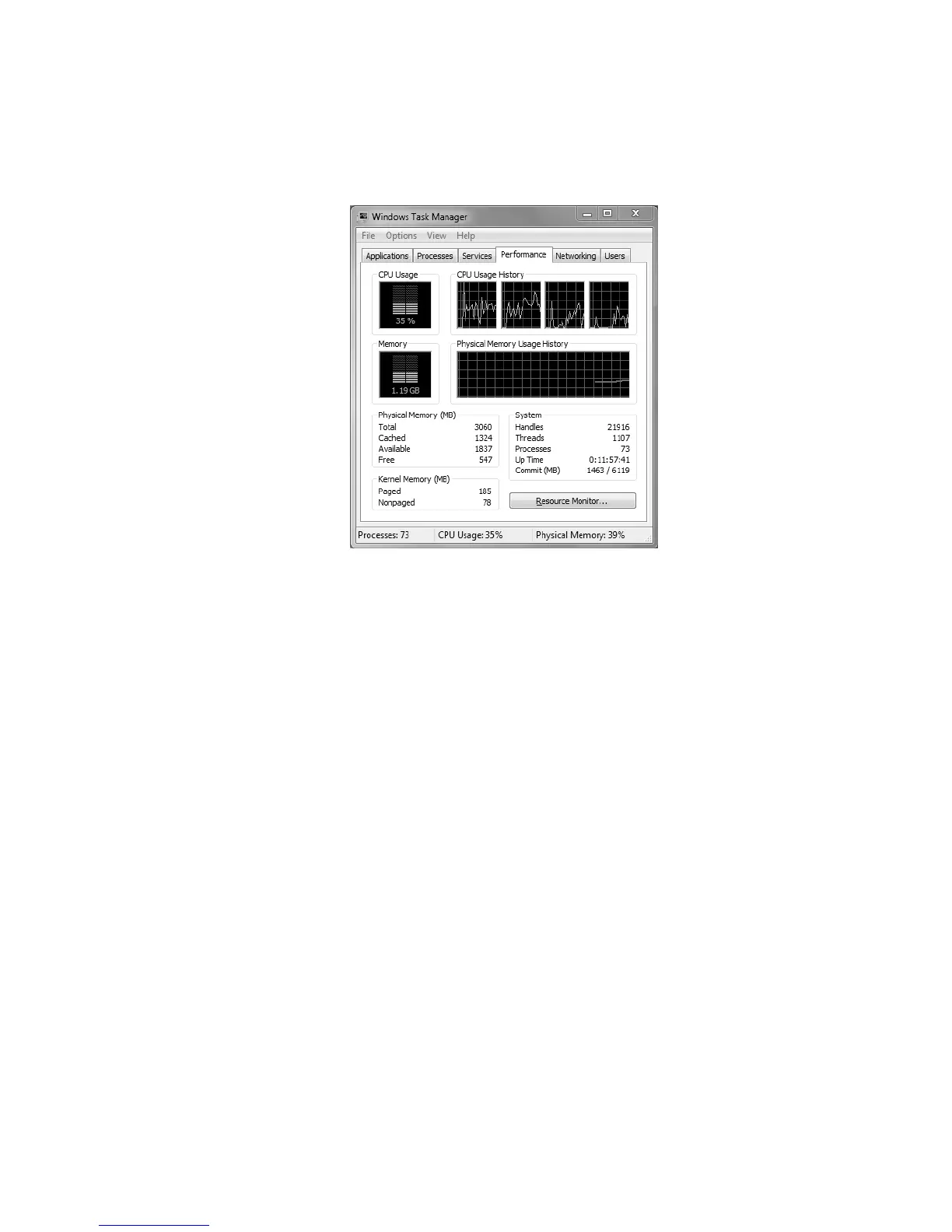
Press Ctrl/Alt/ Delete to enter the windows task management interface, as
shown in the following figure.
Select the Performance tab, and then check the status of the CPU and
memory.
If the resource is not enough, end any unnecessary processes.
4. Check if the fault is solved by the above steps.
If it is solved, finish the process.
If not, contact the engineer to do the further process.



 To Next Page