Record and Capture Settings
ClareVision Plus Network Video Recorder User Manual 57
3. Click Apply to save the settings.
Notes
• Use the redundant record/capture feature when you want the camera to
save the record files or captured pictures in the redundant HDD. You must
configure the redundant HDD in HDD settings.
• You can enable the ANR (Automatic Network Replenishment) function via
the web browser (Configuration > Camera Settings >Schedule
Settings > Advanced) to save the recording files in the IP camera when
the network is disconnected, and then have the files synchronize in the
NVR when the network is resumed.
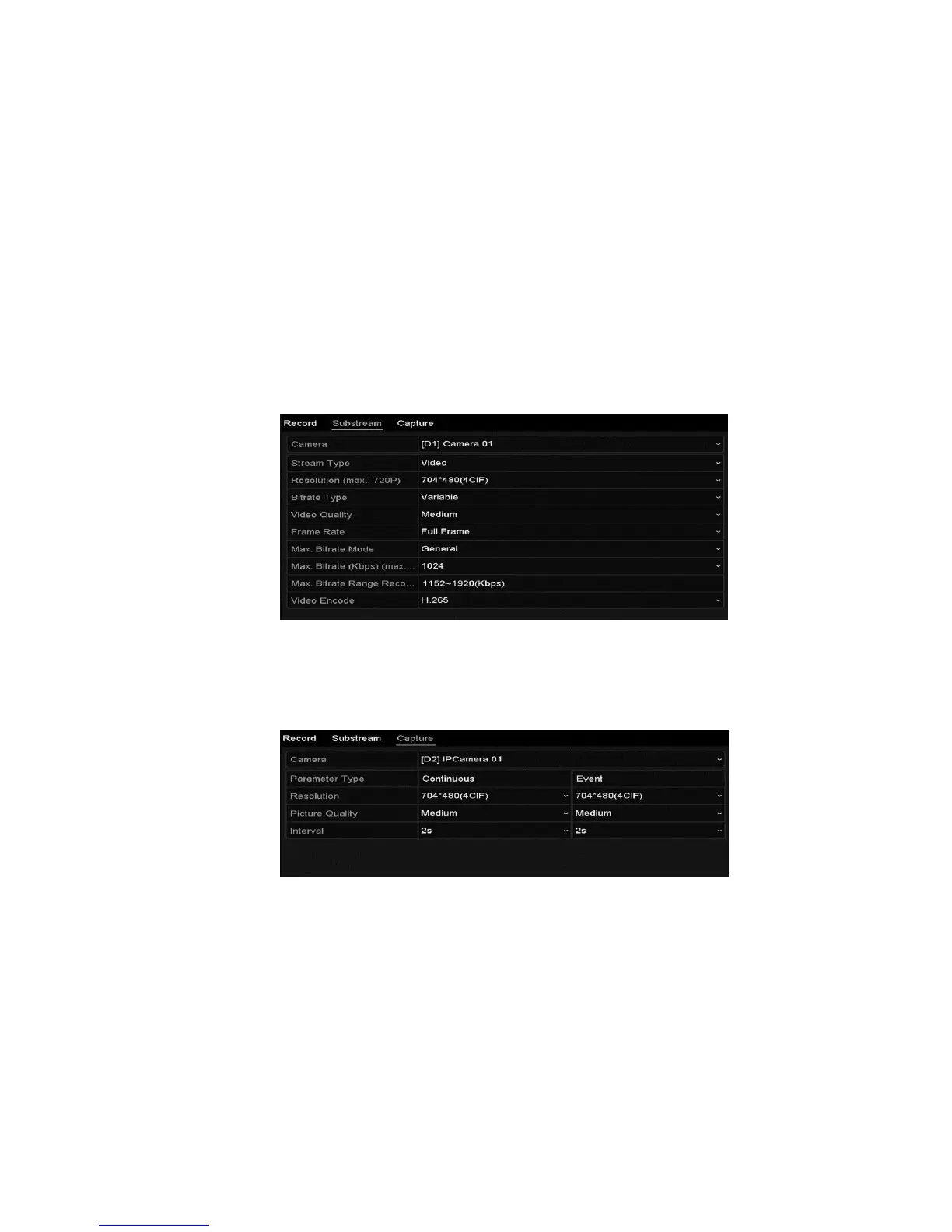
4. Enter the Sub-stream tab page.
5. Configure the parameters of the camera.
6. Click Apply to save the settings.
7. Select the Capture tab, and then configure the settings.
8. Click Apply to save the settings.
Note: The interval is the time between two capturing actions. You can
configure all the parameters on this menu.



 To Next Page