Chapter 4
| Interface Configuration
Port Configuration
– 109 –
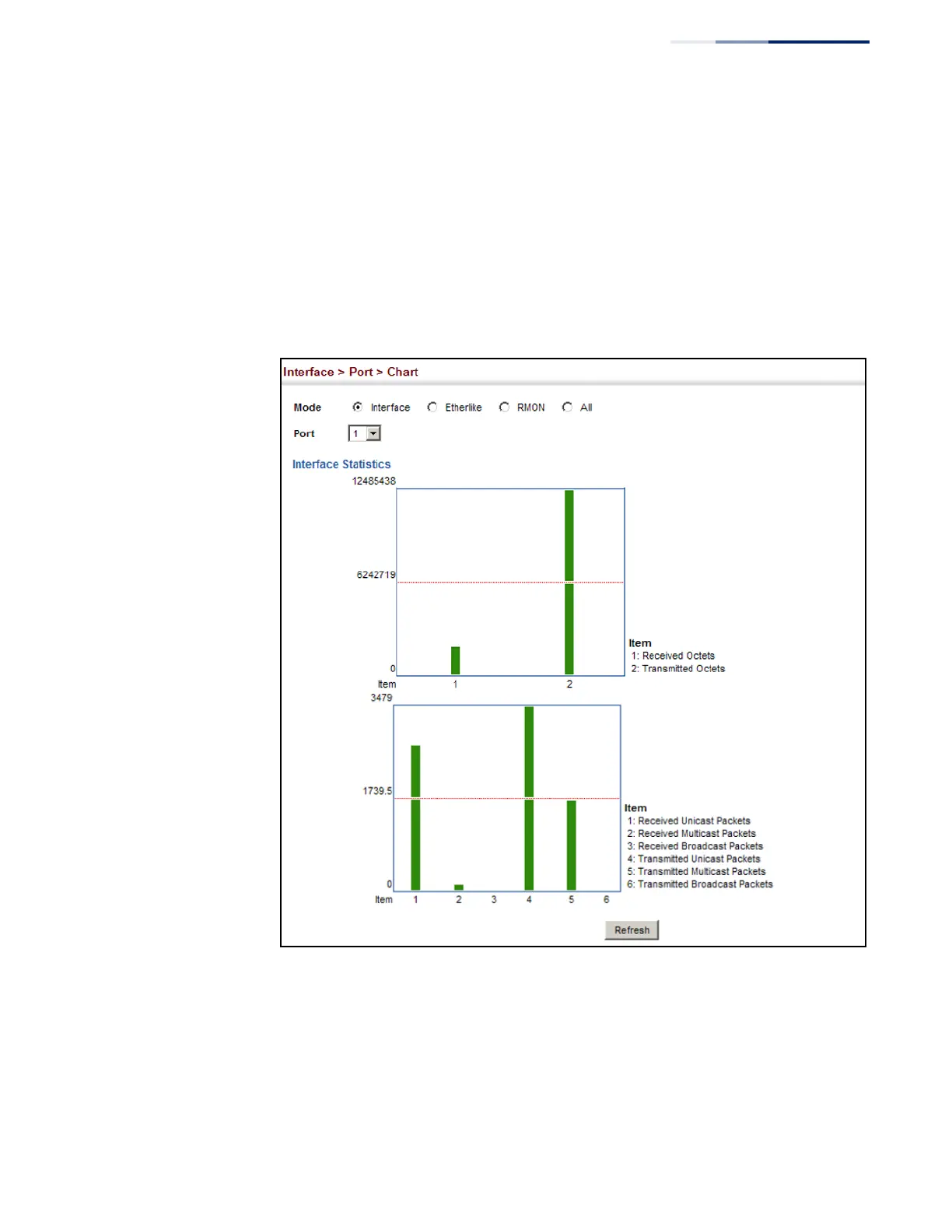
To show a chart of port statistics:
1. Click Interface, Port, Chart.
2. Select the statistics mode to display (Interface, Etherlike, RMON or All).
3. If Interface, Etherlike, RMON statistics mode is chosen, select a port from the
drop-down list. If All (ports) statistics mode is chosen, select the statistics type
to display.
Figure 40: Showing Port Statistics (Chart)


 To Next Page
 Loading...