11 Setups
330
Setups
11
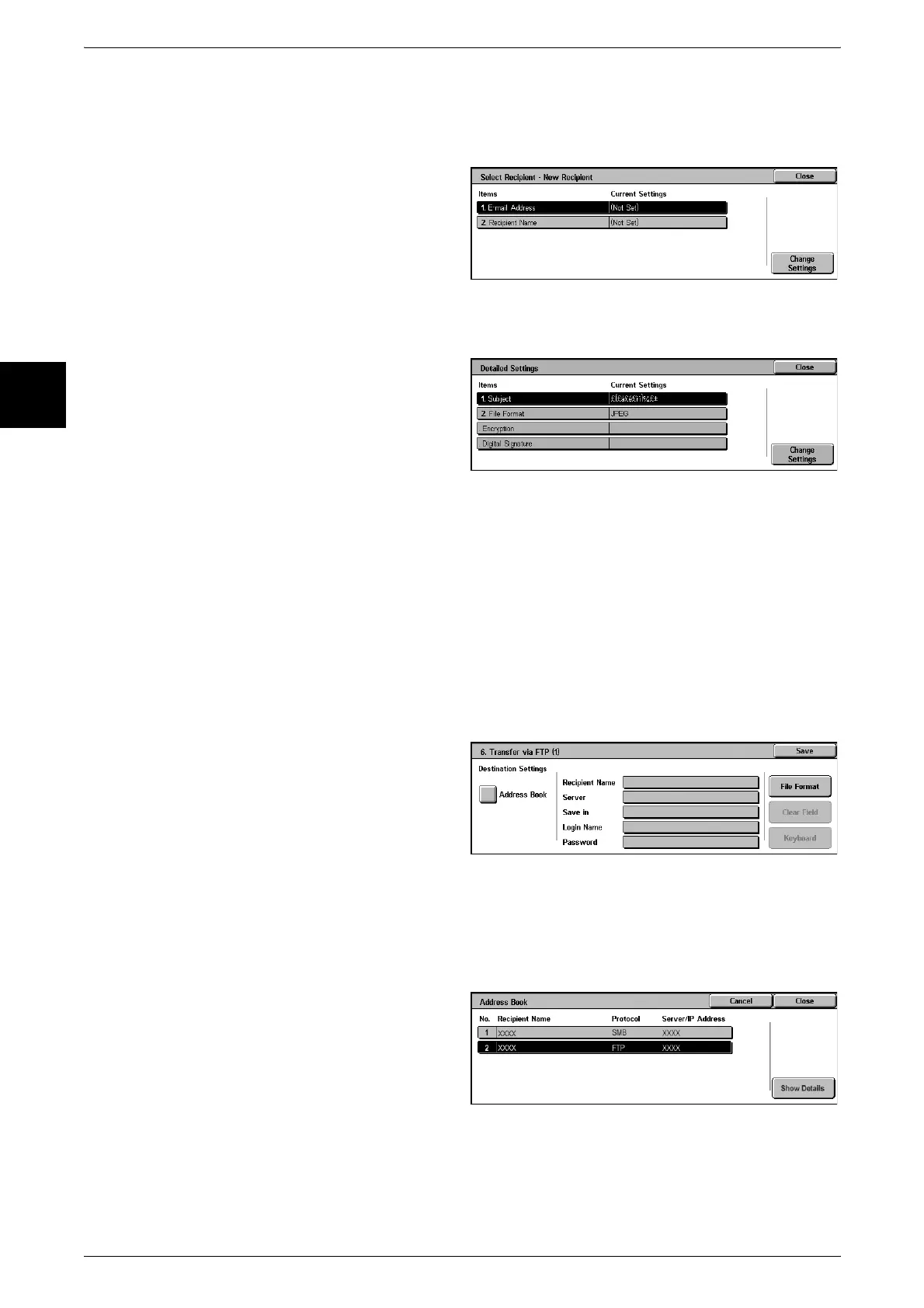
New Recipient
Specify a new recipient. The specified recipient appears in [Recipient Name/E-mail
Address] in the [5. Send as E-mail] screen.
1 Select the item you want to
change, and select [Change
Settings] to set.
For information about the recipient setting,
refer to "Address Book" (P.334).
Detailed Settings
You can set the subject and output file format.
1 Select the item you want to
change, and select [Change
Settings] to set.
For information about the method for
confirm/change, refer to "Address Book"
(P.334).
Delete Recipient
This deletes all information for the selected recipients.
Change Settings
You can confirm or change the selected recipients.
For information about the method for confirm/change, refer to "Address Book" (P.334).
Transfer via FTP (1), Transfer via FTP (2)
Specify where FTP forwarding is to be stored.
Address Book
When the server address is registered in the address book, you can specify the
address from the address book. The specified address appears in the [SMB Transfer]
screen.
For more about the address book, refer to "Address Book" (P.334).












 To Next Page