Setup Menu
331
Setups
11
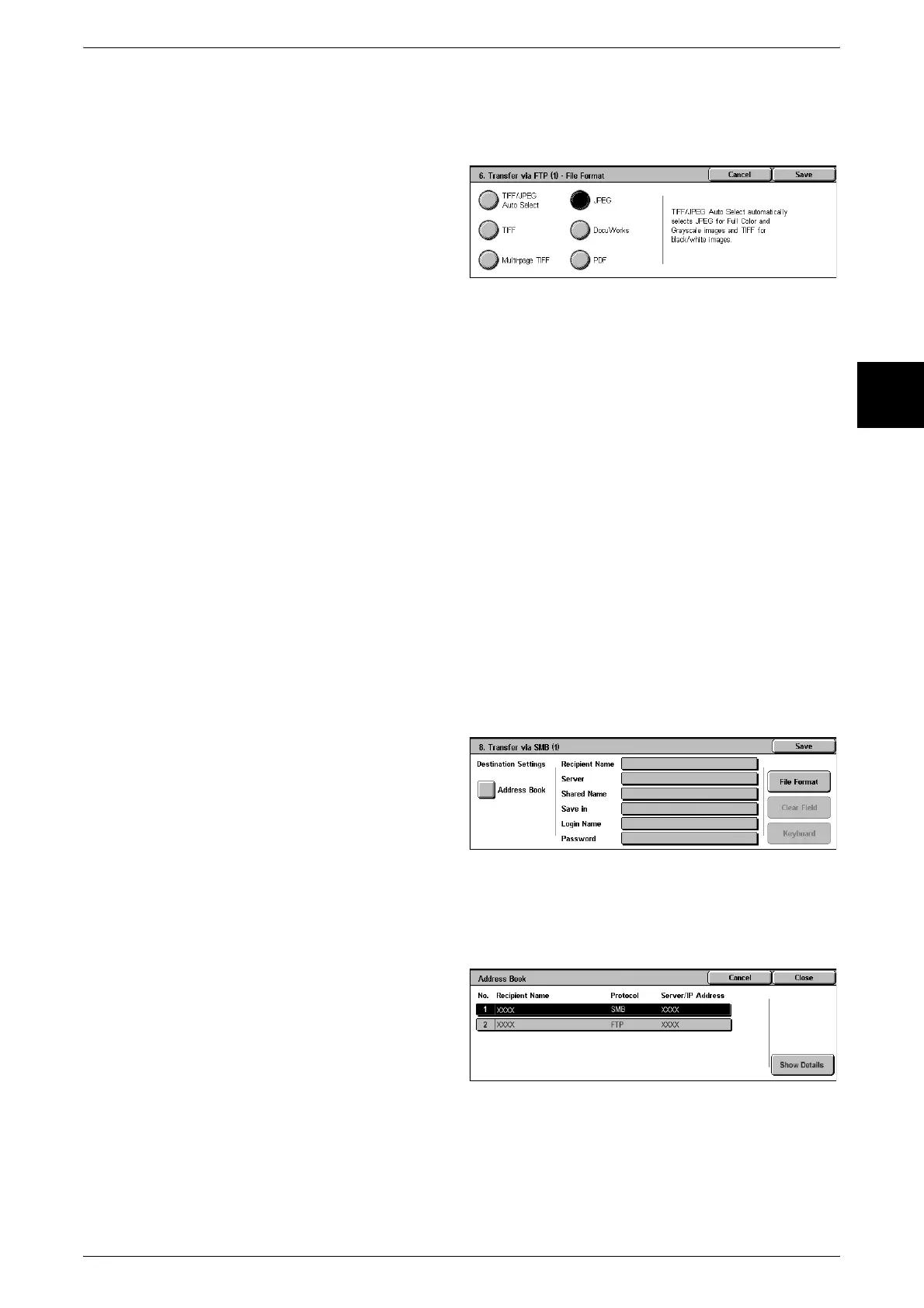
File Format
Specify the output file format.
Note • The formats that can be selected depend on the model of scanner installed.
Clear Field
This deletes all information for the selected addresses.
Keyboard
Select one of [Recipient Name], [Server], [Save in], [Login Name], and [Password] and
press the button, to display an input screen.
The numbers of characters you can input are as follows.
z
Recipient Name: 18 bytes maximum
z
Server : 64 bytes maximum
z
Save in : 128 bytes maximum
z
Login Name : 32 bytes maximum
z
Password : 32 bytes maximum
For more details, refer to "Address Book" (P.334).
Transfer via SMB (1), Transfer via SMB (2)
Specify where SMB forwarding is to be stored.
Address Book
When the server address is registered in the address book, you can specify the
address from the address book. The specified address appears in the [FTP Transfer]
screen.
For more about the address book, refer to "Address Book" (P.334).












 To Next Page