238 Keysight N9915-90020 User’s Guide
SA (Spectrum Analyzer) Mode (Option 233–Mixed Analyzers)FUTURE
How to Set Up EMF Settings (Requires EMF (Option 358), GPS (Option 307), and SA
Mode (Option 233–Mixed Analyzers))
7. Move the antenna to the correct physical location/position for your
measurement.
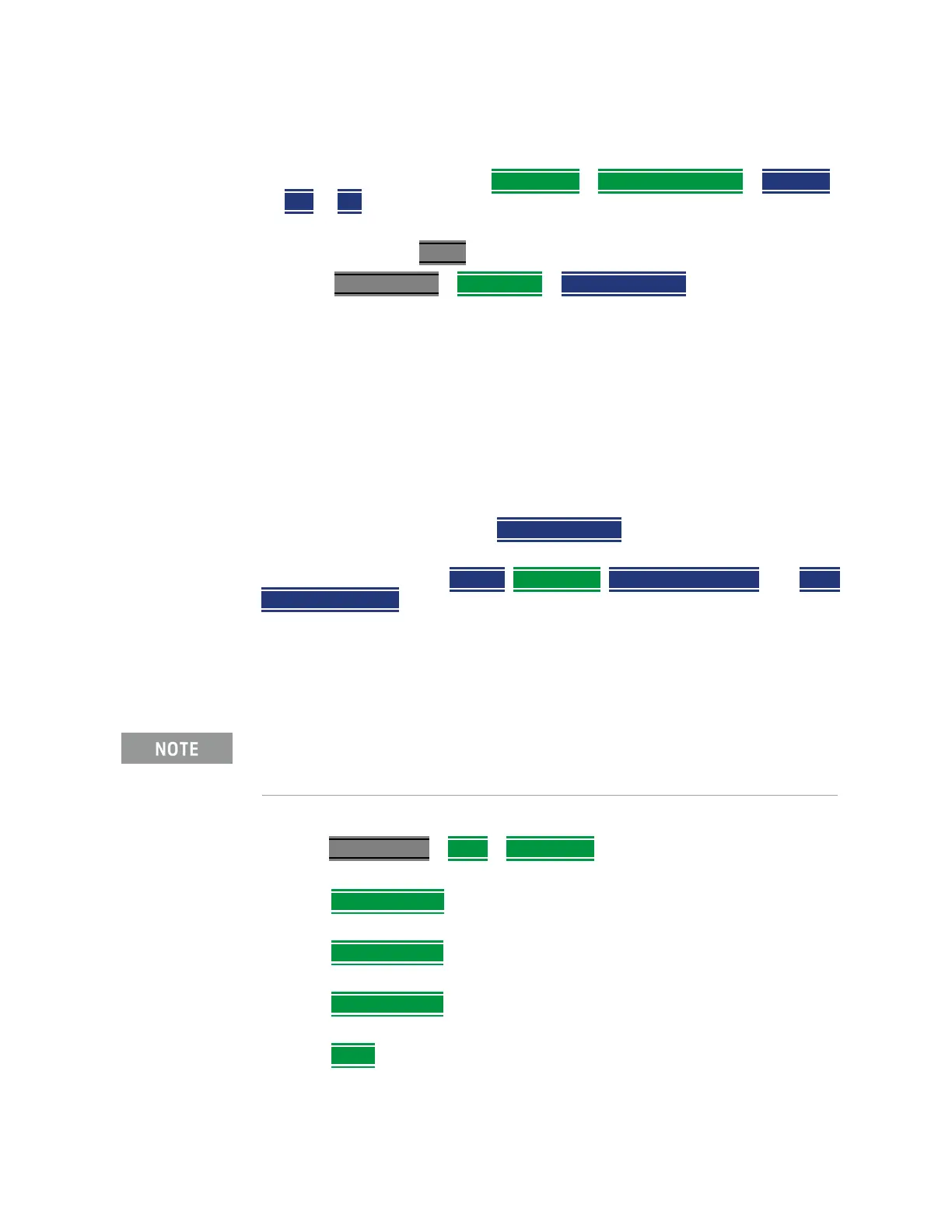
8. Antenna corrections: Press Corrections > X-Axis Antenna Off > Antenna
OFF to ON – learn more, refer to “How to Use the Antenna Softkeys” on
page 164.
9. When done press <Back
10. Press Meas Setup 4 > EMF Active > Save Axis Result – the display is
updated with antenna’s current position channel power values and display
trace.
X axis channel power (CHANPOW) data and trace are frozen in the upper
right of the EMF Channel Power window.
11. Repeat steps
5 through 10 for the axis Y and Z.
After pressing the Axis Y softkey, the Axis-X Antenna softkey changes to
read Enabled (Axis-X measurement saved) and because the Y-Axis is now
the active antenna (measuring data). Axis-Y softkey behaves similarly after
it is saved and Axis-Z is pressed.
12. Sum Channel Power: Press
Save Axis Result. The Live Sum CHP value
now displays the summed values of the 3 axes.
Other softkey choices are
Restart, Corrections, Clear Saved Results, and Save
Traces Blank View.
Editing Antenna Correction Factors and Adding New Antenna Factors
This section contains two procedures illustrating how to edit the Antenna
Factors settings table values.
1. Selecting an antenna softkey menu:
Press Scale/Amptd
> More > Corrections then choose one of these
softkey menus:
—
X axis Antenna – to open a softkey menu to edit the X axis of a
triaxial antenna.
— Y axis Antenna – to open a softkey menu to edit the Y axis of a
triaxial antenna.
— Z axis Antenna – to open a softkey menu to edit the Z axis of a
triaxial antenna.
— Cable – to open a softkey menu to edit the cable factors for an
antenna setup.
If New is selected under the X, Y, or Z Antenna or Cable softkey menu,
whatever antenna or cable factors that have been imported as the default
values and are displayed in the Settings table.













 To Next Page