Punching File Holes in Copies (Punch) (continued)
7-14
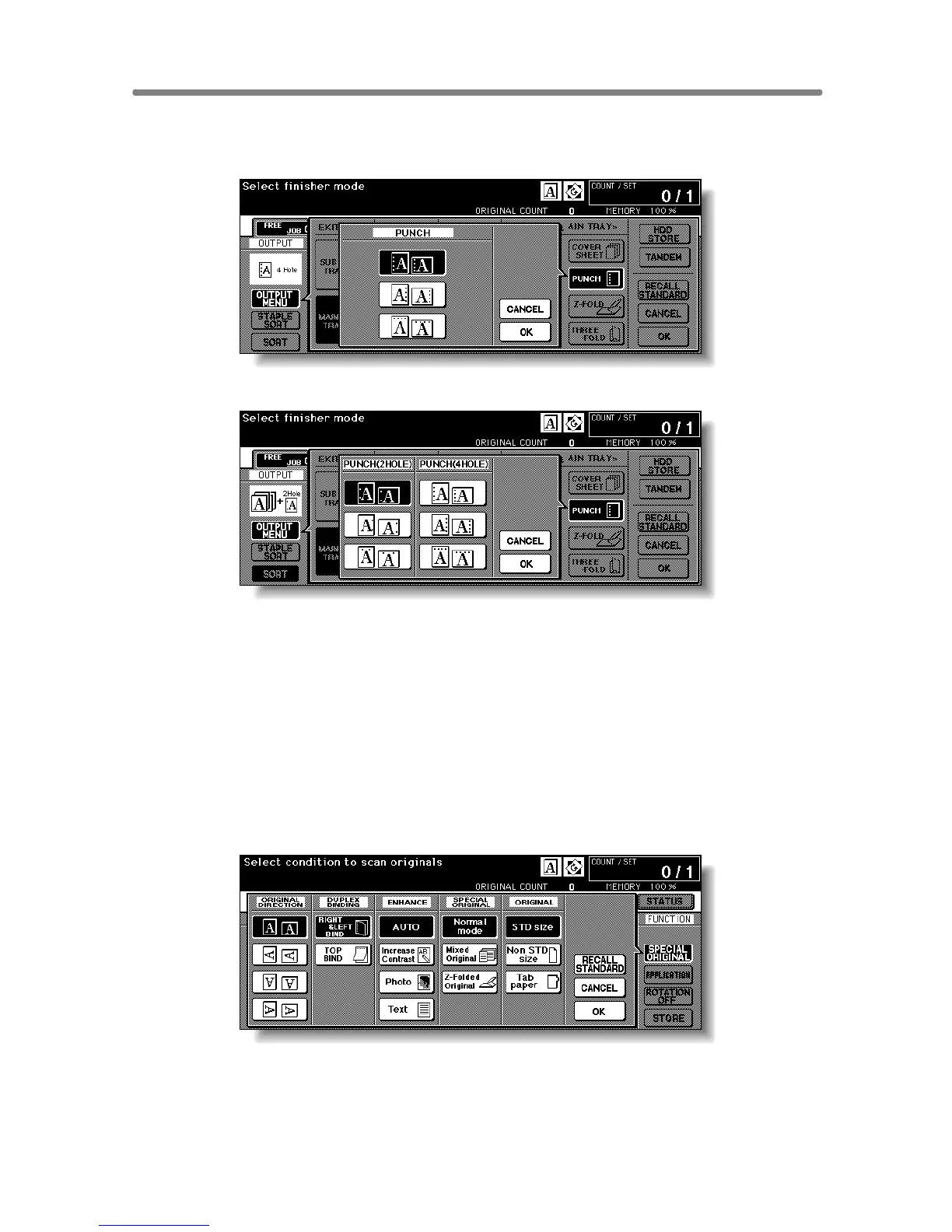
4. Touch the desired punch position key on the screen to highlight
it.
Punch Position popup menu (PZ-109)
5. Touch OK on the Punch Position popup menu to restore the Out-
put Mode popup menu.
6. Touch OK on the Output Mode popup menu to complete the
setting and return to the Basic Screen.
The selection made in punch position will be displayed in the OUTPUT icon
area.
7. Specify the original set direction.
Touch SPECIAL ORIGINAL on the Basic Screen to display the Special Orig-
inal popup menu.
Touch to select the desired original set direction, then touch OK to return to
the Basic Screen.










 To Next Page