Using Finisher Manually (continued)
7-26
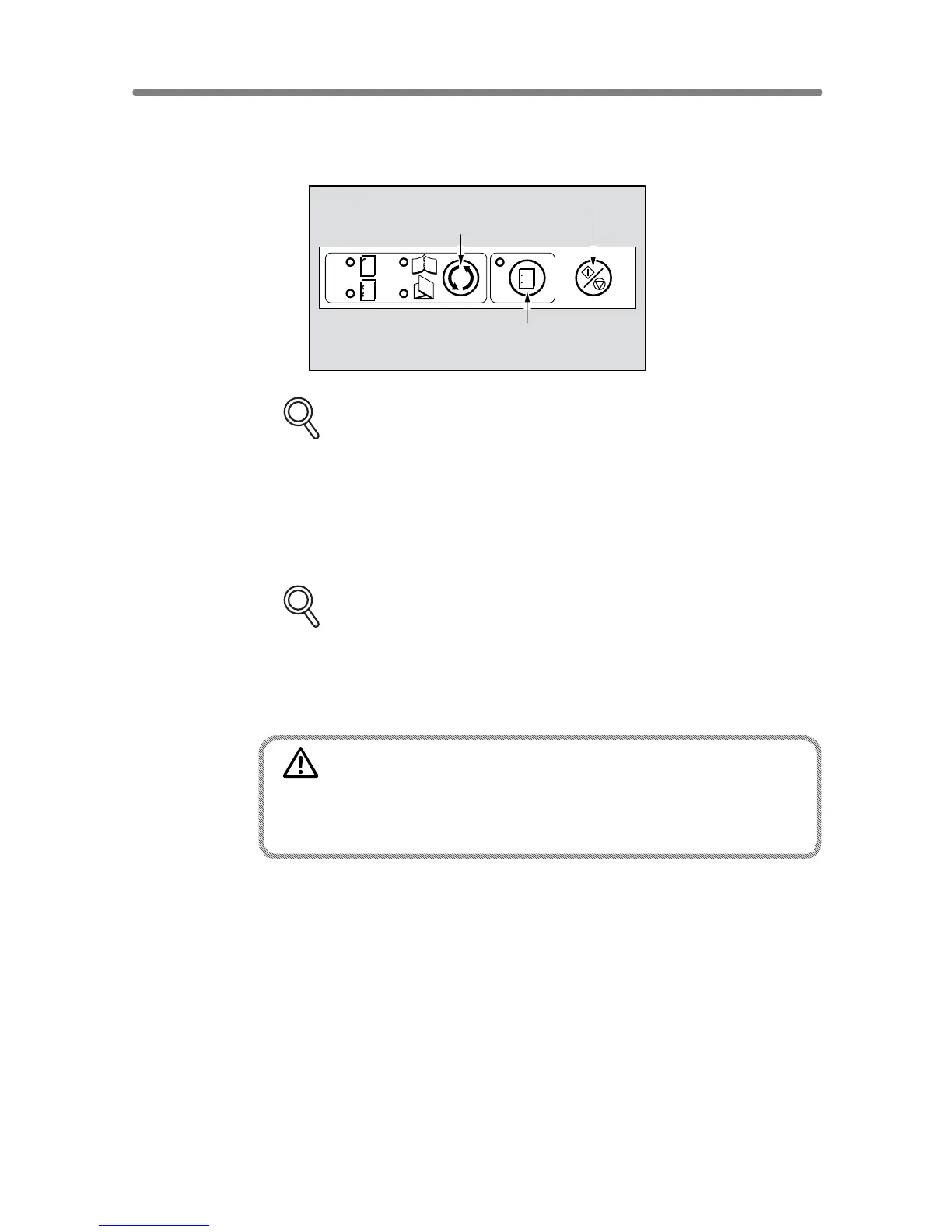
2. Press Staple Mode Selection button and/or Punch button to select
the desired mode.
FOR DETAILS
Punch mode is compatible with 1 oblique staple, 2 parallel staples, or
Stitch & Fold mode.
3. Press Start/Stop button.
Finished sheets will be delivered to the appropriate tray according to the
selected mode.
FOR DETAILS
If you want to stop the Manual Finishing operation, press the Start/Stop
button again. The Finisher will cease operating. When using Stitch &
Fold mode, the unfinished set will be left in the stacker unit inside the
Finisher.
CAUTION
When the finisher exit tray capacity is exceeded due to the print
quantity selected, remove the copied sets as they exit;
otherwise, mishandled paper will occur.
Staple Mode Selection button
Start/Stop button
Punch button










 To Next Page