Setting Scan Transmission Function (Environment Setup) (continued)
10-52
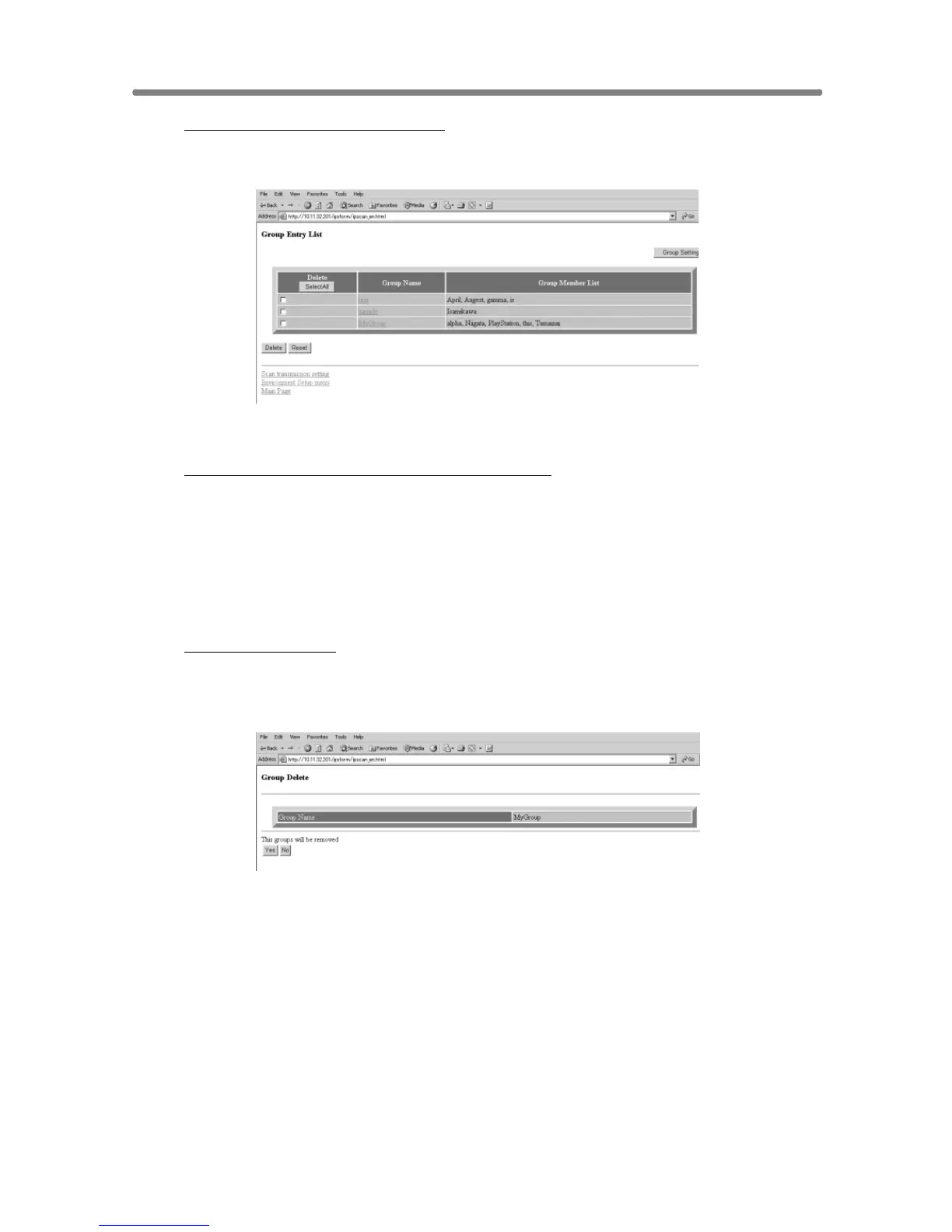
To display the Group Entry List:
Click on [Group Entry List]. The registered group names and members will
be displayed in a list.
Click on [Reset] to return to the Scan Transmission Setting window.
To change the registered content in a group:
Click on [Group Entry List] to display the list, then click on a group name to
be changed. The Group Setting window of the selected group will be
displayed.
Change the contents as desired, then click on [Registration]. The registered
content will be displayed.
Click on [Back] to return to the Scan Transmission Setting window.
To delete a group:
Click on [Group Entry List] to display the list, then click on a check box
heading the group name to be deleted.
Click on [Delete]. The Group Delete confirmation window will be displayed.
Check the group name to be deleted, then click on [Yes]. To cancel the
procedure, click on [No]. In either case, the Group Entry List window will be
restored.










 To Next Page