Transmitting/Editing Machine Setting File (Environment Setup) (contin-
ued)
10-54
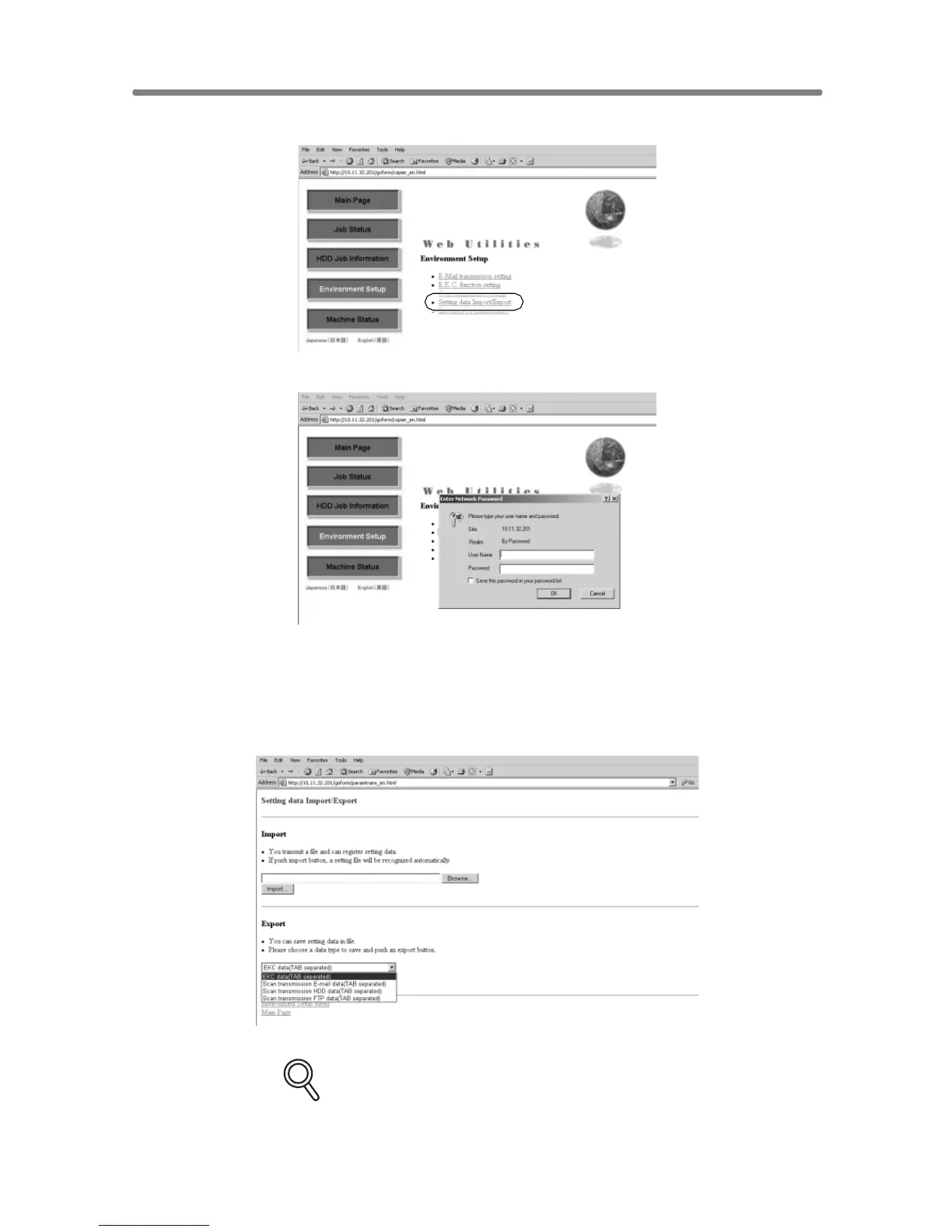
Click on [Setting data Import/Export].
The Enter Network Password dialog box will be displayed.
Enter “ekc” in the User Name text box, and an 8-digit master key code in the
Password text box, then click on [OK].
The Setting File Import/Export window will be displayed.
4. Export the machine setting file.
Select the desired file type from the pull-down menu, then click on [Export].
DETAILS
The data format cannot be changed from “TAB separated.”










 To Next Page