Transmitting/Editing Machine Setting File (Environment Setup) (contin-
ued)
10-57
DETAILS: To Edit the Machine Setting File
• Save the file as a text.
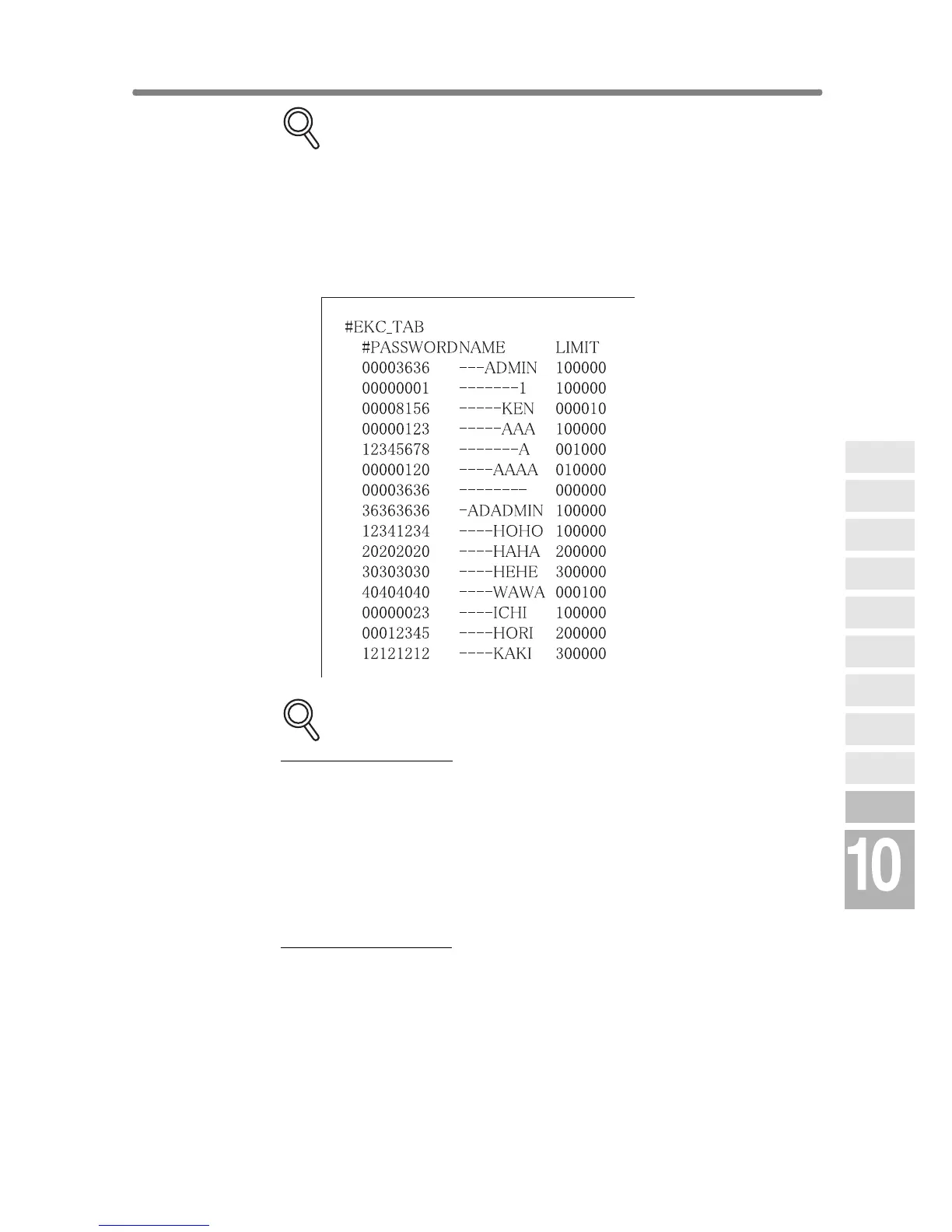
• Begin the file with a specified tag. (ex. #EKC_TAB)
• A line should be 300 bytes or less.
• The file size should be 100,000 bytes or less.
• The line that begins with “#” is a comment.
ex. Machine setting file of an E.K.C. data
DETAILS: Specifications for Each Machine Setting File Type
E.K.C. data setting file:
• Begin the file with #EKC_TAB.
• Max. 1,000 files can be edited.
• A line should include PASSWORD, NAME, and LIMIT, separated by
a tab.
• Use up to 8 digits numbers (0 - 9) only to specify PASSWORD.
• Use numbers, alphabets (capital letters only), and four symbols: (, ), -
, and / only to specify NAME.
• Use up to 6 digits numbers (0 - 9) only to specify LIMIT (0 - 999,999).
E-mail data setting file:
• Begin the file with #IP_EMAIL.
• Max. 1,008 files can be edited.
• The second line starts with #GROUP NAME, if using grouping func-
tion, followed by max. 12 group names from 5th to 16th column.
• GROUP NAME should be 18 bytes or less.
• The third line (if using grouping function) should include NAME,
ADDRESS, KANA, and DAILY USE, being separated by a tab.
• NAME should be 18 bytes or less.
• KANA (same as NAME) should be 18 bytes or less.
• ADDRESS should be 200 bytes or less.
Network
Function
Job Status
Machine
Information
HDD Job
Information
Environment
Setup
To Use Web
Utilities
Image Edit
Image Recall
Image
Store&Output
Image
Store/Delete
Server
Functions










 To Next Page