9/29/09 Front Panel Keys; Functions and Menus 3-25
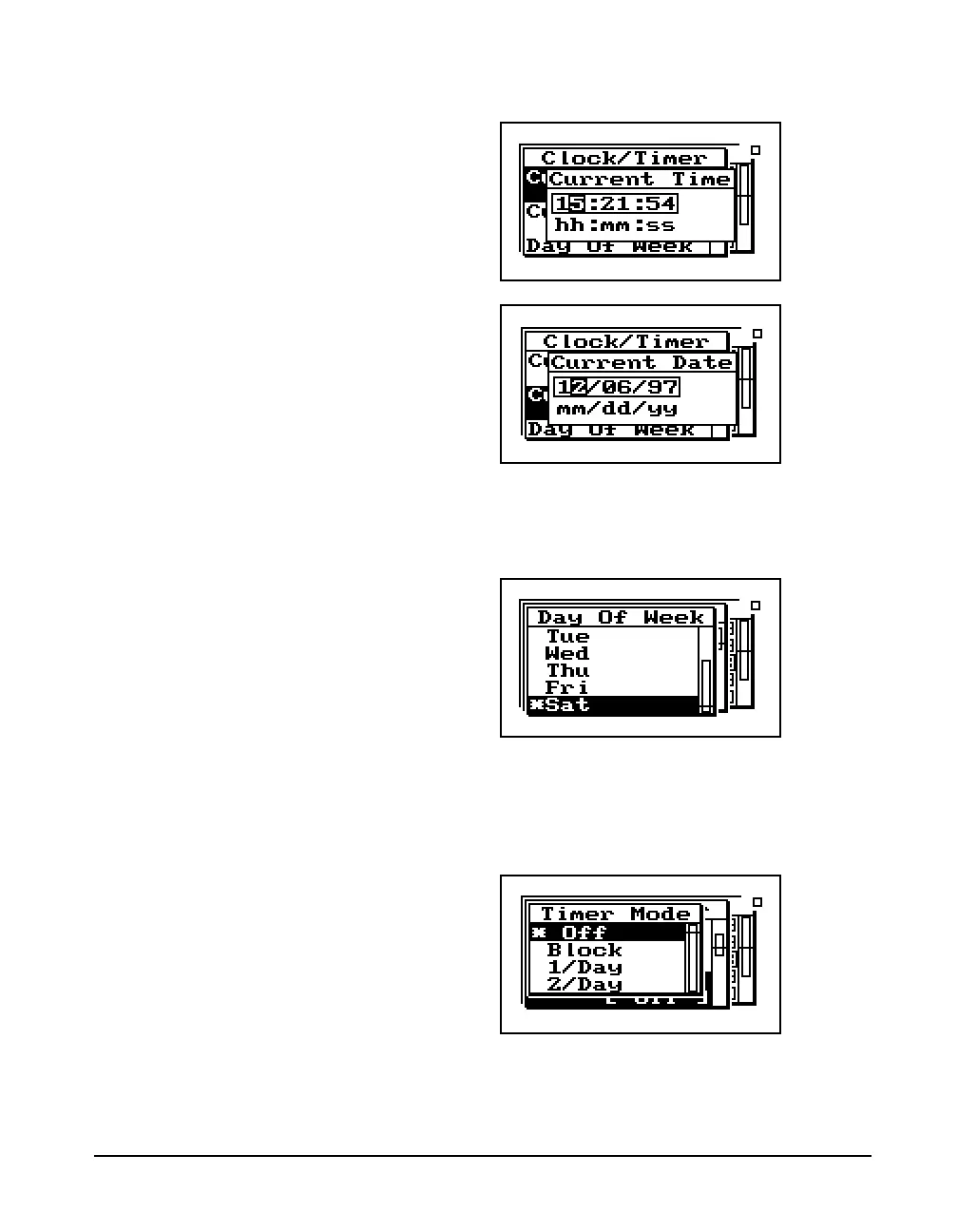
Day Of Week - Allows you to change the current day of the
week. Use the
u or d key to highlight the desired day,
then press the
c key to select.
Timer Mode - The timer is used when you want to have the
824 automatically turn on, gather data, and stop at pre-deter-
mined date(s) and time(s). The System 824 has four timer
modes automating the start and end of measurements:
Off - The timer is disabled.



 To Next Page