214323 172 Revision B
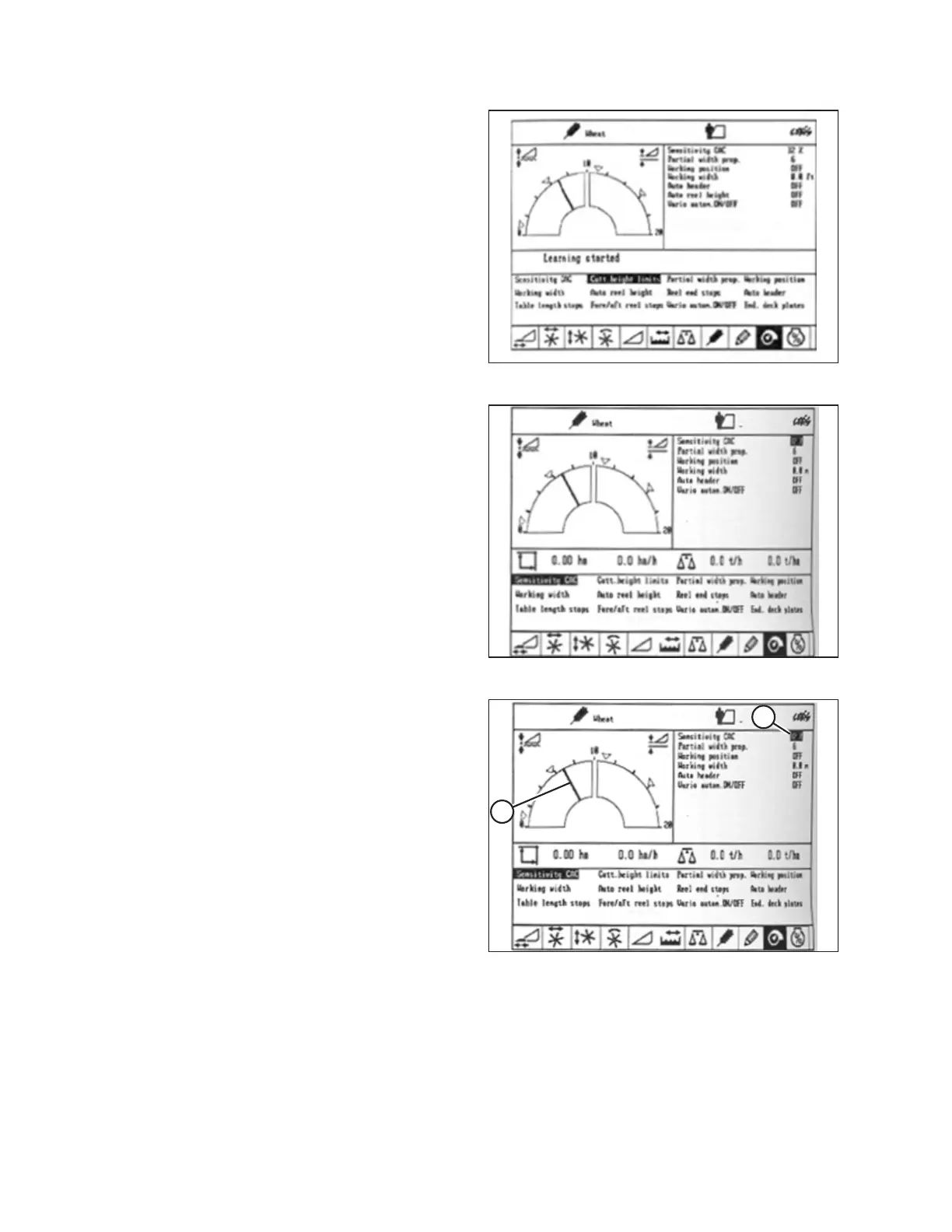
Figure 4.89: CLAAS Combine Display
5. Use < or > key to select CUTT. HEIGHT LIMITS and press OK.
6. Follow the procedure displayed on the screen to program
the upper and lower limits of the header height into CEBIS.
Figure 4.90: CLAAS Combine Display
7. Use < or > key to select SENSITIVITY CAC and press OK.
NOTE:
The AHHC system sensitivity setting affects how quickly the
AHHC system changes the height of the header.
8. Use – key or + key to change the AHHC sensitivity and press
the OK key.
Figure 4.91: CLAAS Combine Display
9. Use line (A) or value (B) to determine the appropriate AHHC
sensitivity setting.
NOTE:
The setting can be adjusted from 0–100%. When the
sensitivity is adjusted to 0%, signals from the sensing bands
have no effect on the automatic cutting height adjustment.
When the sensitivity is adjusted to 100%, signals from
sensing bands have the maximum effect on the automatic
cutting height adjustment. The recommended starting point
is 50%.
AUTO HEADER HEIGHT CONTROL








 To Next Page