214323 148 Revision B
4.6.4 Setting Preset Cutting Height – Case IH 5130/6130/7130; 5140/6140/7140
Your Case IH 5, 6, or 7 (Midrange) series combine can have up to two auto header height control (AHHC) header height
presets configured at one time.
NOTE:
Changes may have been made to the combine controls or the display since this document was published. Refer to the
combine operator’s manual for the most up-to-date information.
DANGER
Check to be sure all bystanders have cleared the area.
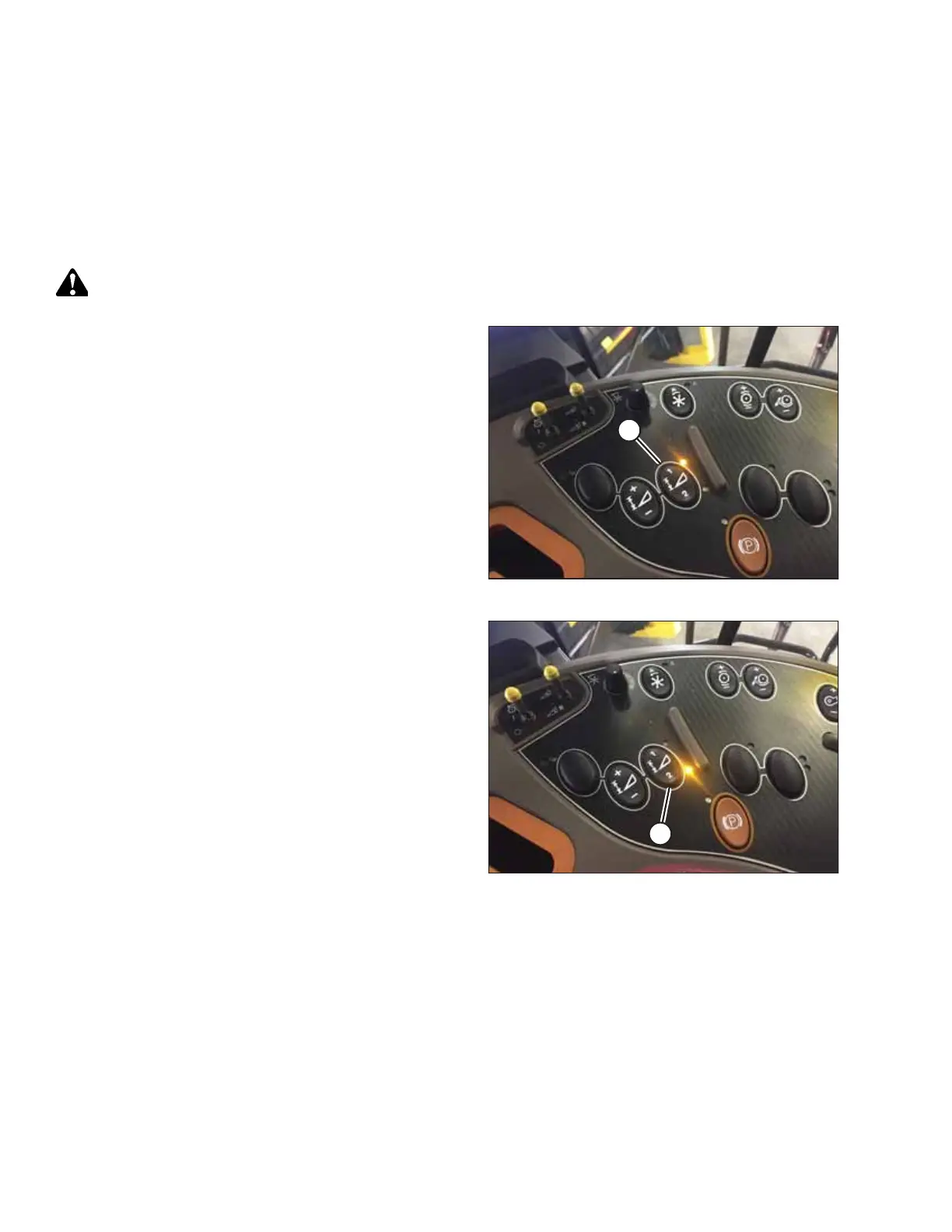
Figure 4.33: Case Combine Console
1. Engage the separator and the header.
2. Manually raise or lower the header to the desired cutting
height.
3. Press 1 on button (A). A yellow light next to the button will
light up.
Figure 4.34: Case Combine Console
4. Manually raise or lower the header to a second desired
cutting height.
5. Press 2 on button (A). A yellow light next to the button will
light up.
AUTO HEADER HEIGHT CONTROL








 To Next Page