214323 220 Revision B
4.14.2 Calibrating Auto Header Height
The calibration procedure determines the limits of the auto header height sensor for John Deere 50 Series combines.
Calibrate the auto header height system after the initial header installation and after replacement or adjustment of any
component of the auto header height system. If the system does not function properly, repeat the calibration before
proceeding to other troubleshooting steps.
NOTE:
For best performance of the auto header height system, perform these procedures with the center-link adjusted as long as
possible. When the setup and calibration is complete, adjust the center-link back to the desired header angle. For
instructions, refer to Adjusting Header Angle from Combine, page 78.
1. Rest the header on the down stops, and unlock the adapter float.
2. Put wings in locked position.
3. Start the engine.
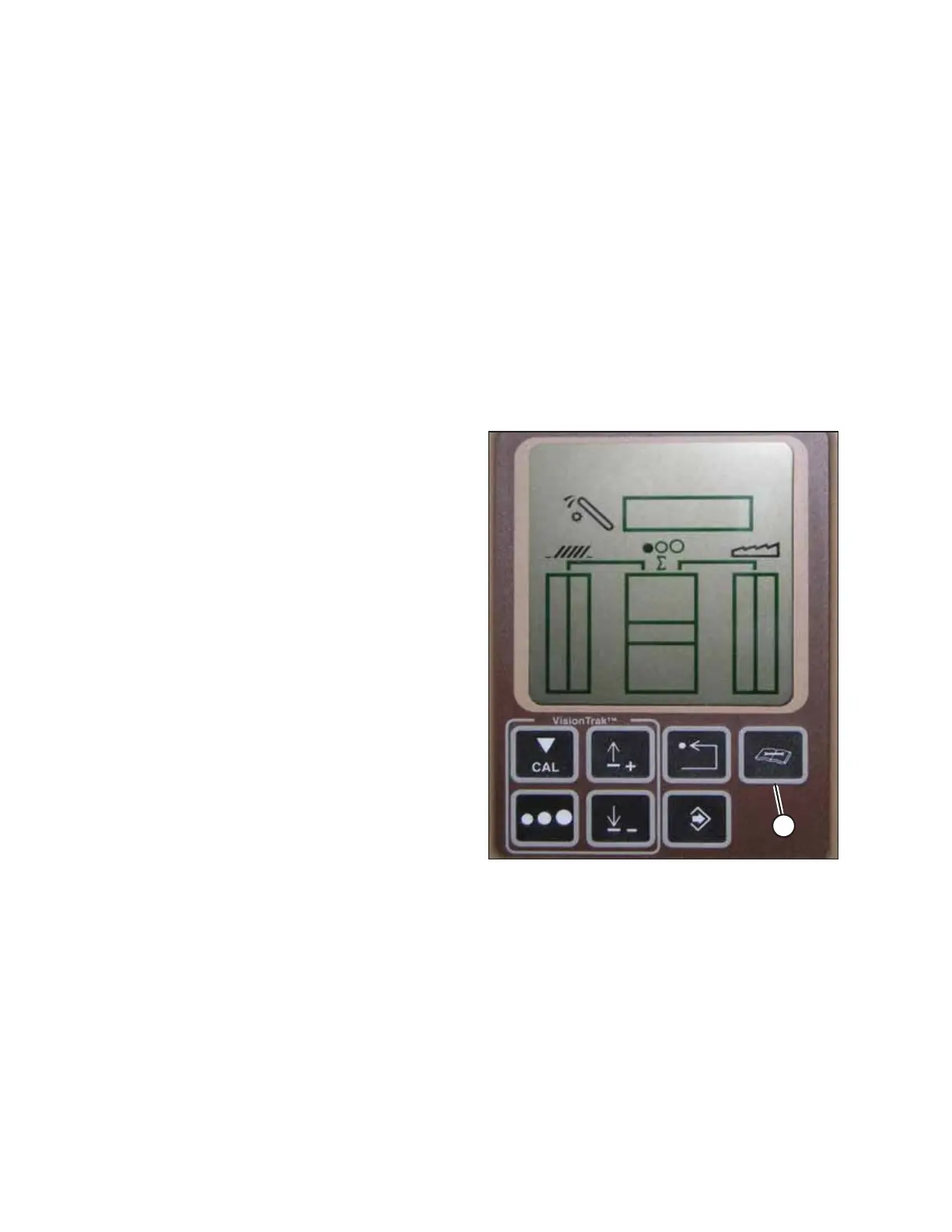
Figure 4.179: Combine Display
4. Press DIAGNOSTIC button (A) on the monitor—dlA appears
on the monitor.
AUTO HEADER HEIGHT CONTROL








 To Next Page