214323 215 Revision B
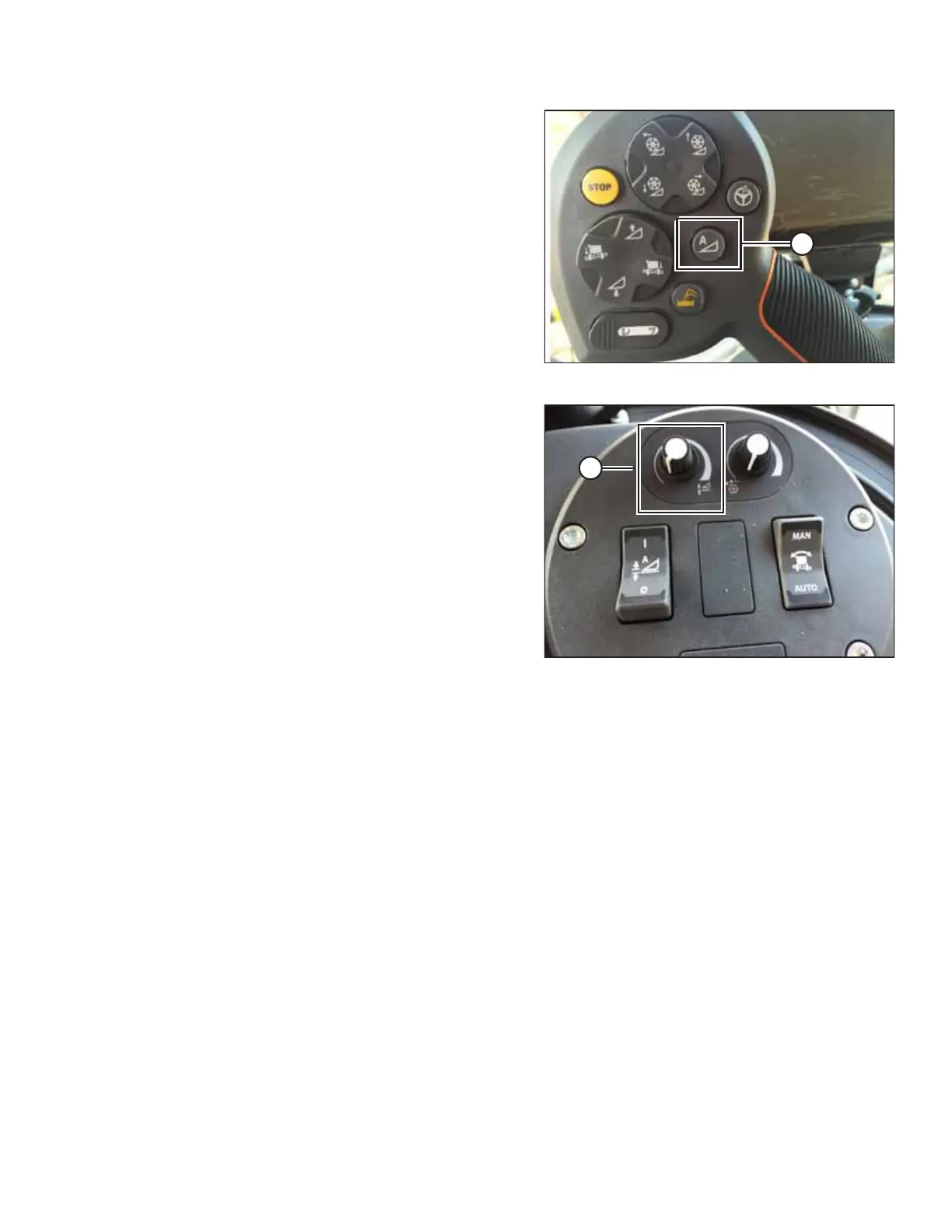
Figure 4.171: AHHC on GSL
4. Press AHHC control switch (A) on the ground speed
lever (GSL) to engage the AHHC. The header will move to
the last-saved setpoint.
Figure 4.172: Header Control Cluster
5. Use HEADER HEIGHT SETPOINT control dial (A) as needed to
fine-tune the setpoint position.
4.13.6 Header In-Field Settings – Gleaner
®
S9 Series
Once the auto header height control (AHHC) system is working correctly with your Gleaner
®
S9 Series combine, you can
fine-tune these AHHC settings to your liking.
NOTE:
Changes may have been made to the combine controls or the display since this document was published. Refer to the
combine operator’s manual for updated information.
AUTO HEADER HEIGHT CONTROL








 To Next Page